Why Pinterest Feels Slow (And Why That’s Actually a Good Sign for Your Business)

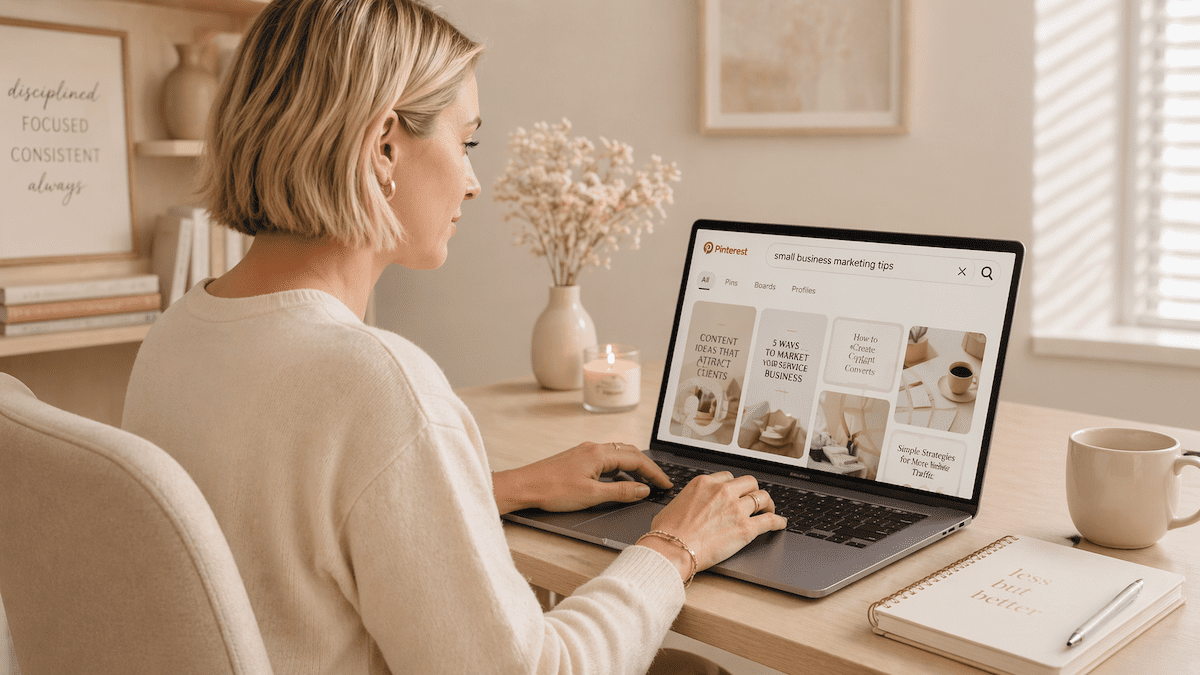
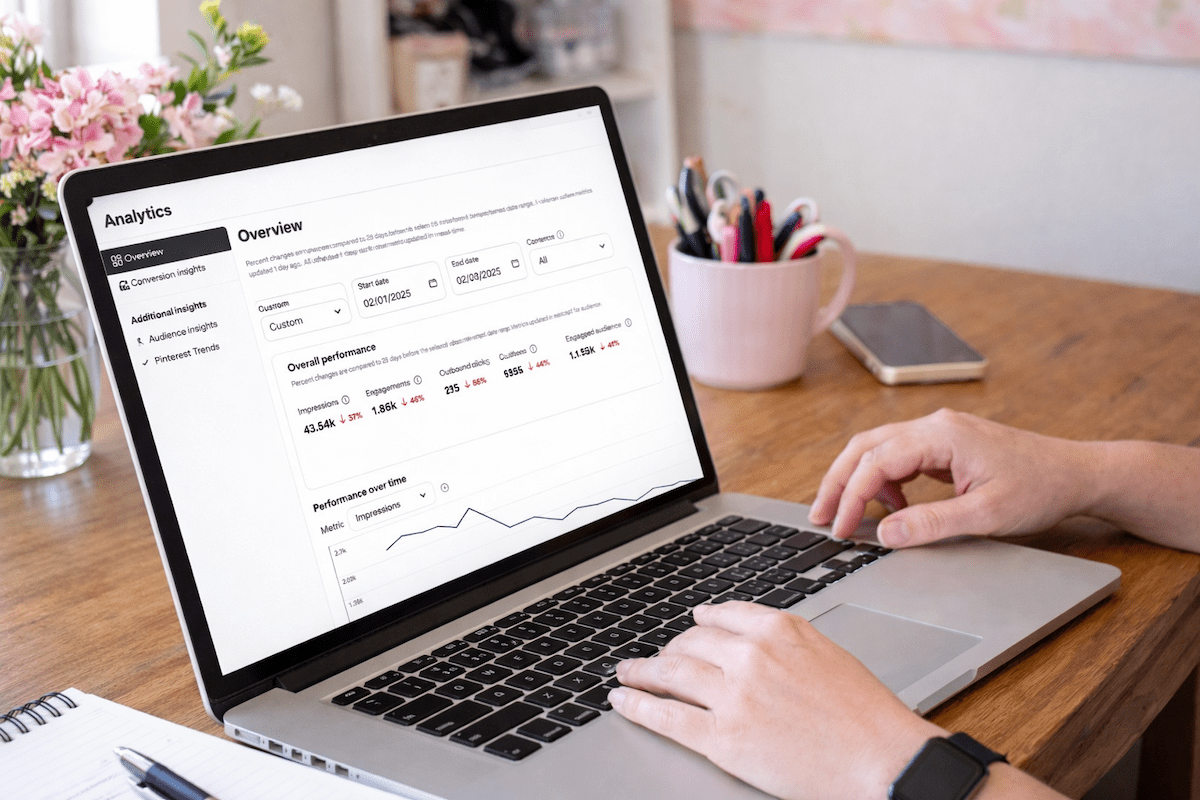
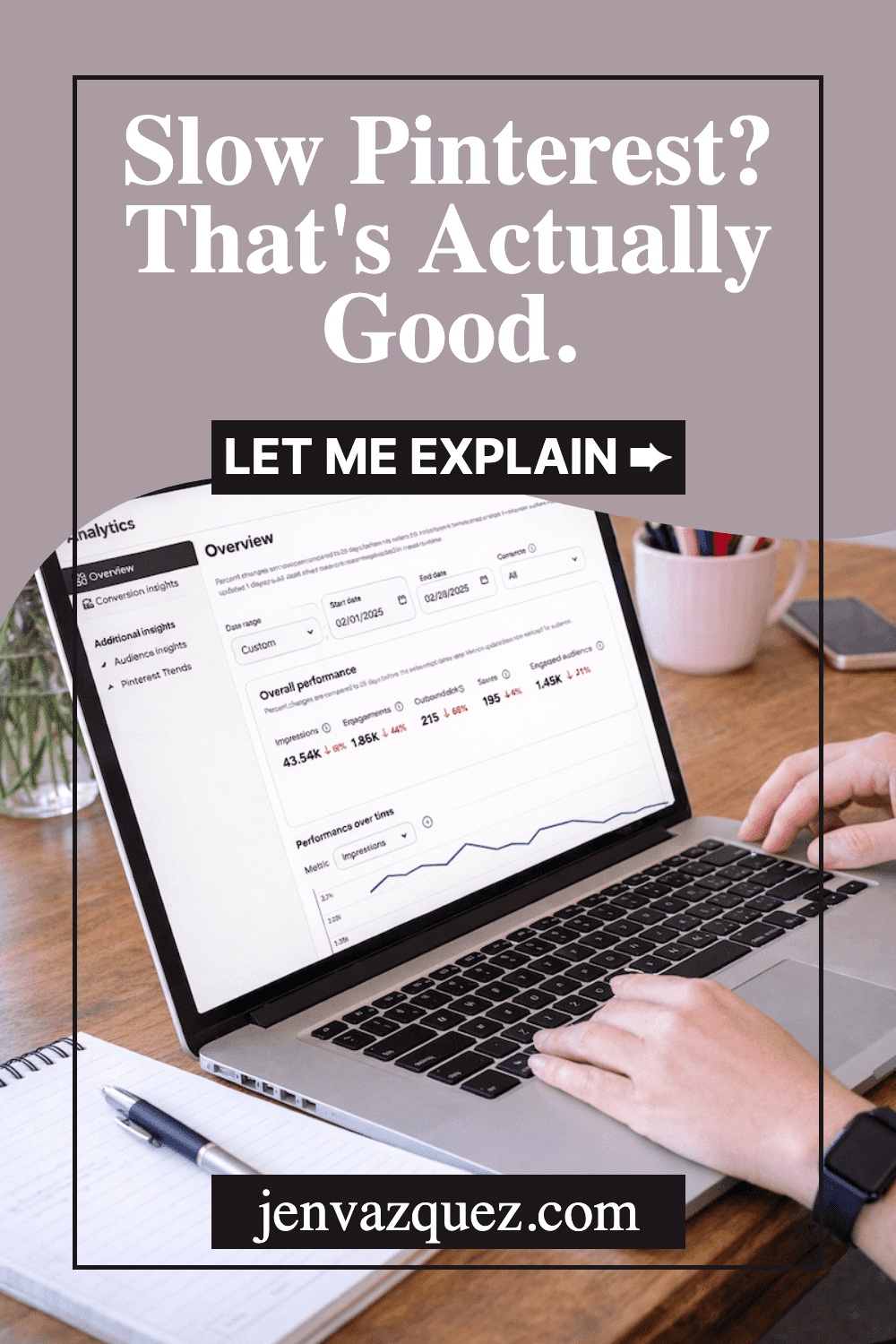
Pinterest analytics on a laptop illustrating long-term Pinterest growth and performance trends

Why Pinterest Feels Slow (And Why That’s Actually a Good Sign for Your Business)

If Pinterest feels quiet right now, I want you to hear this loud and clear: that doesn’t mean it’s broken. And it definitely doesn’t mean you’re doing anything wrong.

This is one of the most common moments where people start second-guessing everything. And it’s usually the exact moment they quit Pinterest… right before it starts working.

Hey, I’m Jen Vazquez. I help service providers use Pinterest in a way that actually leads to clients — not

Pinterest Is Not Instant Feedback (And That’s the Point)

Pinterest isn’t social media. I know I say that all the time, but it matters here.

Pinterest is a search marketing platform — just like YouTube. And search takes time.

When you post a pin, Pinterest doesn’t blast it out and judge it in 24 hours. It quietly tests it behind the scenes. It shows it to small groups, watches who saves it, learns what searches it belongs in, and gathers data.

That phase feels invisible. And honestly? That’s where most people get uncomfortable.

Quiet Does Not Mean Broken

Let’s reframe the silence.

Quiet doesn’t mean Pinterest isn’t working.
Quiet usually means Pinterest is learning.

And learning takes time.

This is why so many people quit Pinterest right before it starts working. They assume that if they don’t see fast results, it must not be worth the effort.

But Pinterest isn’t designed for urgency or panic. It’s designed for long-term visibility.

Feeling stuck or confused by your marketing?

My Marketing Coaching Calls are perfect if you want a second set of expert eyes on your strategy. We can look at Pinterest, walk through your analytics, simplify your marketing workflow, and get clear on your overall visibility — together on a private video call. You’ll leave with real clarity and a clear action list for what to do next.

Instagram Rewards Speed. Pinterest Rewards Consistency.

Instagram gives you instant feedback. You post something, and within minutes you know if it hit or flopped. Then 48 to 72 hours later? It’s gone.

Pinterest works differently.

Pinterest is more like a snowball rolling downhill. It starts small. It picks up a little traction. Then a little more. And over time, it turns into something that keeps working without you having to push every single day.

If you’re showing up consistently, talking about clear topics, and sending people somewhere helpful, you are building something — even if it feels slow right now.

Why Stopping Early Is the Real Mistake

The biggest mistake I see isn’t bad pins or wrong keywords.

It’s stopping too soon.

People assume silence means failure. So they quit. And they never get to the part where Pinterest actually starts compounding.

Pinterest is a long game. But it’s one that keeps paying you back — with traffic, leads, and visibility that doesn’t disappear overnight.

Build for the Long Term (Not the Spike)

If you want to understand how long-term visibility really works — not just on Pinterest, but across your entire marketing — I’d love to invite you to the Creative Marketing Summit 2026.

It’s our fourth year, Tailwind is sponsoring again for the fourth year in a row, and it’s a free online event built to help your marketing actually lead somewhere. Not just look busy.

You can grab your free ticket at creativemarketingsummit.com.

And if Pinterest feels slow right now? Stay consistent. Stay the course. Or reach out if you want help building a system that fits your real life.

Why Pinterest Works Better When Your Strategy Is Boring (And Simple)

Why Pinterest Works Better When Your Strategy Is Boring (And Simple) on Marketing Strategy Academy Podcast with Jen Vazquez

Why Pinterest Works Better When Your Strategy Is Boring (And Simple)

Pinterest works best when it’s boring — in the best way.

And if your Pinterest strategy feels complicated, scattered, or hard to keep up with, here’s the good news: it’s probably not because Pinterest is changing. It’s because your plan is trying to do too much.

Hey, I’m Jen. I help service providers use Pinterest in a simple, steady way that actually fits real life. No hustle. No guessing. Just clear systems that work over time.

And one of the biggest mistakes I see? People trying to make Pinterest exciting.

More pins.
More formats.
More ideas.
More tweaks.

Pinterest doesn’t reward intensity. It rewards clarity.

Pinterest Doesn’t Want More Content — It Wants Clear Content

Pinterest is a search engine, not a social platform. Its job is to understand content well enough to place it in front of the right people.

That means Pinterest is always trying to answer three questions:

Who is this for?
What problem does it solve?
What happens after someone clicks?

When those answers are clear, Pinterest knows exactly where your content belongs. When they’re not, things stall — no matter how often you post.

This is why throwing more content at the platform usually doesn’t fix the problem. It just adds noise.

Why Repeating Topics Works Better Than Chasing New Ideas

If you’ve ever felt like you’re talking about the same things over and over again, that’s actually a good sign.

Repeating topics helps Pinterest understand what you’re known for. It builds context. It creates patterns.

One strong pin that clearly solves a problem will almost always outperform five rushed pins that try to say too much.

Pinterest wants consistency, not constant creativity.

Consistency Beats Bursts of Effort Every Time

Big bursts of Pinterest activity followed by long breaks don’t help the algorithm learn your content.

What works better is a steady, repeatable plan you can keep up with — even when life gets busy.

Pinterest isn’t asking you to do more. It’s asking you to decide:

What am I known for?
Who am I helping?
What do I want this content to do?

When you answer those questions once and stick with them, Pinterest gets a whole lot easier.

Simple Pinterest Plans Are the Ones That Last

If your strategy feels calm, clear, and a little boring, you’re probably doing it right.

Pinterest works best when it has time to learn your content and trust it. That’s how you build traffic that grows quietly in the background instead of burning you out.

And if you want help building a marketing plan that actually works long-term — without constant guessing — the Creative Marketing Summit is a great place to start.

It’s a free, online event happening at the end of February, and it’s focused on simplifying your marketing instead of piling more onto your plate.

Grab your free ticket at creativemarketingsummit.com.


📌 DON’T FORGET TO PIN IT!

Pinterest’s 2026 Color Palette + How Service Providers Can Use These Colors in Their Marketing

Pinterest’s 2026 Color Palette + How Service Providers Can Use These Colors in Their Marketing<br />
by Jen Vazquez Media

Pinterest’s 2026 Color Palette + How Service Providers Can Use These Colors in Their Marketing

Okay, first things first: this is not a “pick a color and panic” post.
The 2026 Pinterest Palette™ is here, and it’s playful, bold, moody, fresh, and just cheeky enough to make your marketing feel alive again.

And no—you don’t need to rebrand your whole business or repaint your office walls.
You do get to borrow the vibe.

Let’s talk about what these colors actually mean and how service providers can use them without adding more work to their plates. Because we like fun… not chaos.

What Is the Pinterest Palette (and Why It Matters)?

Every year, Pinterest releases a color forecast based on real search data. Not guesses. Not trends pulled out of thin air. Actual things people are saving, searching, and planning for.

Which means this palette isn’t just pretty—it’s predictive.

Translation for service providers:
These colors reflect what your future clients already like, even if they can’t name it yet.

The 2026 Colors (a Very Jen Breakdown)

Cool Blue

Think calm, clean, icy-in-the-best-way.
This color is giving clarity, confidence, and “I’ve got this handled.”

Use it if you want to:

  • Feel trustworthy and grounded
  • Create breathing room in your visuals
  • Balance out louder brand colors

Perfect for:
Website sections, Pinterest pin backgrounds, quote graphics, educational content.

Pinterest’s 2026 Color Palette by Jen Vazquez Media

Jade

Earthy but elevated. Soft but strong.
Jade feels intentional. Like you know who you are and don’t need to shout.

Use it if you want to:

  • Show growth, stability, or transformation
  • Add warmth without going neutral
  • Feel luxe without feeling stiff

Perfect for:
Lifestyle photos, service graphics, Instagram stories, brand photography accents.

Pinterest’s 2026 Color Palette by Jen Vazquez Media

Plum Noir

Moody. Rich. A little mysterious.
This is “I’m the expert” energy.

Use it if you want to:

  • Signal depth and experience
  • Add drama (the good kind)
  • Stand out in a sea of beige

Perfect for:
Headers, callouts, high-end offers, launch visuals, text overlays.

Pinterest’s 2026 Color Palette by Jen Vazquez Media

Wasabi

Bold. Electric. Not here to play small.
This color is a jolt—and that’s the point.

Use it if you want to:

  • Grab attention fast
  • Highlight CTAs or buttons
  • Add personality without being loud everywhere

Perfect for:
Buttons, arrows, underlines, stickers, micro-accents.

Pinterest’s 2026 Color Palette by Jen Vazquez Media

Persimmon

Warm. Joyful. Confident.
This color feels like momentum.

Use it if you want to:

  • Feel approachable and human
  • Add energy to your content
  • Nudge people to take action

Perfect for:
Offers, promo graphics, storytelling posts, lead magnets.

Pinterest’s 2026 Color Palette by Jen Vazquez Media

How Service Providers Can Use This (Without Doing Too Much)

Here’s the secret:
You don’t use all five. You pick one or two and sprinkle.

Try this instead:

  • Update your Pinterest pin templates with one palette color
  • Add a new accent color to Canva and use it for CTAs
  • Choose one shade for a seasonal content batch
  • Let it guide your brand shoot styling or flat lays
  • Use it as a filter when choosing stock or B-roll

This is about alignment, not perfection.

Why This Works So Well on Pinterest (Specifically)

Pinterest users are planners. They’re future-focused.
And these colors are literally based on what they’re planning for next.

When your visuals quietly match what they’re already drawn to:

  • Your pins blend in just enough to belong
  • And stand out just enough to get clicked

That’s the sweet spot.

Final Pep Talk (Because You Know I Can’t Help Myself)

You don’t need to chase trends.
You don’t need to redo your brand.
And you definitely don’t need to overthink this.

Use the palette as a tool, not a rule.
Borrow the energy. Make it yours. Have a little fun with it.

Marketing gets to feel good. 💖

Want the Official Breakdown?

Here’s Pinterest’s full announcement with all the visuals and data.

And if you want help turning trends like this into pins that actually bring in traffic and leads… you know where to find me. 😉

Pinterest Tips That Actually Work in 2026 (and What to Stop Doing)

If Pinterest feels slower than it used to — or you’re doing all the “right” things and still not seeing traction — you’re not alone.

Pinterest has changed. And it will keep changing. That’s just how platforms evolve. The good news? Once you understand how it’s changed, everything gets a whole lot simpler.

I’m Jen. I help service providers use Pinterest in a calm, realistic way that fits real life — not hustle culture. Today we’re cutting through the noise and talking about what actually works on Pinterest right now, plus what to stop doing so you don’t burn yourself out for no reason.

Over the past year, Pinterest has shifted in a big way. Not scary. More like… clarity. Most frustration I see comes from using advice that worked years ago but doesn’t line up with how Pinterest works today. So let’s reset and focus on what matters now.

Pinterest Tips That Actually Work in 2026 (and What to Stop Doing) on Marketing Strategy Academy with Jen Vazquez

Pinterest Tips That Actually Work in 2026 (and What to Stop Doing)

If Pinterest feels slower than it used to — or you’re doing all the “right” things and still not seeing traction — you’re not alone.

Pinterest has changed. And it will keep changing. That’s just how platforms evolve. The good news? Once you understand how it’s changed, everything gets a whole lot simpler.

I’m Jen. I help service providers use Pinterest in a calm, realistic way that fits real life — not hustle culture. Today we’re cutting through the noise and talking about what actually works on Pinterest right now, plus what to stop doing so you don’t burn yourself out for no reason.

Over the past year, Pinterest has undergone a significant shift. Not scary. More like… clarity. The most frustration I see comes from using advice that worked years ago but doesn’t align with how Pinterest works today. So let’s reset and focus on what matters now.

Stop Treating Pinterest Like Social Media

Pinterest is not Instagram.

Posting more does not equal better results. Posting with purpose does.

What to stop doing:

  • Posting just to post
  • Uploading random graphics with no clear topic
  • Treating Pinterest like a social feed with links slapped on

What works instead is clarity.

Pinterest wants to understand:

  • Who is this pin for?
  • What problem does it solve?
  • Where does it send someone next?

If those three things are clear, Pinterest can actually place your content in front of the right people. Clear topics. Clear visuals. Clear intent. That’s it.

Fresh Pins Still Matter — Just Not Like They Used To

Yes, fresh pins still matter. No, volume is not the goal anymore.

Fresh now means:

  • A new image or layout
  • One clear topic
  • A useful idea

It does not mean logging into Pinterest every single day. You can batch and schedule in advance and still have pins going out daily. That’s actually the most strategic way to save time and get results.

It also doesn’t mean creating constant brand-new content. One of the best strategies is creating new pins for content that’s already working.

Every time I post, I look at my top five to ten blog posts or products in Google Analytics. Those get new pins. I also create pins for whatever new content is going out that week.

Old content + new pins is where the magic is. No trend chasing required.

Saves Matter More Than Clicks

This one is a big mindset shift.

Pinterest is watching saves. Not just clicks.

A save tells Pinterest, “This is useful. This is worth showing again.” If someone saves your pin but doesn’t click right away, that is not a failure. That’s Pinterest learning who to show it to next.

Focus on:

  • Step-by-step lists
  • Clear takeaways
  • Teaching pins

If people save it or click it, you’re doing it right.

Grab the Free Pinterest Resources Vault

If you want simple, no-fluff help with Pinterest, the Resources Vault is packed with free guides and tools to help you get clear, get organized, and stop guessing what to do next.

Pinterest Tips That Actually Work in 2026 (and What to Stop Doing)

Want Pinterest to Feel Simpler Every Week?

If you don’t want to guess what to post, when to post, or whether you’re doing it “right,” The Club is a membership where I help you keep Pinterest simple and consistent. You’ll get clear strategy, easy templates, and ongoing support so Pinterest fits into your real life — not the other way around.

Stop Overthinking Keywords

Keywords are still the most important part of Pinterest success. But they do not need to be complicated.

Use natural phrases. Clear language. The exact words your ideal client would type into a search bar.

An easy way to find keywords? Ask. Put a question box on Instagram Stories and ask, “If you were looking for this, what would you type into Google or Pinterest?”

Simple always wins.

Don’t be cute. Be clear.

“Pinterest tips for service providers” will always outperform something vague or clever. Say exactly what it is. Word for word.

Consistency Beats Intensity

Pinterest rewards steady behavior.

That might look like:

  • One blog a week
  • Five to seven pins a week
  • Staying on the same topic over time

What doesn’t work is a burst of energy followed by disappearing and starting over.

You don’t need to hustle. You need a plan. Pinterest loves rhythm.

And next week, we’re talking about what Pinterest wants from your content in January and how it can work for you all year long.

📌 DON’T FORGET TO PIN IT!

Pinterest Tips That Actually Work in 2026 (and What to Stop Doing)

How to Create a One-Hour-a-Week Pinterest Workflow That Grows Your Business on Autopilot

female work from home laptop notebook cell jvm stock image How to Create a One-Hour-a-Week Pinterest Workflow That Grows Your Business on Autopilot

How to Create a One-Hour-a-Week Pinterest Workflow That Grows Your Business on Autopilot

Hey there! If marketing your business feels like a full-time job on top of your actual job—it’s not you, it’s your system.

I’m Jen Vazquez, Pinterest Pioneer and marketing strategist helping service-based business owners simplify their marketing so it finally works for them, not against them.

Today, I’m showing you how to build a one-hour-a-week Pinterest workflow that keeps your content visible and driving traffic long after you post it.

Why Marketing Feels So Hard

Let’s be honest—most business owners are out here doing everything manually. Daily posting, writing captions, keeping up with trends… it’s exhausting.

And worse? It doesn’t actually build long-term visibility.

Pinterest flips that entire system on its head. It lets you create once, repurpose smartly, and let your pins do the heavy lifting for months (sometimes years!).

Instead of chasing the algorithm, you’ll build a system that compounds results—I call it The Pin + Attract Method.

Step 1: Pin with Purpose

Start with one core piece of content each week. That could be a YouTube video, a podcast episode, or a blog post. Everything begins from there.

This core content becomes your visibility engine—you’ll pull keywords, quotes, and visuals from it to create fresh pins that all lead back to the same place.

Step 2: Batch + Schedule

Batching is your new best friend. Use a scheduler like Tailwind (there’s a free plan to test it out!) or Pinterest’s built-in scheduler.

Spend one focused session each week scheduling your pins. That way, your visibility runs on autopilot while you’re busy serving clients or, you know, actually living your life.

Step 3: Repurpose for Search

Now the fun part—turn that single core piece of content into several pins with new visuals and new titles.

Use different keywords for each pin to test what performs best. Pinterest doesn’t reward volume—it rewards consistency. Showing up weekly builds visibility naturally, and soon you’ll have a snowball effect of traffic coming your way.

Step 4: Build Your One-Hour Workflow

Here’s exactly how to break it down:

  • 10 minutes: Review your analytics to see what’s performing. If you do Pinterest analytics monthly, you can save these 10 minutes.
  • 20 minutes: Create or repurpose pins from your core content.
  • 15 minutes: Write keyword-rich titles and descriptions (Psst—my Pin Copy GPT can help you do this in one minute).
  • 15 minutes: Schedule it all out for the week.

Once you get into this rhythm, Pinterest quietly works in the background while you focus on your clients—or your family.

Real-Life Examples

One of my photography clients switched from daily Instagram posting to this one-hour Pinterest workflow.

We optimized her best blog posts, created five fresh pins for each, and within 60 days, she started booking new clients directly from Pinterest—without increasing her workload.

Another client takes all of her Pinterest pins and repurposes them as Instagram stories, driving even more traffic to her blog. That’s what I call calm visibility—your content keeps working even when you log off.

Your Action Plan This Week

Download my Pinterest for Service Providers Checklist—it walks you through this entire workflow step-by-step.

Then, block off one hour this week, follow the checklist, and watch your visibility grow.

If you want extra accountability and monthly live trainings, check out my Club—it’s where you’ll get the support and systems you need to keep showing up consistently and attract leads while you sleep.

And next Wednesday, I’m diving into what to pin now to set up your 2026 success—so make sure to subscribe so you don’t miss it.

Don’t forget to Pin it! 📌

pink desk with pink accessories and words How to Create a One-Hour-a-Week Pinterest Workflow That Grows Your Business on Autopilot by Jen Vazquez Media
pink feminine desk setup with words How to Create a One-Hour-a-Week Pinterest Workflow That Grows Your Business on Autopilot by Jen Vazquez Media
How to Create a One-Hour-a-Week Pinterest Workflow That Grows Your Business on Autopilot by Jen Vazquez Media