Pinterest Wedding Trends 2026: How Wedding Pros Can Turn “Alt-Bride” Into Business Gold

Pinterest Wedding Trends 2026: How Service Providers Can Turn “Alt-Bride” Into Business Gold

Hey there! Pinterest just dropped its Wedding Trends Report 2026, and if you work with couples in any capacity, this isn’t just trend-watching.  I’m a former wedding photographer and work with a ton of wedding pros, so this is my wheelhouse, and I’m delivering your business roadmap.

The big headline? Couples are rewriting wedding rules entirely. Pinterest found that couples are embracing “low-key pre-wedding soirées, opalescent palettes, speakeasy venues and bold new bridal headwear: crowns, caps and cool-girl veils.” But here’s what matters for your marketing: the top reason couples say an unconventional wedding appeals to them is that it allows them to reflect their personalities.

Translation? Your ideal clients aren’t looking for cookie-cutter services anymore. They want providers who get their vision and can help them execute something uniquely theirs.

The Trend: Alt-Bride Aesthetic is Taking Over

Bridal headwear is becoming bolder and more statement-making, with rising searches for fascinators, Juliet cap veils, and custom wedding hats signaling that cool-girl alternatives to the traditional veil are gaining momentum. We’re talking fascinators up 1,865%, Juliet caps, pearl headdresses, and forehead tiaras all rising.

But this isn’t just about fashion. This trend represents a fundamental shift in how couples approach their wedding planning. They’re prioritizing personal expression over tradition, which means massive opportunities for service providers who can speak their language.

Pinterest For Service Providers Checklist

Want help with Pinterest? Snag my free instant free download right now Pinterest For Service Providers Checklist!

Marketing Strategy 1: Update Your Pinterest Keywords Right Now

If you’re still pinning “classic bridal looks” and “traditional wedding venues,” you’re missing the boat. Jazz club weddings are up 1,115%, speakeasy lounges are up 225%, and glass greenhouse weddings have seen a 100% jump.

Photographers: Start creating boards like “Alt-Bride Portrait Ideas,” “Moody Wedding Photography,” and “Unconventional Wedding Venues.” Pin examples of dramatic headwear shots, speakeasy-style lighting, and editorial bridal portraits.

Wedding Planners: Create pins for “Speakeasy Wedding Reception Ideas,” “Jazz Club Wedding Styling,” and “Greenhouse Wedding Design.” The common thread: spaces that feel cinematic and immediately photogenic, where the setting itself does some of the storytelling.

Florists: Focus on the unconventional bouquet trend. Searches are climbing for fuzzy wire bouquets, bouquet purses and flowerless arrangements. Create pins showing alternatives to traditional florals.

The Trend: Opalescent Palettes Meet Moody Tones

Pinterest found two distinct color stories dominating 2026 weddings. “Plum and olive wedding” searches are up 1,380%, while “Opalite aesthetic” searches have climbed 2,710%. On one side, earthy, moody tones like plum, olive, and muted terracotta are lending their warmth to celebration details. The other trending color story? Shimmery iridescent hues and opalescent finishes.

Marketing Strategy 2: Show Both Sides of the Color Spectrum

Don’t pick a lane between moody and iridescent. Show potential clients you can execute both vibes.

Stationers: Create pin sets showing invitations in both palettes. Pin examples of “Plum and Olive Wedding Invitations” alongside “Iridescent Wedding Stationery.”

Cake Designers: Pinterest data shows couples want options. Create pins for “Moody Wedding Cake Colors” and “Opalescent Wedding Cake Design.” Show your range.

Makeup Artists: This trend is perfect for showcasing versatility. Create separate boards for “Moody Bridal Makeup” and “Iridescent Bridal Beauty.” The search volume is there for both.

The Trend: Unconventional Venues with Built-In Atmosphere

Traditional ballrooms are making way for venues with built-in atmosphere… couples are prioritising venues with a strong sense of character over conventional formality, seeking locations that already tell a story before styling even begins.

This trend is huge for any service provider because it changes how couples think about their entire wedding experience.

Want to DIY your Pinterest but with Expert guidance?

The Club is your monthly membership for Pinterest strategy, marketing support, and community connection. Get live Q+A sessions twice a month, monthly Pinterest and marketing masterclasses, 10 customizable Canva pin templates, 2 guided Pinning Sessions monthly, and access to a community of service providers building sustainable marketing systems. 

Marketing Strategy 3: Position Yourself as the “Unconventional” Expert

Venues: If you have any unique characteristics, now is the time to highlight them. Industrial spaces, historic buildings, outdoor locations – lean into what makes you different.

Photographers: Create content around shooting in unconventional spaces. Pin inspiration boards for “Jazz Club Wedding Photography” and “Greenhouse Wedding Photos.”

Coordinators: Show how you handle non-traditional spaces. Create pins for “Speakeasy Wedding Planning” and “Unconventional Venue Styling.”

The Trend: Men’s Wedding Fashion is Having a Moment

“Men’s jewelry aesthetic” searches are up 890%, and pinky rings (up 550%), hand bracelets (up 595%) and chain necklaces (up 360%) are all trending for grooms. This represents a huge untapped market for many service providers.

Marketing Strategy 4: Don’t Forget the Grooms

Photographers: Create specific content for groom portraits. Pin inspiration for “Groom Jewelry Photography” and “Modern Groom Portraits.”

Stylists: The groom market is exploding. Create boards for “Groom Jewelry Ideas” and “Modern Groom Accessories.”

Planners: Show how you handle the entire couple, not just the bride. Pin content that includes both partners equally.

The Money Move: Create Trend-Specific Service Packages

Here’s where most service providers miss the opportunity. They see the trends but don’t create specific offerings around them.

Smart Photographers: Create “Alt-Bride Portrait Sessions” and “Speakeasy Wedding Packages.”

Savvy Planners: Offer “Unconventional Venue Styling” services and “Alt-Wedding Design Packages.”

Strategic Florists: Market “Non-Traditional Bouquet Design” and “Moody Wedding Florals.”

The couples searching for these trends have money to spend. They’re not looking for budget options. They want providers who understand their vision and can execute something unique.

Why This Matters More Than Just Following Trends

Pinterest’s Wedding Trends Report isn’t just about what’s pretty right now. Pinterest highlighted 14 key trends, including “Unexpected Venues,” “Quirky Cakes” and “Nostalgic Tech Touches.” This represents 7 billion wedding-related searches and shows you exactly what couples are planning to spend money on.

When you align your Pinterest strategy with these search behaviors, you’re not just hoping for engagement. You’re positioning yourself in front of couples who are actively planning and budgeting for these specific services.

The service providers who win in 2026 will be the ones who recognize that couples want partners in creating something personal, not vendors selling standard packages.

Your Action Plan for This Week

  1. Audit your current Pinterest boards – Do they reflect 2026 trends or are you still pinning 2022 vibes?
  2. Create three new boards based on the trends most relevant to your services.
  3. Update your pin descriptions to include the trending keywords from Pinterest’s report.
  4. Plan new service offerings that specifically cater to alt-bride and unconventional wedding trends.
  5. Start creating content that shows you understand and can execute these new directions.

The couples getting married in 2026 are already searching for these trends. Your Pinterest strategy should meet them where they are, not where weddings used to be.

Go introduce yourself on Pinterest,  Instagram, or TikTok. I’ll be cheering you on from over here.  You can see the release on Pinterest.

DON’T FORGET TO PIN IT!

Wedding accessories talking about Pinterest Wedding Trends in 20206 with Jen Vazquez
Gothic romantic bridal moodboard for 2026 wedding trends on Pinterest by Jen Vazquez

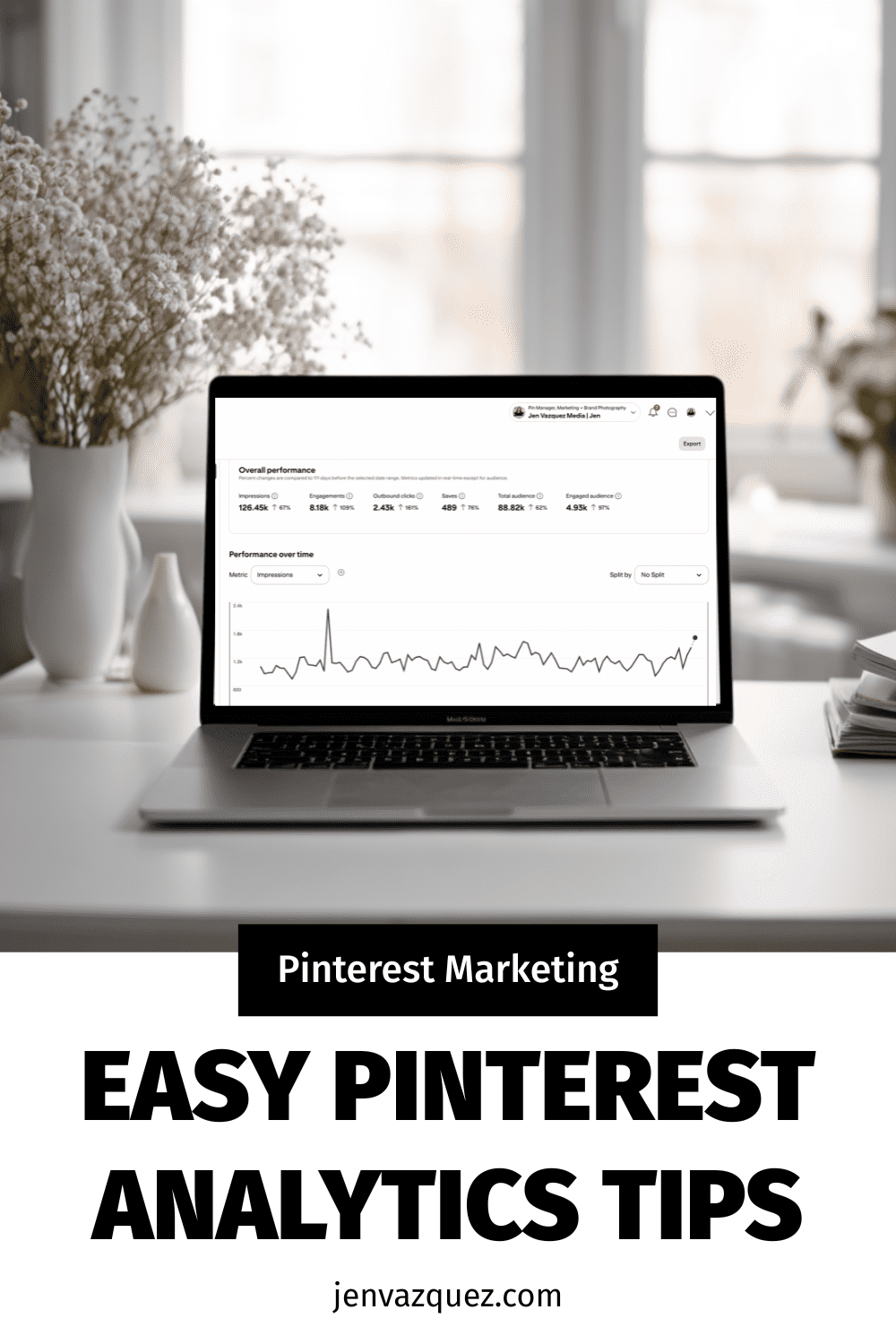
Pinterest Analytics Made Simple: The 3 Metrics That Actually Drive Traffic + Leads

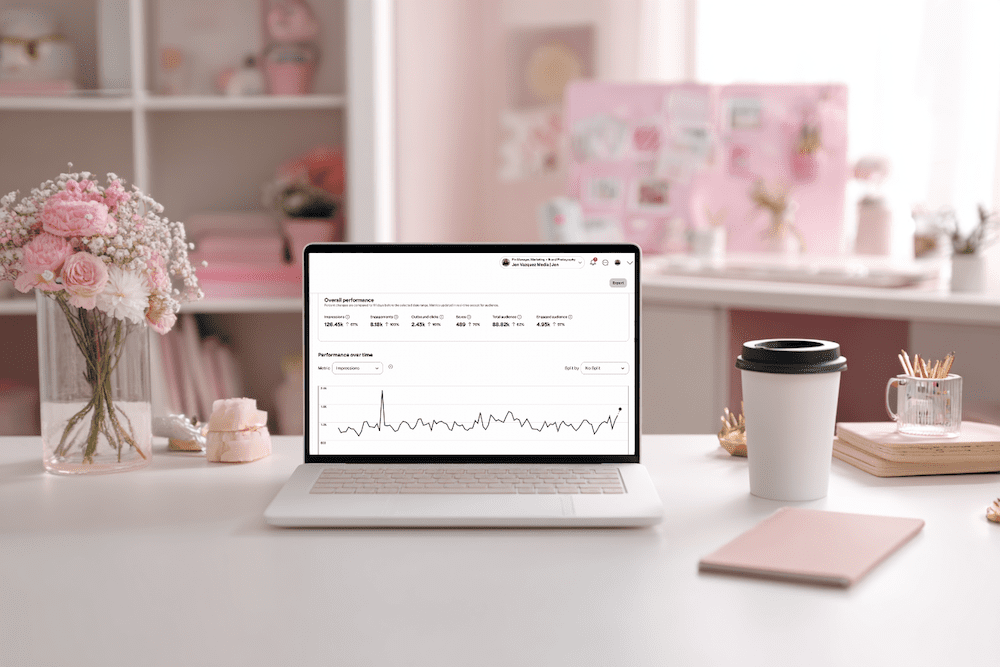
feminine office white desk and pale pink accents (Pinterest Analytics Made Simple: The 3 Metrics That Actually Drive Traffic + Leads)

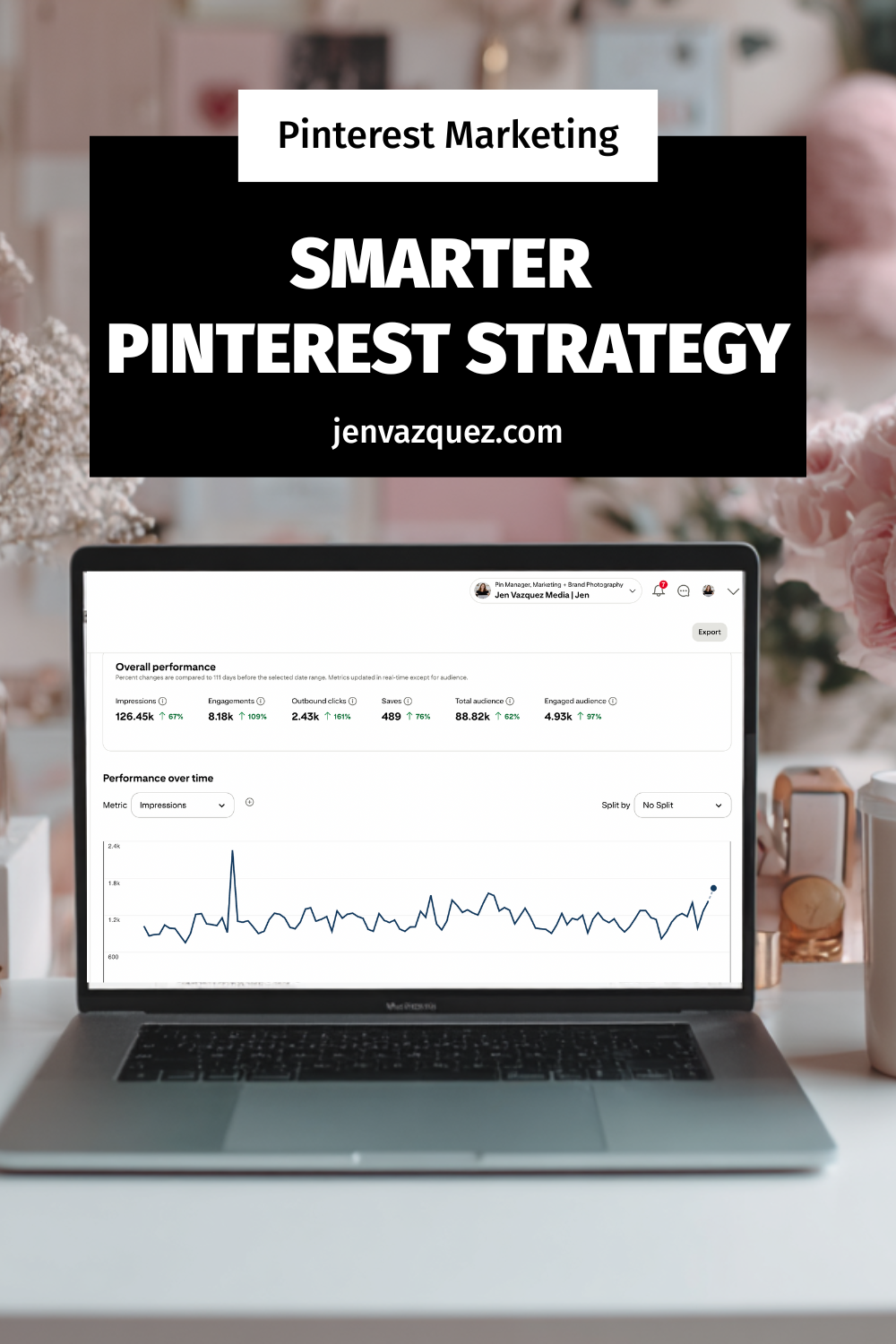
Pinterest Analytics Made Simple: The 3 Metrics That Actually Drive Traffic + Leads

Hey friend — let’s be real for a second. When you open Pinterest Analytics and see a wall of numbers, it’s easy to feel like you’re staring at a math test you did not study for. No worries. You’re not alone, and this doesn’t have to be hard.

Once you know what to look for, Pinterest analytics becomes one of the most powerful tools in your marketing. And the best part? You only need 10 minutes a month.

I’m Jen Vazquez, Pinterest Pioneer and marketing strategist. Today, I’m breaking down the three metrics that actually matter so you can make smarter content decisions for 2026, without drowning in data.

Let’s get this party started.

Why Pinterest Analytics Matter for Your Business

Pinterest rewards what works.
When your pins get engagement, Pinterest pushes them further. When something falls flat, Pinterest quietly lets it fade.

Your analytics show you exactly what your audience wants, which designs they click, and what topics they’re already saving. Once you understand that, creating content becomes easier, faster, and way more strategic.

Think of your analytics as a map. If you follow it, you get traffic and leads on autopilot.

The Only 3 Pinterest Metrics You Should Track

You don’t need spreadsheets or complicated reports. Just these three numbers:

1. Outbound Clicks

These are the clicks that send people to your website, landing page, podcast, or YouTube video. This is your main goal with Pinterest — getting people off the platform and into your world.

2. Saves

Pinterest loves saves.  

A save means someone saw your pin and said, “Yep, I’m keeping this.” High saves are pure gold because they predict long-term reach.

3. Top Pins by Impressions + Engagement

These tell you which topics and designs Pinterest is boosting. 

Think of these as your “more please” pins. They show you what to create next.  Ignore everything else. These three will move the needle.

Want Help Turning Your Data Into a Real Strategy?

If you want custom guidance, I’ve got two great options:

👉 Pinterest VIP Day: In one day, we’ll walk through your analytics, build your 2026 plan, and create a custom workflow you can stick to.

👉 Pinterest Management:  If you want Pinterest totally handled, we’ve got two open spots.
We handle pin creation, scheduling, analytics, and strategy so you can focus on your clients.

Either option makes your life easier — promise.

How to Read Your Pinterest Analytics in 10 Minutes

Here’s your quick, calm, 10-minute routine:

Step 1: Open Pinterest Analytics → Content → Overview

Filter to Last 30 Days

Write down your pins with the highest outbound clicks. Note the topic, design, and format.

Step 2: Check Your Board Analytics

If certain boards consistently perform well, allocate more time TO THEM!

If other boards haven’t been touched in six months or a year? Time to merge and clean things up.

Step 3: Review Audience Insights

Look at growing keywords and interests.

These are your “create next” topics. That’s it. You’re done.

Your Monthly Pinterest Review Routine

To make this a habit, set a recurring task — I love the 1st or 2nd of the month.

Each month, do this:

  • Download your analytics
  • Note your top three pins
  • Look for the common themes
  • Create two new pins based on those themes

This simple workflow helps you create content your audience already wants.

Want help keeping things organized? Grab my Pinterest Analyzer for FREE

Thanks for hanging out with me today. You crushed it just by showing up for your biz.  

📌 DON’T FORGET TO PIN IT!

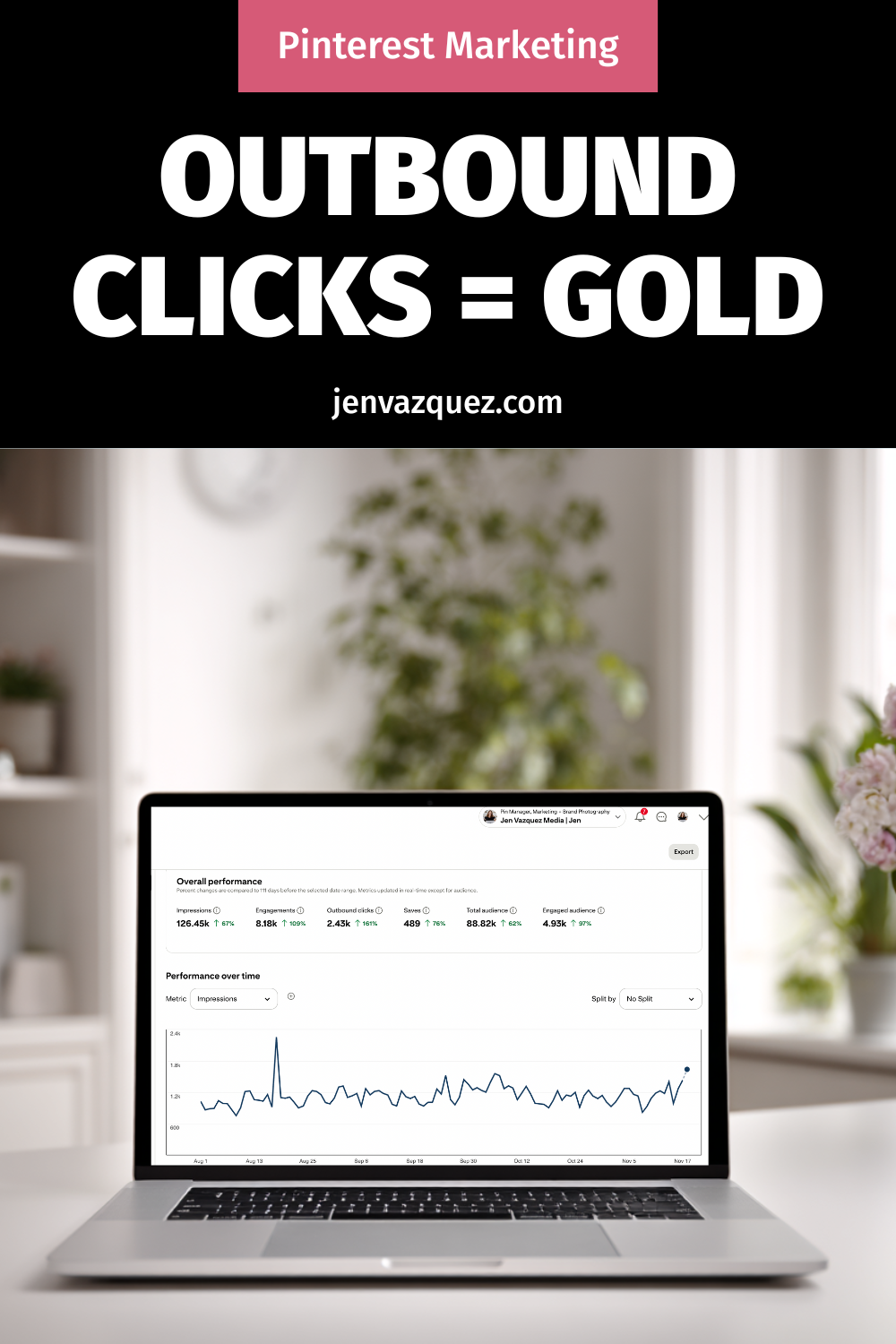
Pinterest Analytics Made Simple: The 3 Metrics That Actually Drive Traffic + Leads
Pinterest Analytics Made Simple: The 3 Metrics That Actually Drive Traffic + Leads by Jen Vazquez Media
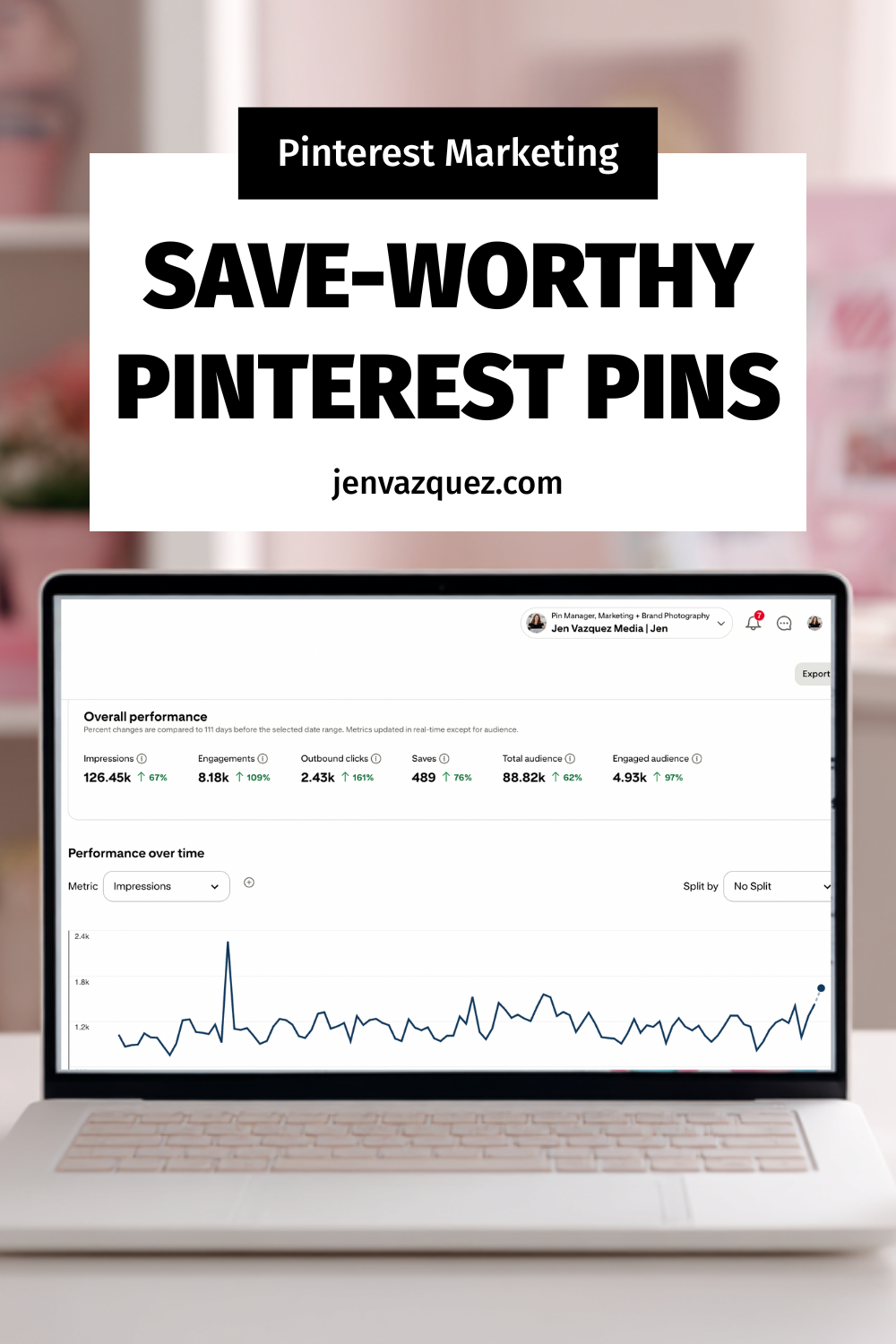
Pinterest Analytics Made Simple: The 3 Metrics That Actually Drive Traffic + Leads
Pinterest Analytics Made Simple: The 3 Metrics That Actually Drive Traffic + Leads by Jen Vazquez Media

How to Create a One-Hour-a-Week Pinterest Workflow That Grows Your Business on Autopilot

female work from home laptop notebook cell jvm stock image How to Create a One-Hour-a-Week Pinterest Workflow That Grows Your Business on Autopilot

How to Create a One-Hour-a-Week Pinterest Workflow That Grows Your Business on Autopilot

Hey there! If marketing your business feels like a full-time job on top of your actual job—it’s not you, it’s your system.

I’m Jen Vazquez, Pinterest Pioneer and marketing strategist helping service-based business owners simplify their marketing so it finally works for them, not against them.

Today, I’m showing you how to build a one-hour-a-week Pinterest workflow that keeps your content visible and driving traffic long after you post it.

Why Marketing Feels So Hard

Let’s be honest—most business owners are out here doing everything manually. Daily posting, writing captions, keeping up with trends… it’s exhausting.

And worse? It doesn’t actually build long-term visibility.

Pinterest flips that entire system on its head. It lets you create once, repurpose smartly, and let your pins do the heavy lifting for months (sometimes years!).

Instead of chasing the algorithm, you’ll build a system that compounds results—I call it The Pin + Attract Method.

Step 1: Pin with Purpose

Start with one core piece of content each week. That could be a YouTube video, a podcast episode, or a blog post. Everything begins from there.

This core content becomes your visibility engine—you’ll pull keywords, quotes, and visuals from it to create fresh pins that all lead back to the same place.

Step 2: Batch + Schedule

Batching is your new best friend. Use a scheduler like Tailwind (there’s a free plan to test it out!) or Pinterest’s built-in scheduler.

Spend one focused session each week scheduling your pins. That way, your visibility runs on autopilot while you’re busy serving clients or, you know, actually living your life.

Step 3: Repurpose for Search

Now the fun part—turn that single core piece of content into several pins with new visuals and new titles.

Use different keywords for each pin to test what performs best. Pinterest doesn’t reward volume—it rewards consistency. Showing up weekly builds visibility naturally, and soon you’ll have a snowball effect of traffic coming your way.

Step 4: Build Your One-Hour Workflow

Here’s exactly how to break it down:

  • 10 minutes: Review your analytics to see what’s performing. If you do Pinterest analytics monthly, you can save these 10 minutes.
  • 20 minutes: Create or repurpose pins from your core content.
  • 15 minutes: Write keyword-rich titles and descriptions (Psst—my Pin Copy GPT can help you do this in one minute).
  • 15 minutes: Schedule it all out for the week.

Once you get into this rhythm, Pinterest quietly works in the background while you focus on your clients—or your family.

Real-Life Examples

One of my photography clients switched from daily Instagram posting to this one-hour Pinterest workflow.

We optimized her best blog posts, created five fresh pins for each, and within 60 days, she started booking new clients directly from Pinterest—without increasing her workload.

Another client takes all of her Pinterest pins and repurposes them as Instagram stories, driving even more traffic to her blog. That’s what I call calm visibility—your content keeps working even when you log off.

Your Action Plan This Week

Download my Pinterest for Service Providers Checklist—it walks you through this entire workflow step-by-step.

Then, block off one hour this week, follow the checklist, and watch your visibility grow.

If you want extra accountability and monthly live trainings, check out my Club—it’s where you’ll get the support and systems you need to keep showing up consistently and attract leads while you sleep.

And next Wednesday, I’m diving into what to pin now to set up your 2026 success—so make sure to subscribe so you don’t miss it.

Don’t forget to Pin it! 📌

pink desk with pink accessories and words How to Create a One-Hour-a-Week Pinterest Workflow That Grows Your Business on Autopilot by Jen Vazquez Media
pink feminine desk setup with words How to Create a One-Hour-a-Week Pinterest Workflow That Grows Your Business on Autopilot by Jen Vazquez Media
How to Create a One-Hour-a-Week Pinterest Workflow That Grows Your Business on Autopilot by Jen Vazquez Media

How to Handle Bad Google Reviews (Without Hurting Your Business)

How to Handle Bad Google Reviews (Without Hurting Your Business)

How to Handle Bad Google Reviews

We’ve all been there—your heart sinks the second you see that one-star review. It’s like a gut punch, right? But here’s the truth: negative reviews aren’t as bad as they seem. In fact, they can actually help your ranking on Google.

Google wants to see that you’re an active, legitimate business—and real businesses get all kinds of reviews, not just glowing ones. A mix of positive and negative reviews shows activity, credibility, and authenticity. As long as the majority of your feedback is good, a few bad ones can actually boost your visibility.

What Really Matters: How You Respond

As a consumer, I don’t immediately skip a business with bad reviews—I read them. What makes the biggest impression is how that business responds. Are they defensive or rude? Or do they show professionalism, empathy, and a willingness to make things right?

If someone leaves a negative review, thank them for the feedback (even if it’s hard to swallow). Respond with transparency, calmness, and care. Something like:

“Thanks so much for your feedback. We’ve reached out privately to make this right and appreciate you bringing it to our attention.”

That’s it—simple, thoughtful, and professional.

When Emotions Run High—Step Away

We all get triggered sometimes, especially when our business is personal. But emotional responses rarely help. If you feel charged, step away. Nothing is so urgent that you can’t take a few hours—or even a day—to cool down.

When you’re ready, use AI (yep, ChatGPT totally works here) to help you craft a neutral, polished response. You’ll be amazed how level-headed it can sound when your brain is still steaming.

Turning Reviews Into a Growth Strategy

Negative reviews can highlight opportunities for improvement—but positive reviews? Those are marketing gold. Don’t just wait for them to appear—ask for them!

Here’s what I do: every quarter, I reach out to clients whose results are shining (especially those with killer Pinterest analytics) and send them a direct review link from my Google Business Profile. I make it easy by including a few highlights they can copy and paste into their review.

Want to make it even easier? Give them a snippet from your last conversation or testimonial video and say:

“Would you mind pasting this into my Google Business Profile? Here’s the link!”

It takes them seconds, and the impact lasts for years.

Jen’s Photographer Hack: Reviews That Drive Bookings

When I was a wedding photographer, I used reviews strategically. I’d visit venues I loved, take photos, write a blog post about them, and then leave a Google review saying how beautiful the space was—complete with photos I’d taken.

Those images not only showcased my work but also linked me to that venue, which led to actual bookings. And because photos get “extra credit” in Google reviews, it helped boost my visibility too.

So whether you’re a local business or an online service provider—show up, stay active, and use reviews (good and bad) to your advantage.

Final Thoughts: Feedback = Visibility

At the end of the day, reviews—positive or negative—are signals that you’re visible, relevant, and worth talking about. So don’t fear them. Instead, use them as fuel to show your professionalism, your growth, and your commitment to serving your clients.

Negative reviews aren’t the end of the story—they’re just part of the journey.

DON’T FORGET TO PIN IT!

How to Handle Bad Reviews Like a Pro How to Handle Bad Google Reviews (Without Hurting Your Business) on Marketing Duo Podcast
Your Google Review Strategy Starts Here How to Handle Bad Google Reviews (Without Hurting Your Business) on Marketing Duo Podcast
Turn Negative Reviews Into SEO Wins How to Handle Bad Google Reviews (Without Hurting Your Business) on Marketing Duo Podcast
The Secret Power of Bad Reviews How to Handle Bad Google Reviews (Without Hurting Your Business) on Marketing Duo Podcast
Respond Without the Drama How to Handle Bad Google Reviews (Without Hurting Your Business) on Marketing Duo Podcast

5 Ethical Marketing Tips Every Service Provider Should Know

If you’re a female entrepreneur with too little time and too many marketing tasks, you’re not alone. We help female founders turn chaos into clarity. I’m Jen Vazquez, and today, I’ll guide you through a simple yet powerful strategy using Pinterest and content repurposing. These tools will help you grow your business without working around the clock. 

1. Overcoming Marketing Overwhelm

Marketing can feel like spinning many plates. You may feel stuck, not sure what to do next or where to spend your time. The key is simplicity. Stop juggling everything and start focusing on two things that move the needle: Pinterest and repurposing your work.

2. Why Pinterest Works for Your Business

Pinterest is more than just a mood board—it’s a powerful search engine. Ideas on Pinterest live a long time. Unlike some platforms that show your post for just a few hours, a single pin can bring evergreen traffic for months. If you’re short on time, that makes it a game changer.

3. Repurpose Like a Pro

Do you have a podcast, blog, or social post? Don’t let it sit there. Turn one piece of content into many:

  • Pin graphics from your blog post
  • Short video clips from your podcast
  • Quote posts from your content. This multiplies your reach without doubling your effort.

Want help with Pinterest Marketing?

Pinterest Strategy Club (PSC) is your go-to membership for turning Pinterest into a lead-generating machine—without the overwhelm. Whether you’re just getting started or want to finally be consistent, PSC gives you monthly strategies, Pin templates, and content prompts tailored to service providers like you. If you want to grow your email list, drive more traffic, and get seen by dreamy clients—this is for you.

4. Build a Simple System

Here’s a 3‑step plan you can start today:

  1. Plan one main piece: e.g., a podcast episode.
  2. Create 3–5 pins: use Canva templates to save time.
  3. Repurpose that same content for Instagram, blog, or email.

You’ll soon have multiple platforms working for you with minimal extra work.

5. Tips to Stay Consistent

  • Batch your work: Set aside one hour weekly to plan and create.
  • Use templates: For Pinterest, blog graphics, and social media.
  • Track results: Check Pinterest analytics monthly. Double down on what works.

Conclusion

You don’t need to do it all. Focus on Pinterest + repurposing and build a simple, easy-to-manage system. Consistency + strategy = growth. Let me help you simplify your marketing—so you can grow your business without burnout.

 I was totally inspired by The Savvy CMO’s about ethical marketing.

DON’T FORGET TO PIN IT!

Grow Without Ads Using Pinterest by Jen Vazquez Media
Market Your Business With Heart with Jen Vazquez Media
Ethical Marketing Tips That Work by Jen Vazquez Media
Connect With Clients Who Get You by Jen Vazquez Media
Be Real, Build Trust, Book Clients by Jen Vazquez Media