Pinterest Outbound Clicks: The Metric That Books Clients
You’re pinning consistently, your impressions keep climbing, and you’re still wondering why the bookings aren’t following. Here’s the truth: impressions, saves, and even pin clicks are not the metric that pays your bills. Outbound clicks are, and most people never look at that number.
Pinterest shows you 5 different metrics, and only one of them is directly connected to whether you get clients. Let’s walk through what each one actually means for your business, because once you know the difference, you’ll know exactly where to put your energy.
The 5 Pinterest Metrics, Explained
Impressions
An impression is counted the second your pin appears in search results or a home feed. That’s it. One pixel of your pin, visible for one second, counts as an impression.
Your pin could be five pages down in search results and still rack up impressions. It’s an impressive-looking number, but it has almost zero connection to bookings. If you’re only watching impressions, you’re watching the wrong dashboard.
Saves
A save happens when someone adds your pin to one of their boards. Pinterest loves saves and rewards them with more distribution, so they’re not a bad thing. But saves are not buying intent.
A 16-year-old could save your wedding photography to her dream board right now. By the time she actually gets married, you might not even be in business anymore; you could be retired. Great for the algorithm, great for Pinterest’s numbers. It does get you seen a little more. But it’s not great for your calendar.
Pin Clicks
A pin click occurs when someone taps your pin, which opens on the screen. They see your title, your description, and usually a row of related pins next to it, which pulls them toward more Pinterest content rather than your website.
Pin clicks are meaningful because your visual stopped the scroll. Something about your pin, the keywords, the image, the text overlay made someone pause. But they’re still inside Pinterest. They haven’t come to your website yet.
Outbound Clicks
This is the one. An outbound click happens when someone reads your title and description and decides they want more, so they click through to your actual website.
That is buying intent. 88% of Pinterest users say they’ve purchased something they discovered on Pinterest. Outbound clicks are the bridge between someone discovering you and someone becoming a client.

A Real Client Story
I want to tell you about a photography client of mine. She was already doing everything right, 3 to 5 pins every week from every blog post, consistent as a machine. She hired me for a Pinterest audit and a strategy call because she wanted to get more out of what she was already doing.
When I went through her account, the problem wasn’t her consistency. It was her words. Her titles, her descriptions, and the text overlay on her pins were way too generic, and the wrong people were clicking. Her outbound clicks were really, really low.
After 6 months of optimizing her pin titles, descriptions, and keywords, here’s what happened:
- Outbound clicks up 315%
- Monthly views up 137%
- Followers up 92%
The followers and monthly views were nice bonuses. But the 315% outbound click growth is what actually changed her business. She has around 30,000 monthly viewers on Pinterest, a number a lot of people in the Pinterest world would feel sorry for. She’s booking clients every single month directly from Pinterest.
Sometimes people go from her pin to her Instagram and stalk her for a few months before they book, maybe when they get engaged. But it started on Pinterest. She doesn’t care about her monthly view numbers anymore. Outbound clicks are her whole game now. When I asked her how likely she’d be to recommend working together on a scale of 1 to 5, she said 5, absolutely, and that the one thing she wished she’d changed was working with me sooner.
Your Next Step
My photography client said she wished she’d worked with me sooner. Where could she be if she’d started a year earlier? That question is worth sitting with.
If you want to fix this now instead of a year from now, the Pinterest Visibility Sprint is the fastest way to get your foundation set up and your first pins optimized for outbound clicks. You’ll leave with your keywords found and your account fully set up.
See when the next Pinterest Visibility Sprint starts.
What Actually Moves Outbound Clicks
Two things move this number: your words and your design. Let’s talk about the words.
Your pin title is your headline
It has to match what someone is actually searching for, and it needs to tell them exactly what they’ll get when they click. Generic titles get skipped. Specific titles get clicked. Think about the difference between “photography tips” and “brand photography for female coaches in the Bay Area.” One of those stops the right person cold.
Your text overlay is your scroll stopper
It’s what someone sees before they ever click on your pin, and it should speak directly to your ideal client. When the right person sees their exact situation reflected in your text overlay, they stop scrolling.
Your pin description is the closer
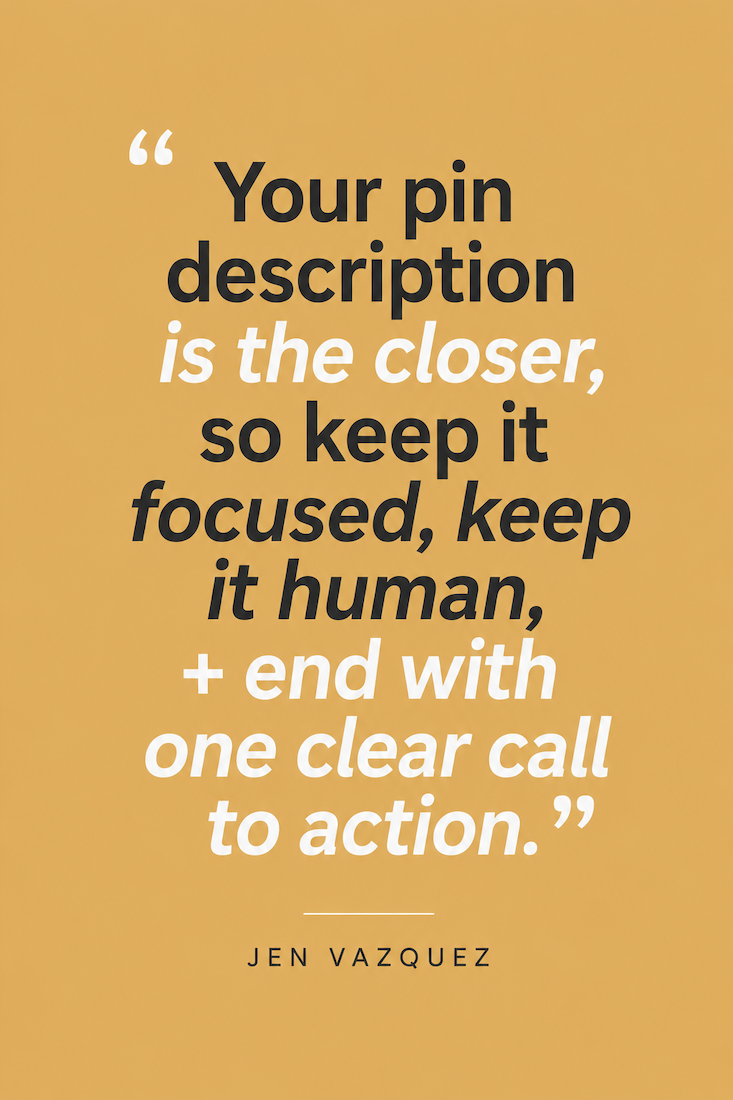
After someone clicks to see more, they read the description to decide if they want to visit your website. Keep it focused, keep it human, and end with one clear call to action. Research from Tailwind’s 2025 Pinterest marketing benchmark report, which studied over a million pins, found that the most viral pins average between 220 and 232 characters in their description. Short, specific, and action driven.
What not to do
keyword stuffing. Cramming too many distinct keywords into one pin sends mixed signals to Pinterest and can lower your ranking on every term you’re trying to rank for. A better move is to make 5 pins from one piece of content, each with a different keyword angle, rather than stuffing every keyword into a single pin.
What a Good Click Through Rate Looks Like in 2026
Here’s the number to know so you can measure exactly where you stand. The platform wide average Pinterest click through rate is only 0.2 to 0.5%. Most accounts have significant room to improve. A good organic click through rate from Pinterest in 2026 is 1 to 1.5%. If you’re consistently hitting that, your titles, descriptions, and keywords are aligned with what your audience is actually searching for.
Here’s how to calculate yours: take your outbound clicks, divide by impressions, and multiply by 100. You can also see this directly by looking at your top 10 pins sorted by outbound clicks.
One important note: always use outbound clicks for this calculation, never pin clicks. Pin clicks inflate the number because they count people who tapped the pin but never actually left Pinterest.
Two Things You Can Do This Week
You don’t have to rebuild your whole Pinterest strategy to move this number. Start here.
Add alt text to every pin. Pins with alt text earn 123% more outbound clicks on average. It takes about 30 seconds per pin, and almost nobody does it. Go add it to your top 10 pins today.
Make every pin description end with a specific call to action. Skip “click for more” and try something like “read the full guide,” “grab the free checklist,” or “see how we can work together.” Match the call to action to what they’ll actually get when they click. That one line at the end of your description is doing more work than you think.
Bonus tip: schedule your pins through Tailwind, which also lets you add alt text right inside the platform. Pins scheduled through Tailwind are 54% more likely to drive over 1,000 outbound clicks. The platform guides you through best practices at every step, and a free plan is available.
Where to Find This Number in Your Account
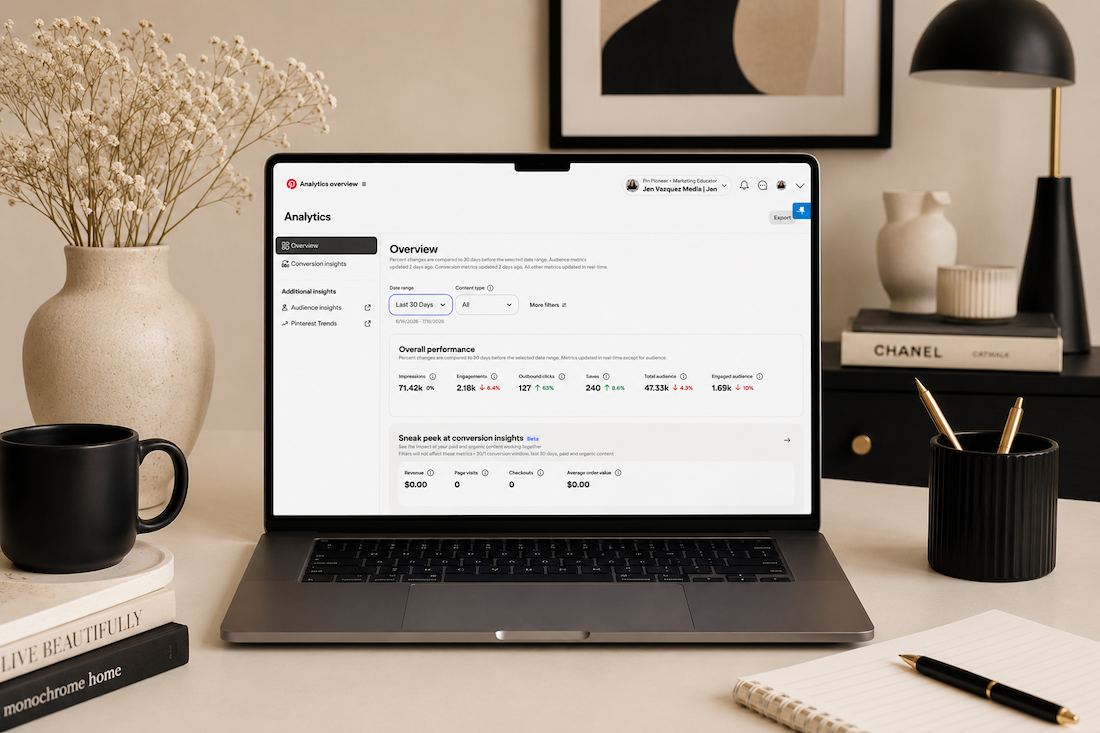
Go to your Pinterest account, click Analytics, then Overview. Your top pins will be sorted by impressions by default, that’s the vanity metric, and it’s not the one we want to be watching.
Change the sort filter to outbound clicks, and now you’re looking at the pins that are actually sending people to your website. Look at what those pins have in common: the title style, the description length, the text overlay language, the call to action. That’s your research. Do more of exactly that.
And if you want to go deeper on finding the right keywords in the first place, or you want the full batching workflow so you’re not stuffing every keyword into one pin, those videos are linked on the channel.
Grab the free Organic Pin Checklist; it walks you through everything that goes into a pin that earns outbound clicks: title, description, text overlay, design specs, and call to action. It’s free inside the Visibility Vault
Impressions, saves, and even pin clicks are not paying your bills. Outbound clicks are. Now you know the difference, and you know the two fastest ways to move that number starting this week.
Go introduce yourself on Pinterest, Instagram, or TikTok. I’ll be cheering you on from over here.