Content Batching in One Hour a Week (My 6-Step Workflow)
You’re creating an Instagram post, a Pinterest pin, and an email, and every single one feels like its own separate job. If content batching sounds like locking yourself in a room to make a month of posts in one day, I have really good news. That’s not what it means, and there’s a much calmer way.
What You Will Learn About Content Batching
- How do you batch content for every platform in just one hour a week?
- What is the best core content to start with: a blog, a YouTube video, or a podcast?
- Why should you make five Pinterest pins from one piece of content?
- How far apart should you schedule Pinterest pins so you don’t look spammy?
- What is the fastest way to turn Pinterest pins into Instagram carousels and LinkedIn graphics?
- How do lead magnet pins grow your email list instead of just your blog traffic?
- Which content batching tools are free, and which ones are worth paying for?
Key Takeaways
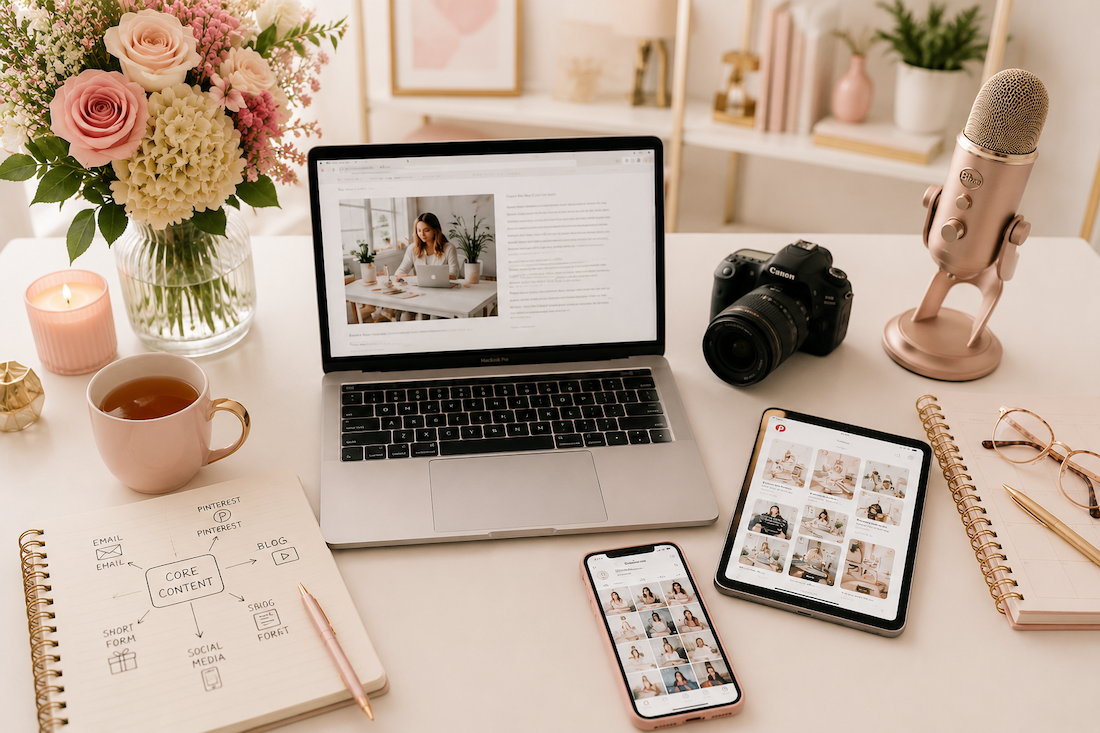
- Content batching is not making a month of posts in one day. It’s making one piece of content and multiplying it.
- 94% of social media practitioners feel pressure to be chronically online. That’s a system problem, not a you problem.
- 60% of marketers say repurposed content generates more leads than the original, per HubSpot.
- Pinterest is a search engine, so five pins from one piece of content keeps you getting found for five full weeks.
- The Canva resize trick turns your pins into Instagram and LinkedIn graphics in two extra clicks.
- Week one will take longer than an hour, and that’s completely normal.
- Once this workflow is documented, a VA can run steps three through six without you.
Episode Timestamps
- 0:00 Content batching isn’t what you think
- 0:55 Why you feel pressure to be always online
- 1:50 The shift: one piece of core content
- 3:00 The full 6-step one-hour workflow
- 3:20 Step 1: Pick your core content
- 4:00 Step 2: Your weekly email
- 4:20 Step 3: Five Pinterest pins from one piece
- 5:40 Step 4: Schedule + publish
- 5:55 Step 5: The Canva resize trick
- 6:50 Step 6: Five lead magnet pins
- 7:20 Free Marketing Workflow Checklist
- 7:55 Why week one feels slow (and why that’s okay)
- 9:00 The tools that make this possible
- 10:40 Hand steps 3-6 to a VA
- 11:00 Pinterest Visibility Sprints
- 11:45 Your one-hour shift + what’s next
>> Grab the free Marketing Workflow Checklist <<
Resources Mentioned
- Marketing Workflow Checklist (free, inside the Visibility Vault)
- Pinterest Visibility Sprint (2-hour co-working session)
- Tailwind, the Pinterest-approved scheduler
- The Club (Pinterest membership that includes 3 live calls and Canva pin templates every month)
Listen + Subscribe
New episodes of the Marketing Strategy Academy Podcast drop every week. Find us at jenvazquez.com/podcast or wherever you listen. Hit subscribe so you never miss an episode.
Go introduce yourself on Pinterest, Instagram, or TikTok. I’ll be cheering you on from over here.
📌 DON’T FORGET TO PIN IT!