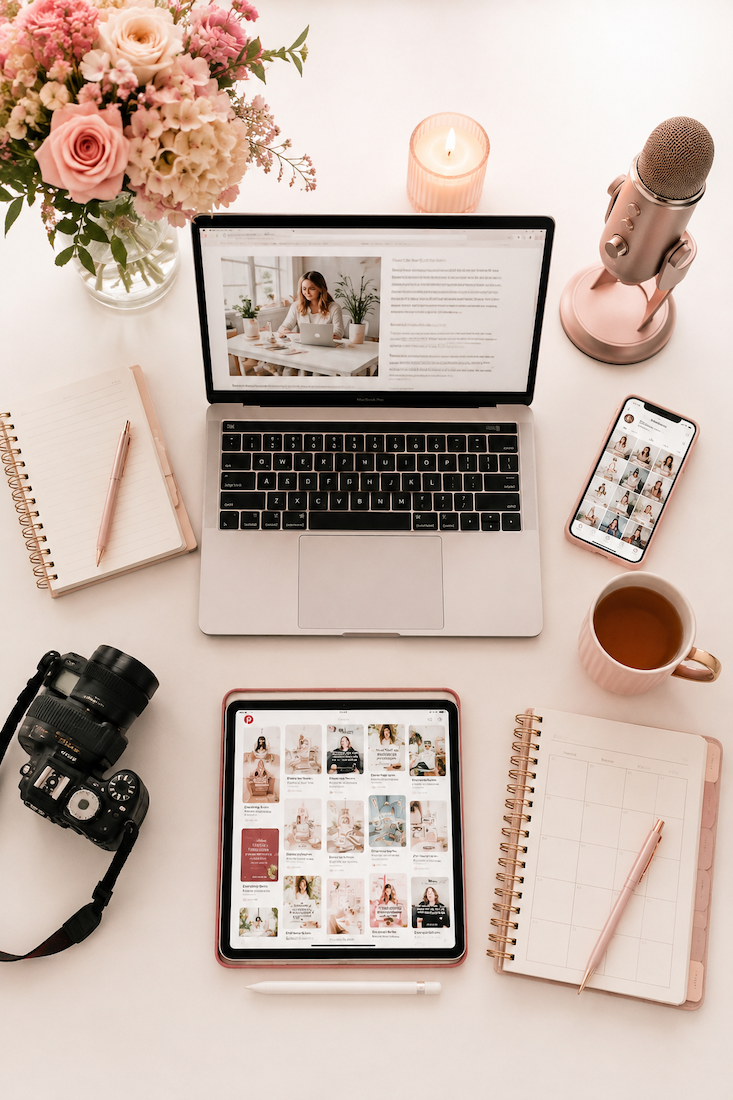
iPhone Brand Photography: 3 Steps That Turn Photos Into Clients
You’ve got photos. Maybe a lot of them. And they’re pretty. So why aren’t they bringing in clients?
The problem isn’t your camera. It’s your strategy. In this episode, I’m walking you through my 3-step iPhone system for taking brand photos that actually convert — so every image you create has a job to do.
What You Will Learn in This Episode
- Why do my brand photos look great but still not convert in my marketing?
- Can iPhone photos really outperform professional brand photography?
- How do I set up a photo to have space for text overlays?
- What iPhone camera settings give me the most professional-looking result?
- How far should I stand from a window when taking photos with my iPhone?
- What does it mean to “plan for use” before a brand photo shoot?
- How do I know if my brand photos are vertical, horizontal, or the right format for Pinterest and Instagram?
Key Takeaways
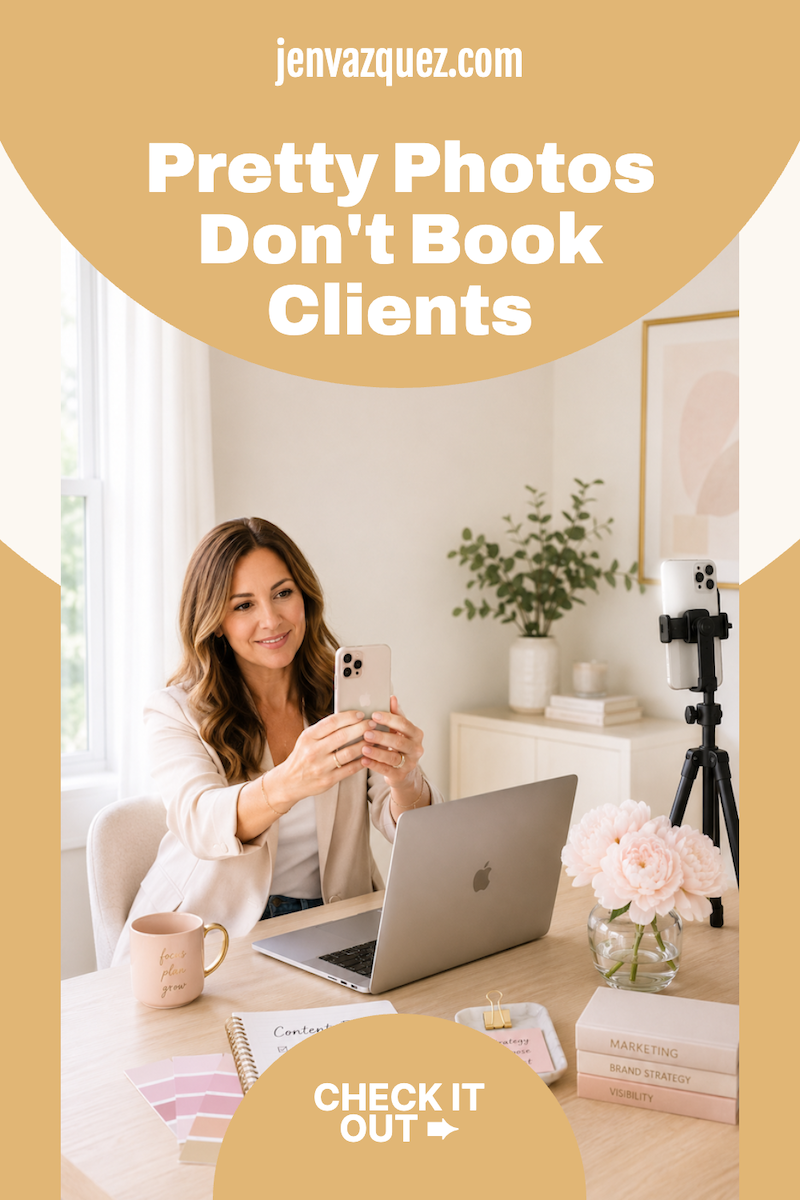
- Converting photos solves problems and shows transformation. Pretty photos are not the same thing.
- Window light plus portrait mode gives you results that rival expensive studio lighting.
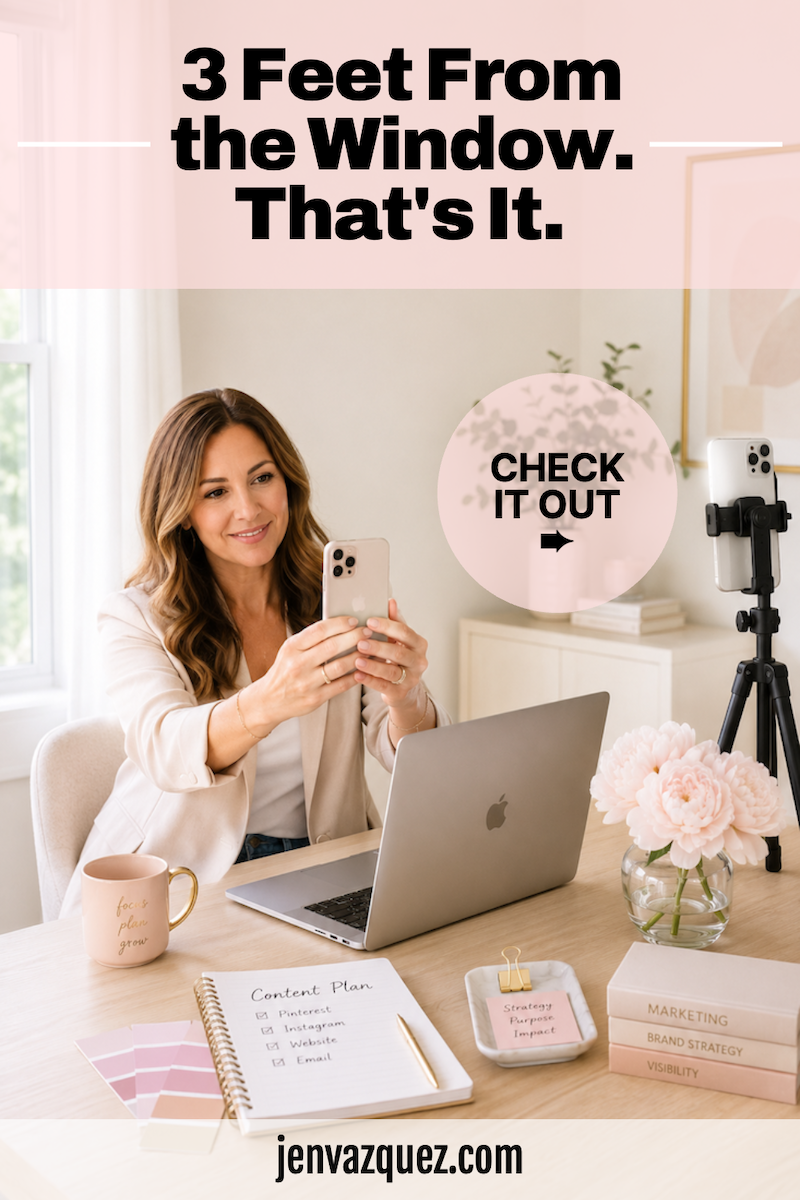
- Stand three feet from a window, not right next to it. That distance is the beauty light, the sweet spot.
- Take a minimum of 4 to 5 shots per setup, so you have options if portrait mode gets blurry.
- Planning where a photo will go BEFORE you shoot tells you exactly how to take it.
- Pinterest pins and Instagram Reels need vertical images with built-in text space. Website headers need to be horizontal.
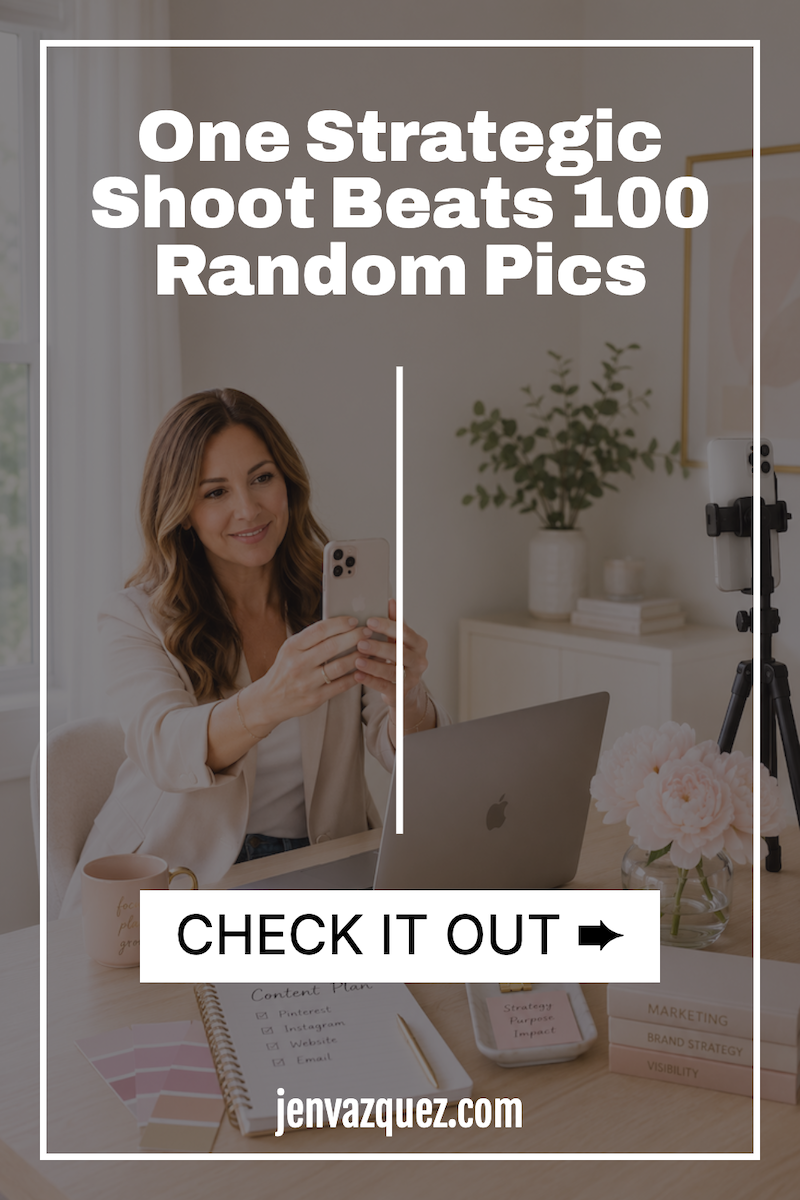
- One focused, strategic shoot beats 100 random photos every single time.
Episode Timestamps
- 0:00 Why your brand photos aren’t converting
- 1:10 The mindset shift that changes everything
- 2:30 Step 1: Set up for conversion, not aesthetics
- 4:15 Step 2: iPhone camera settings that work
- 7:00 Step 3: Plan for use before you shoot
- 9:20 How Jen’s brand photography sessions work
- 10:45 Your next step + big July announcement
>> Grab your free brand photo shot list + iPhone checklist inside the Visibility Vault <<
Resources Mentioned
- Free brand photo shot list + iPhone checklist: learn.jenvazquez.com/resources
- Brand photography session details: jenvazquez.com/discovery
- Visibility Vault (free Pinterest + marketing resources): learn.jenvazquez.com/resources
Listen + Subscribe
New episodes of the Marketing Strategy Academy Podcast drop every week. You can find us at jenvazquez.com/podcast or wherever you listen to podcasts. Hit subscribe so you never miss an episode.
Go introduce yourself on Pinterest, Instagram, or TikTok. I’ll be cheering you on from over here!
📌 DON’T FORGET TO PIN IT!