Pinterest Analytics for Service Providers: Which Metrics Actually Matter
Pinterest Analytics for Service Providers: Which Metrics Actually Matter
And Which Ones Are Lying to You
If you’ve been on Pinterest for a few months and you’re not sure if it’s actually working, you’re probably looking at the wrong numbers.
I get it. You open Pinterest analytics, see monthly views going up and down, and think “is this even doing anything?” That’s the most common thing I hear from service providers who are new to the platform.
The truth is, some Pinterest metrics will tell you exactly how your strategy is performing. Others will send you into a spiral for no reason. Let’s sort out which is which.
Before we dig in, make sure you grab my free Visibility Vault at learn.jenvazquez.com/resources. There are over 25 Pinterest + marketing tools inside, and specifically look for the Pinterest Analyzer. It’ll make everything I’m about to share way more actionable.
The Number Everyone Watches (And Misunderstands): Monthly Views
Everyone checks monthly views. And almost everyone misunderstands them.
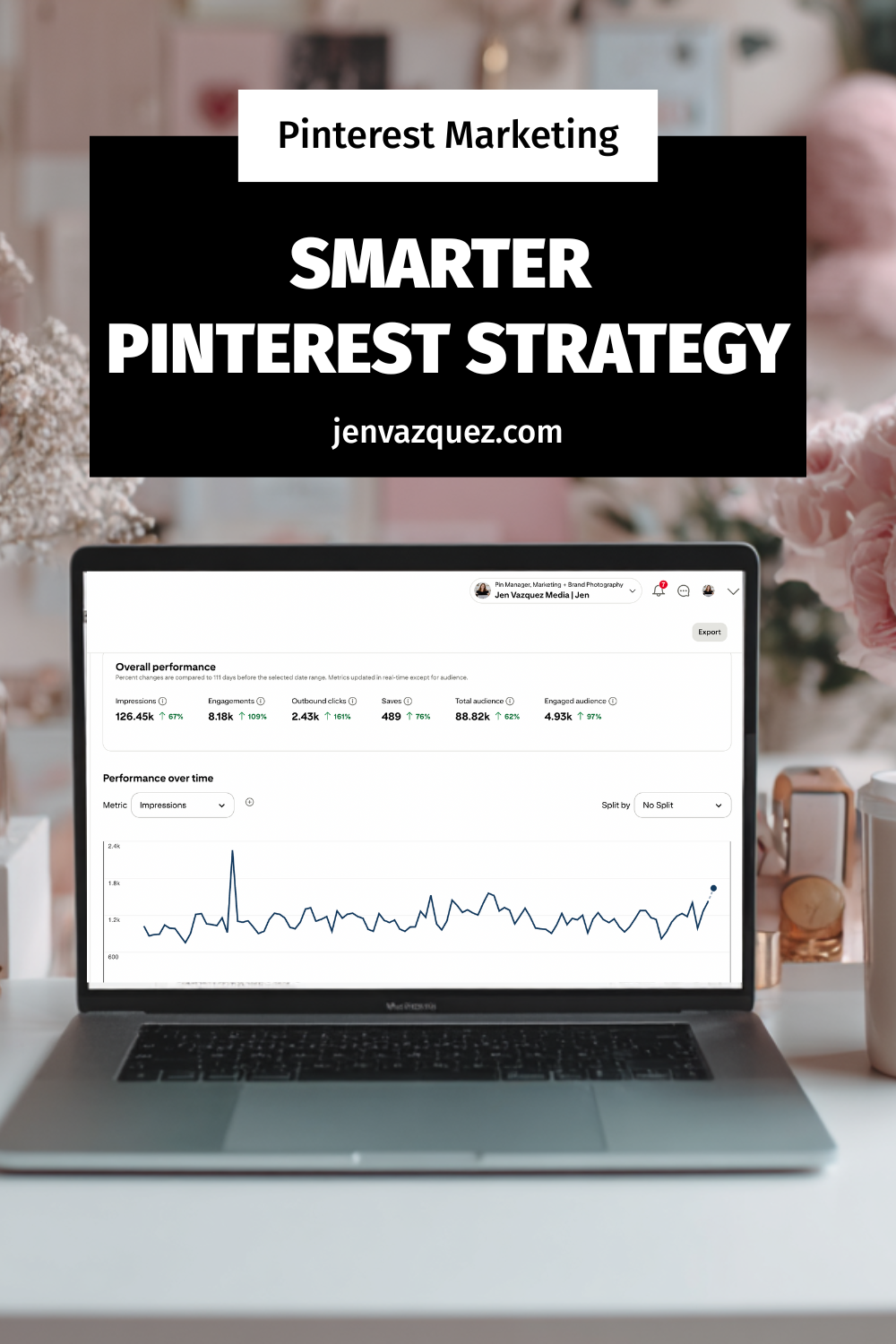
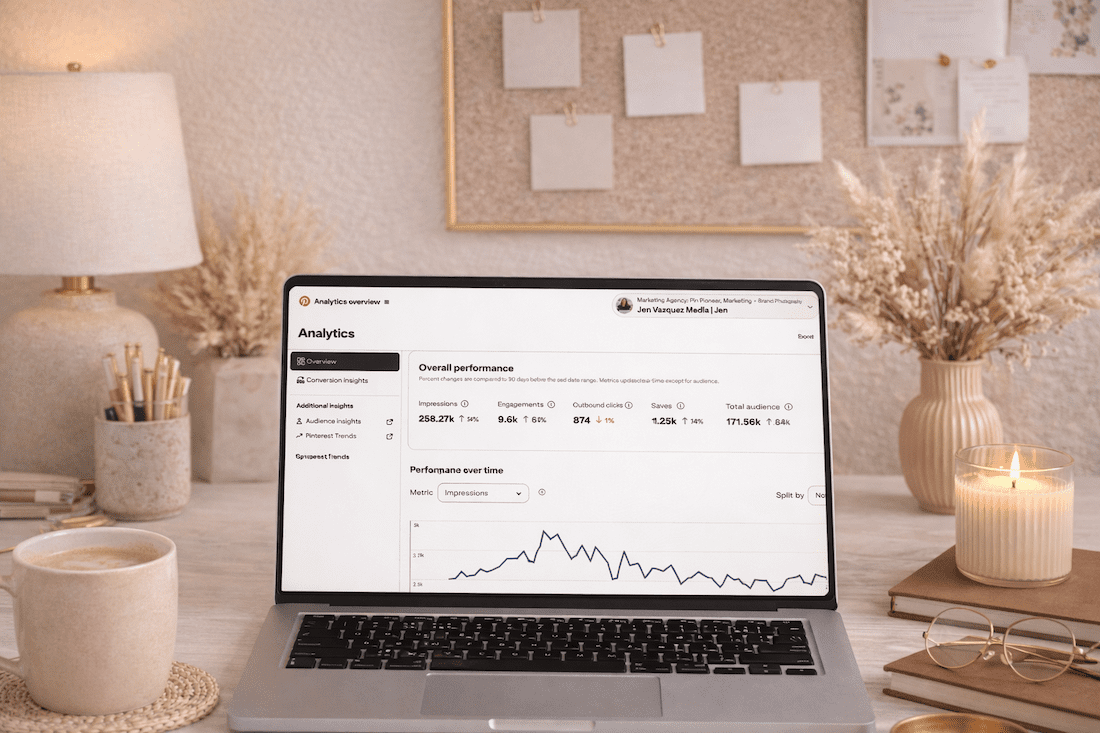
Monthly views are an impressions metric. It tells you how many times your pin appeared on Pinterest, whether that was in the home feed, in search results, or on someone else’s board. But here’s the thing: just because your pin was served up doesn’t mean anyone actually saw it. It could have appeared on the sixth page of someone’s home feed and never been scrolled to.
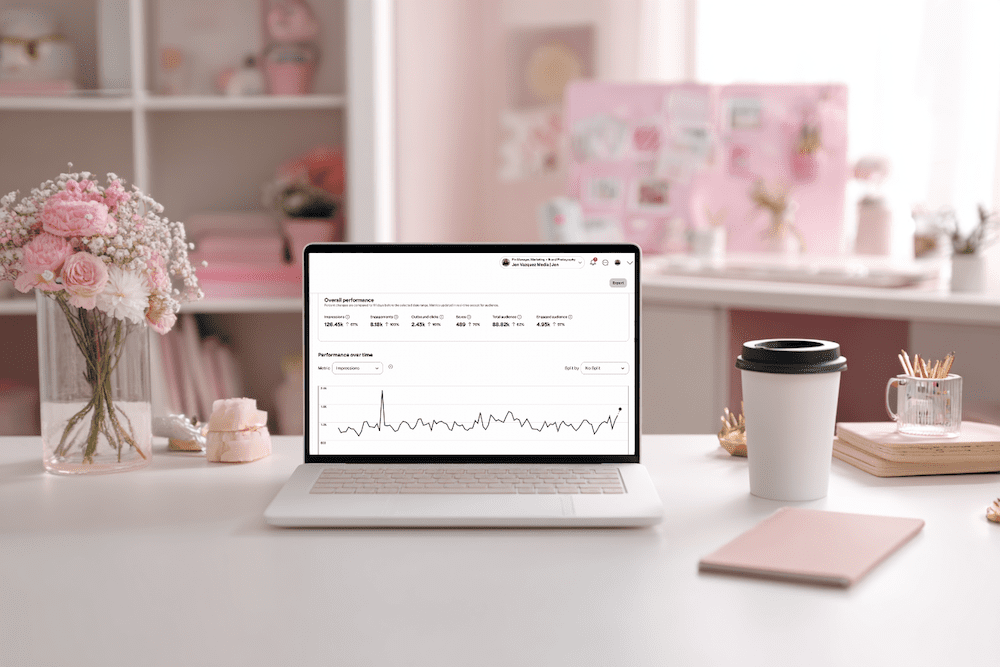
These numbers can spike when one pin gets reshared by someone with a larger following. They can drop when Pinterest is testing your new content in small batches. Fluctuations are completely normal and are not a sign that something is broken.
Here’s what I really want you to hear: impressions are not the number that tells you whether your strategy is actually working.
A service provider with 50,000 monthly views and 200 outbound clicks is actually doing worse than someone with 8,000 monthly views and 400 outbound clicks.
Views without clicks do not book you clients.
The Metrics That Actually Matter
Outbound Clicks (The Money Click)
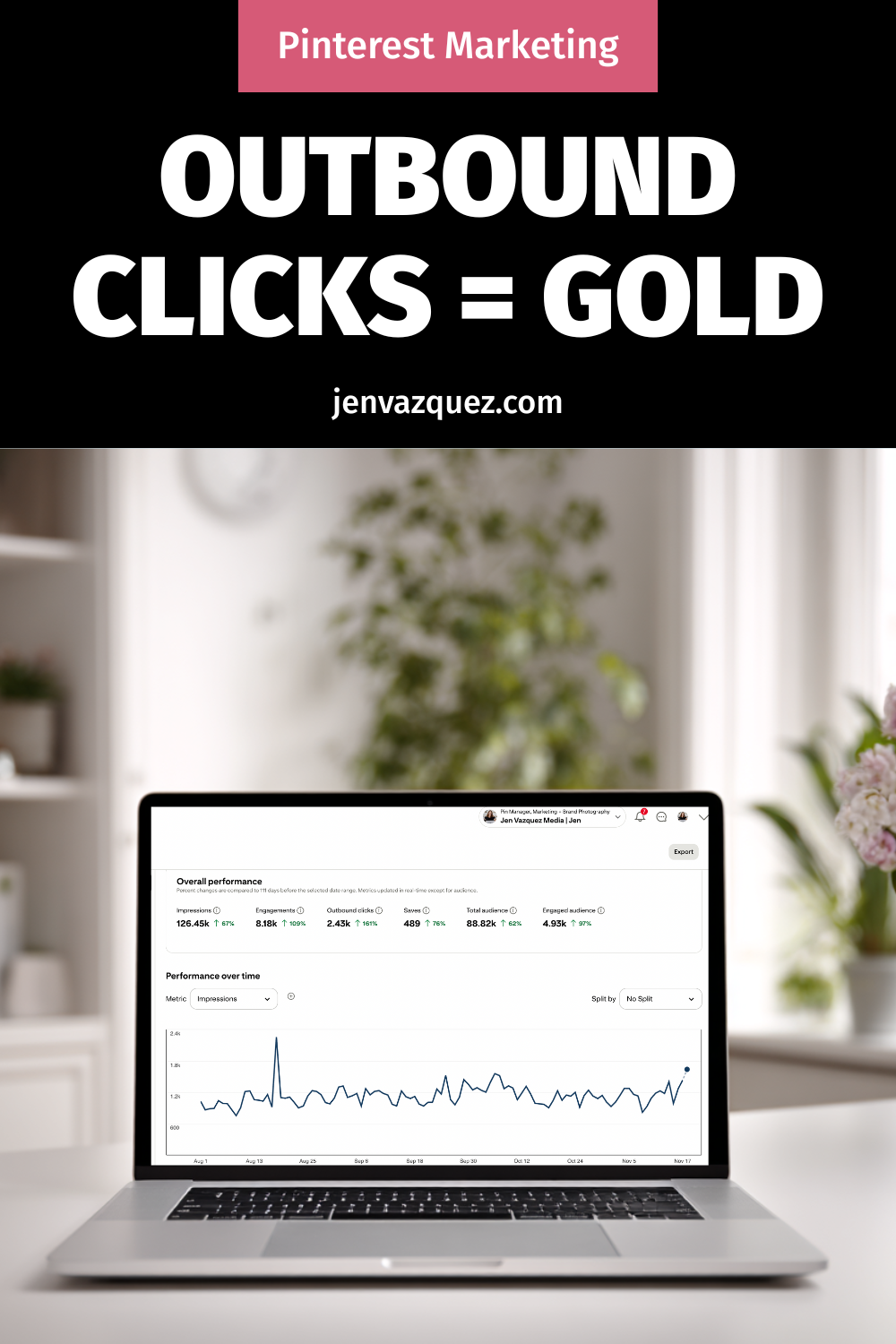
When someone sees your pin in the feed and clicks on it, that’s a pin click. But the outbound click is what happens next. That’s people leaving Pinterest and landing on your website.
This is the metric that most directly connects to leads, signups, and clients. It’s also the last metric to start growing. The order is typically: impressions first, then saves, then pin clicks, then outbound clicks. It can take some months. But even if outbound clicks are growing slowly, your strategy is working.
I like to call outbound clicks the “money click” because you’re that much closer to booking someone. It doesn’t mean they’ll instantly hire you, especially if you have a high-ticket service. But it means there’s enough interest. Your keywords did their job and got you found. Now it’s your chance to nurture that person, whether they grabbed a lead magnet, checked out your services page, or went to follow you on Instagram or TikTok to learn more about you.
Profile Visits
This tells you whether people are finding your pins interesting enough to want to see more of your content. Growing profile visits means growing brand recognition on the platform.
Saves
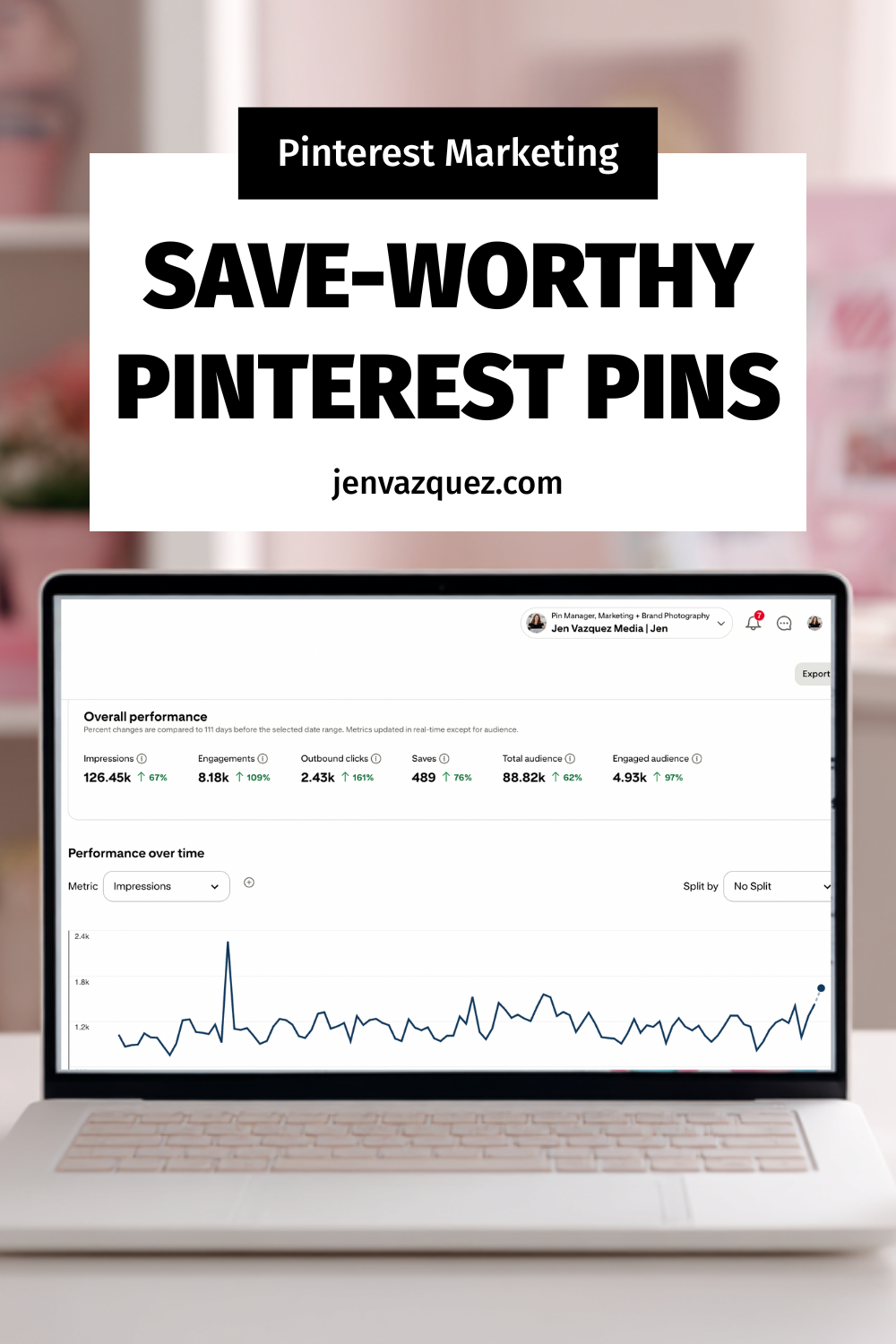
When someone saves your pin, Pinterest takes that as a very strong signal of relevance. Saves tell the algorithm to keep surfacing your content to similar audiences. A healthy save rate is a really good sign.
Now, saves don’t always mean someone is about to book you. In the wedding industry, for example, it could be a 16-year-old pinning your image to a future wedding board because they love the dress. But what saves do tell you is that Pinterest is indexing your pins properly and sending them out to people. That’s a great signal.
Outbound Click Rate
This is your link clicks divided by your impressions. Even if your monthly views are low, a healthy outbound click rate means the people who are seeing your content are interested enough to act on it.
Quality over quantity, every single time.
What Does a Realistic Growth Timeline Look Like?
This isn’t exact science, but here’s the average of what I see across my service-based business clients:
- Months 1 and 2: Quiet. Low impressions, low clicks. Pinterest is indexing your content and running small test batches. This is completely normal.
- Months 3 and 4: Impressions start rising. You might notice one or two pins getting more traction than the rest. Pay attention to those.
- Months 5 and 6: Link clicks start moving. Website traffic from Pinterest becomes visible in your analytics.
- Beyond month 6: The compounding effect kicks in. Old pins start to resurface. Traffic builds without you having to create more content. The library you built in months 1 through 6 is now working around the clock.
Most people quit in months two and three. That’s right before the momentum shifts. Stay consistent. I cannot say that enough.
>> WANT HELP UNDERSTANDING YOUR PINTEREST NUMBERS? JOIN THE CLUB <<
Inside The Club, we do live Q+A sessions every month where you can bring your analytics, share your screen, and get real-time feedback on what’s working and what to adjust. Plus monthly trainings to keep your strategy sharp. Join at learn.jenvazquez.com/club.
Using Google Analytics Alongside Pinterest
Pinterest analytics shows you what’s happening on the platform. Your website analytics show you what happens after the click. You need both.
In Google Analytics, look for Pinterest as a traffic source under referral or acquisition data. A heads up: you’ll see multiple Pinterest sources listed (pinterest.com, pinterest.ca, mobile Pinterest, desktop Pinterest). Scroll through all of them and add them up for a more accurate picture.
Also know this: Pinterest analytics and Google Analytics will never perfectly match. They measure things differently. Someone could click an outbound link and immediately close the window. Pinterest counts that as an outbound click, but they never actually loaded your page. Always default to Google Analytics for the most accurate view of who actually made it to your website.
Once you’re in Google Analytics, look at:
- Which pages Pinterest is sending people to
- How long they’re staying
- Whether they’re signing up, clicking to a service page, or booking a call
A click that leads to a five-second bounce is very different from a click that leads to a signup. Knowing which pages convert helps you create more content like the ones that are actually working.
Early Positive Signs to Watch For
Even in the first few months, before link clicks really start moving, there are signs that tell you the foundation is building:
- One pin consistently getting more impressions than the others. That’s Pinterest telling you it likes that content. Study what’s different about it and create more like it. It could be the image, the colors, or the keywords.
- Profile visits climbing slowly. People are discovering you and wanting to see more. That’s brand recognition growing.
- Saves increasing on a specific board. That topic is resonating. Lean into it.
Marketing is all about testing. If a pin takes off, make more pins for a different blog using the same keyword approach. Or go back to a blog from two months ago and create fresh pins for it. Test the same keywords, test different colors, test different images. The goal is to figure out what’s driving those impressions and do more of it.
Here’s a bonus tip: sometimes your pin will stand out because it’s visually different from the feed. If you search for anything wedding-related on Pinterest, the entire feed is pastel. When I was a wedding photographer, I’d make pins with a black background and white text, or use my bright pink brand color, specifically to stand out in that sea of pastels.
When Should You Actually Adjust Your Strategy?
The biggest mistake I see is people pivoting too early. They’ll be three months in, assume something’s wrong, and change their strategy. That throws you right back into Pinterest’s testing phase, and you lose all the momentum you were building.
Pick a strategy. Move forward. Don’t change it for at least three to four months.
If after six solid months of consistent pinning you’re still seeing zero outbound clicks and no website traffic from Pinterest, that’s when something may need to change. But it’s usually one of these four things:
Keyword Gaps
Your content exists but isn’t optimized for what your ideal client is actually searching for. Go back to keyword research and update your pin titles and descriptions.
Content Mismatch
What you’re creating isn’t what your ideal client is looking for on Pinterest. Look at which pins are getting saved and lean into those topics.
Destination Problems
Your pins are getting clicks, but people are bouncing fast. The page they land on doesn’t deliver on what the pin promised, or there’s no clear next step. Think about what someone sees above the fold on your landing page. If that doesn’t pull them in, there’s nothing Pinterest can do about it. Fix the landing page.
Inconsistency
Posting 20 pins in one week and then disappearing for three weeks breaks the compounding pattern and sends signals to Pinterest that you’re not trustworthy. Steady and consistent always beats bursts followed by gaps.
Don’t Have Time to Manage All of This Yourself?
If you’ve been watching this series and thinking “this sounds great but I genuinely do not have time to manage all of this,” that is literally what my agency does.
We manage Pinterest for service providers who want the results without doing it all themselves. We handle the strategy, the pinning, the scheduling, all of it.
>> BOOK A DISCOVERY CALL <<
What’s Coming Next
One thing that dramatically improves Pinterest performance is having brand images that actually stop the scroll. Not just on Pinterest, but everywhere. The visual matters a lot, especially on a search engine that’s built around images.
Next week I’m talking about how brand photography fits into your entire marketing system, including how to plan your next photo session so you always have Pinterest-ready content to work with.
Go introduce yourself on Pinterest, Instagram, or TikTok. I’ll be cheering you on from over here! 📣