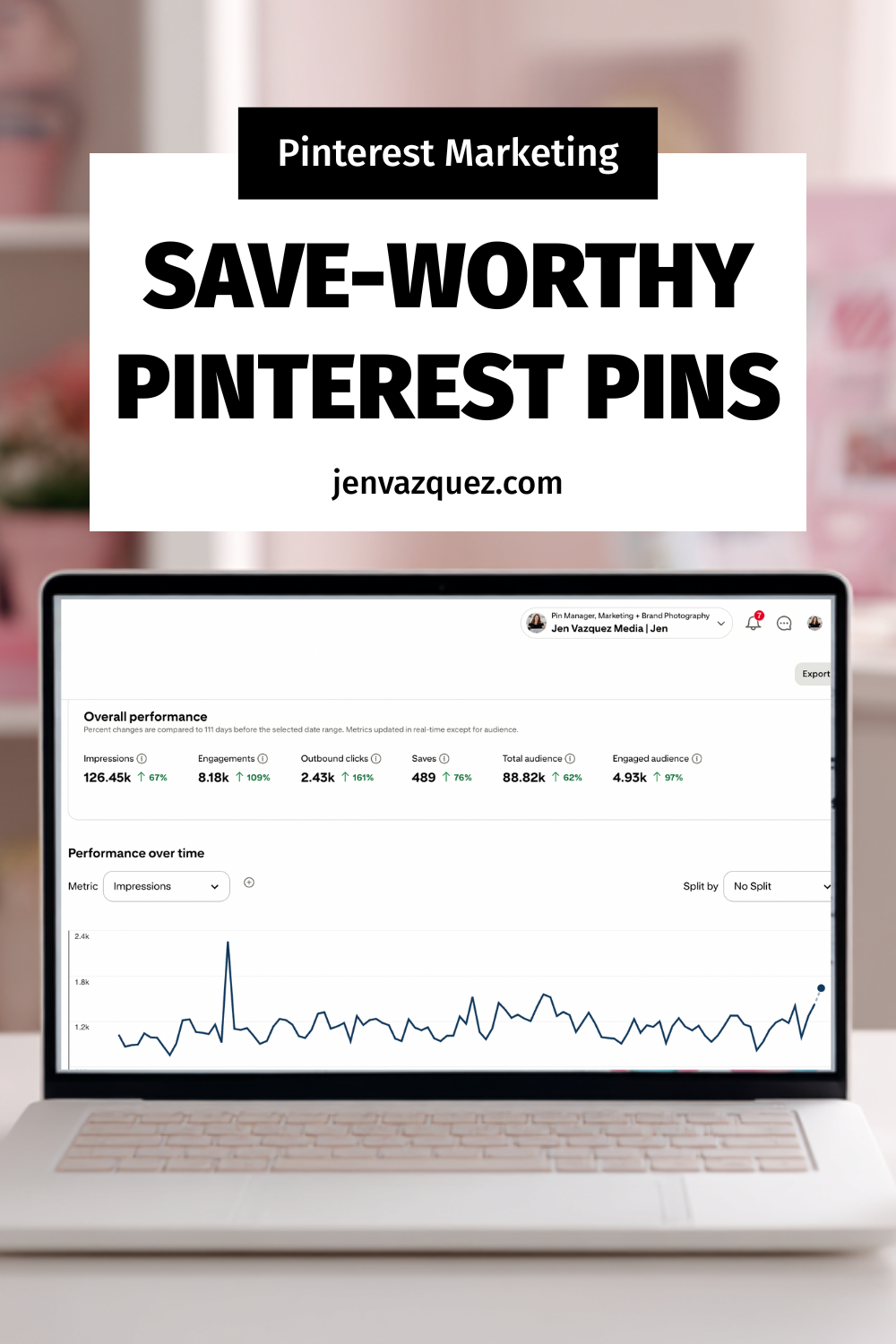
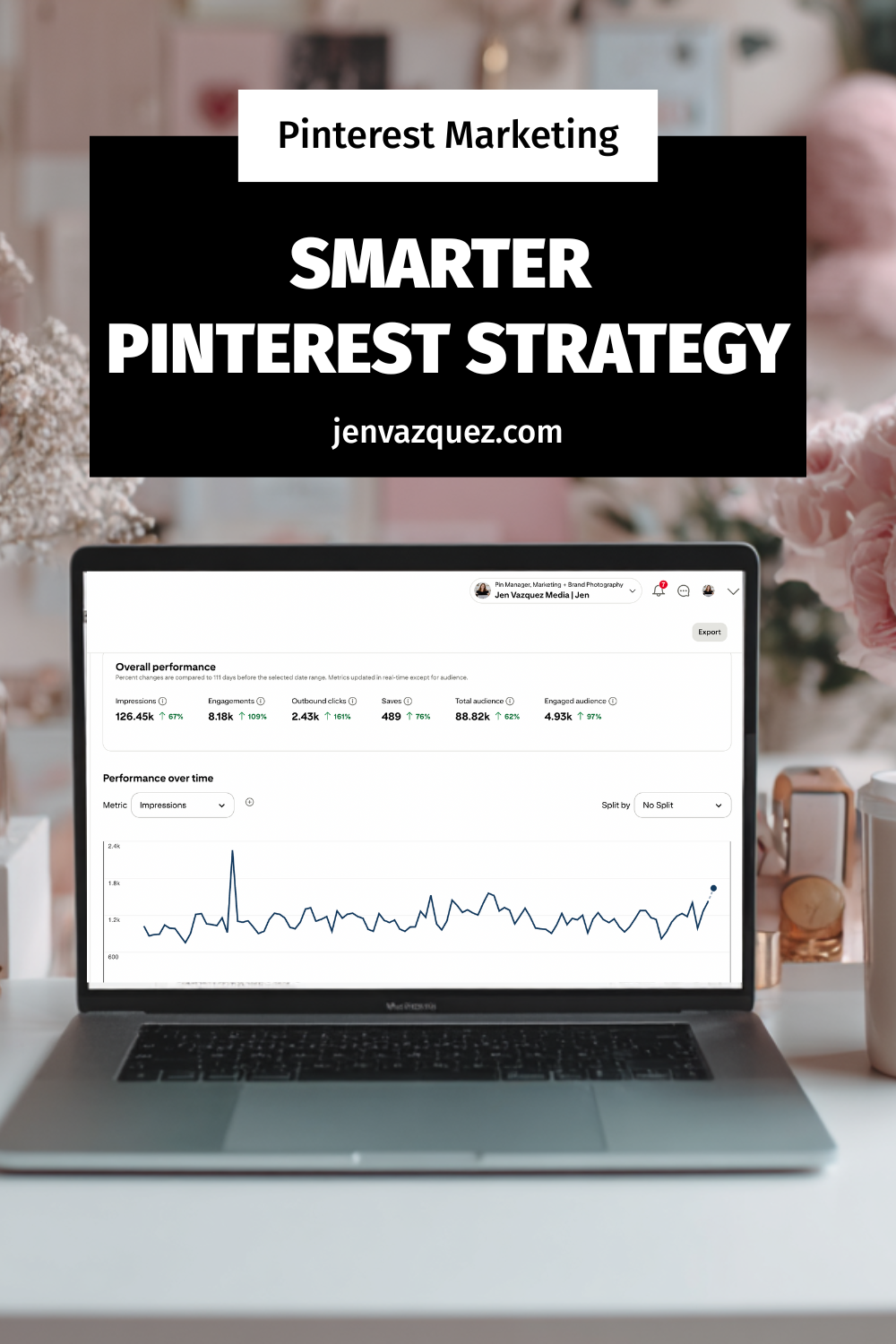
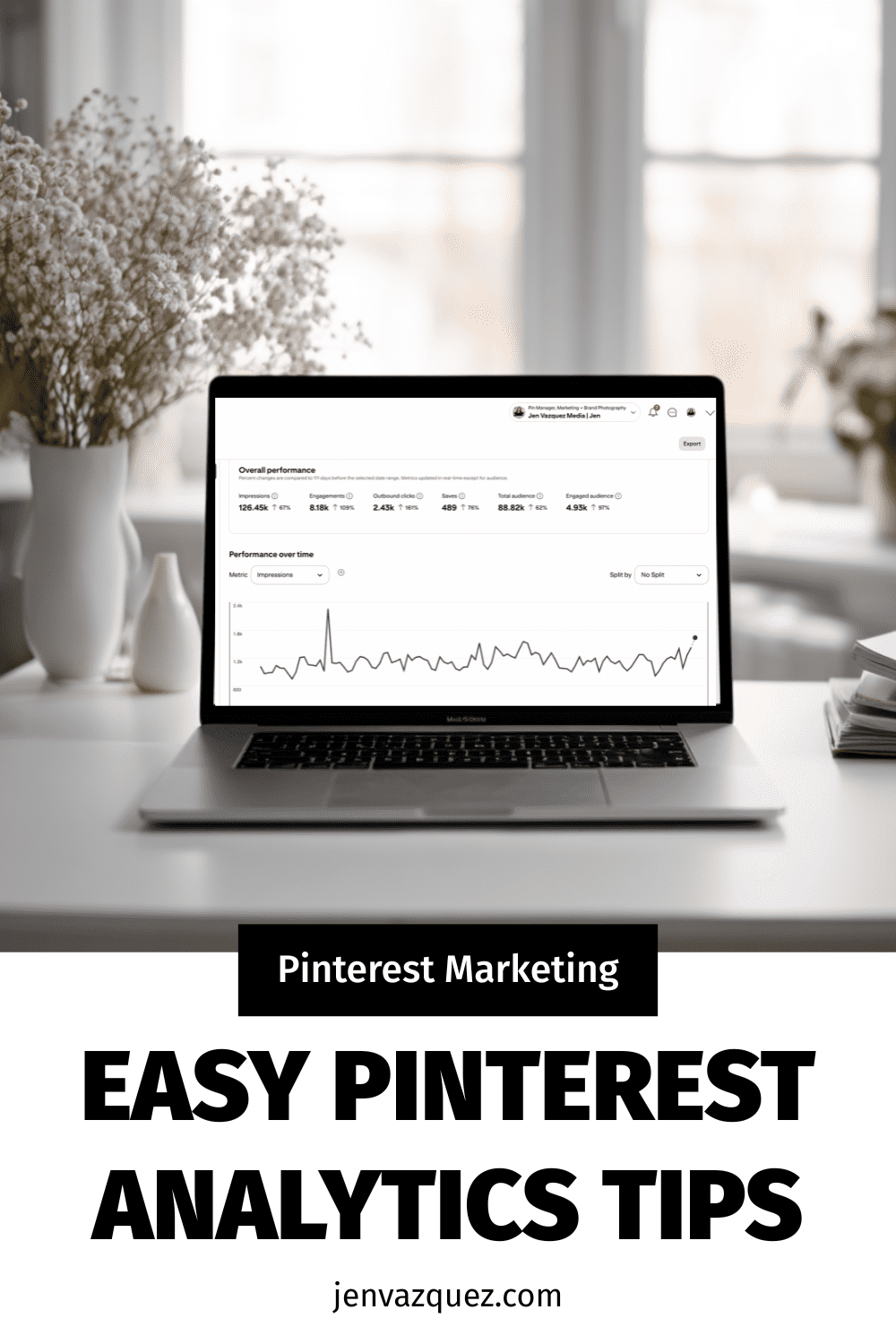
Pinterest Analytics Made Simple: The 3 Metrics That Actually Drive Traffic + Leads

feminine office white desk and pale pink accents (Pinterest Analytics Made Simple: The 3 Metrics That Actually Drive Traffic + Leads)

Pinterest Analytics Made Simple: The 3 Metrics That Actually Drive Traffic + Leads
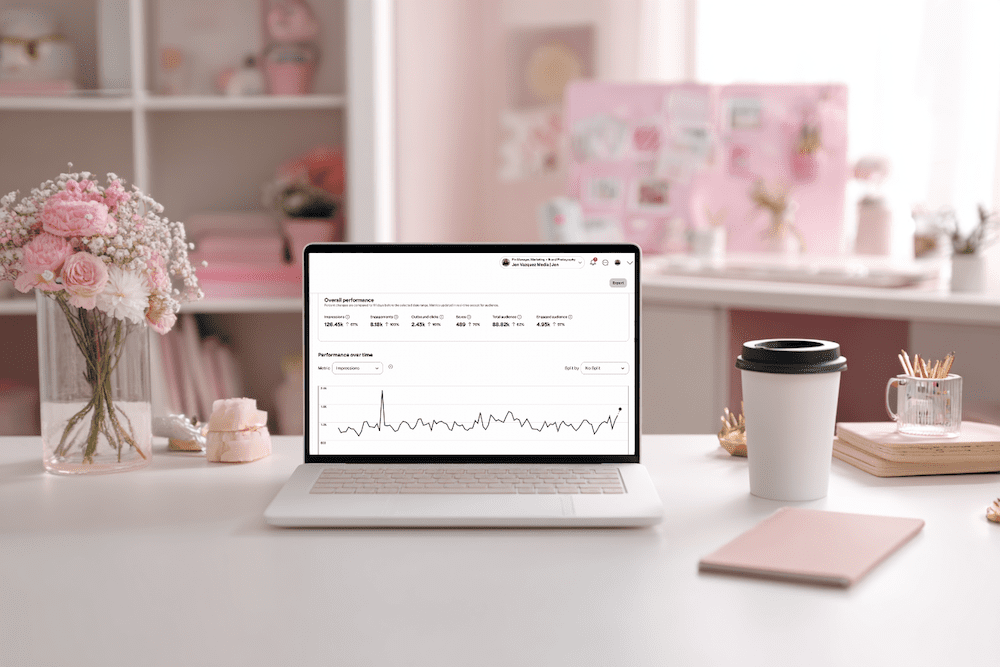
Hey friend — let’s be real for a second. When you open Pinterest Analytics and see a wall of numbers, it’s easy to feel like you’re staring at a math test you did not study for. No worries. You’re not alone, and this doesn’t have to be hard.

Once you know what to look for, Pinterest analytics becomes one of the most powerful tools in your marketing. And the best part? You only need 10 minutes a month.

I’m Jen Vazquez, Pinterest Pioneer and marketing strategist. Today, I’m breaking down the three metrics that actually matter so you can make smarter content decisions for 2026, without drowning in data.

Let’s get this party started.

Why Pinterest Analytics Matter for Your Business

Pinterest rewards what works.
When your pins get engagement, Pinterest pushes them further. When something falls flat, Pinterest quietly lets it fade.

Your analytics show you exactly what your audience wants, which designs they click, and what topics they’re already saving. Once you understand that, creating content becomes easier, faster, and way more strategic.

Think of your analytics as a map. If you follow it, you get traffic and leads on autopilot.

The Only 3 Pinterest Metrics You Should Track

You don’t need spreadsheets or complicated reports. Just these three numbers:

1. Outbound Clicks

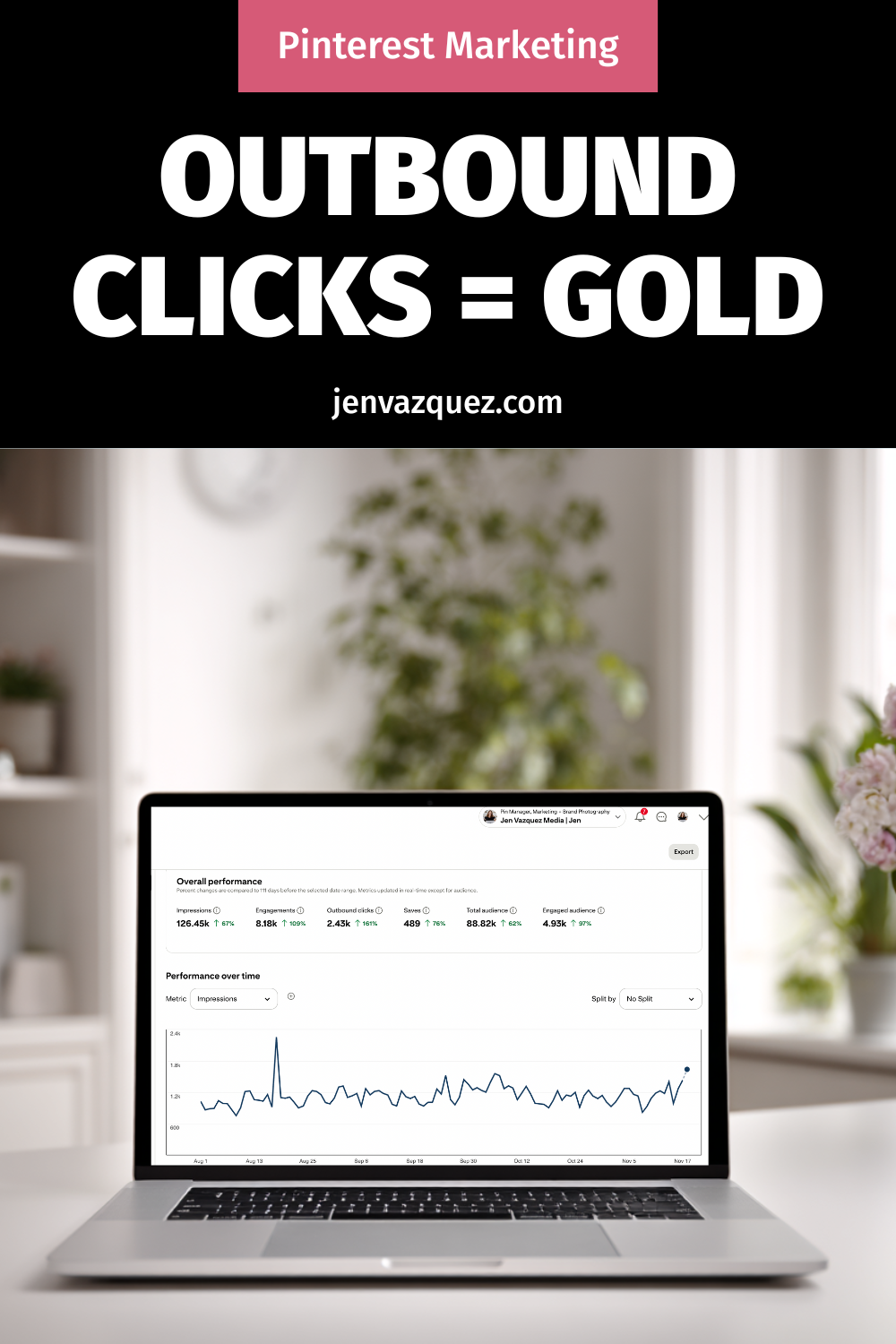
These are the clicks that send people to your website, landing page, podcast, or YouTube video. This is your main goal with Pinterest — getting people off the platform and into your world.

2. Saves

Pinterest loves saves.  

A save means someone saw your pin and said, “Yep, I’m keeping this.” High saves are pure gold because they predict long-term reach.

3. Top Pins by Impressions + Engagement

These tell you which topics and designs Pinterest is boosting. 

Think of these as your “more please” pins. They show you what to create next.  Ignore everything else. These three will move the needle.

Want Help Turning Your Data Into a Real Strategy?

If you want custom guidance, I’ve got two great options:

👉 Pinterest VIP Day: In one day, we’ll walk through your analytics, build your 2026 plan, and create a custom workflow you can stick to.

👉 Pinterest Management:  If you want Pinterest totally handled, we’ve got two open spots.
We handle pin creation, scheduling, analytics, and strategy so you can focus on your clients.

Either option makes your life easier — promise.

How to Read Your Pinterest Analytics in 10 Minutes

Here’s your quick, calm, 10-minute routine:

Step 1: Open Pinterest Analytics → Content → Overview

Filter to Last 30 Days

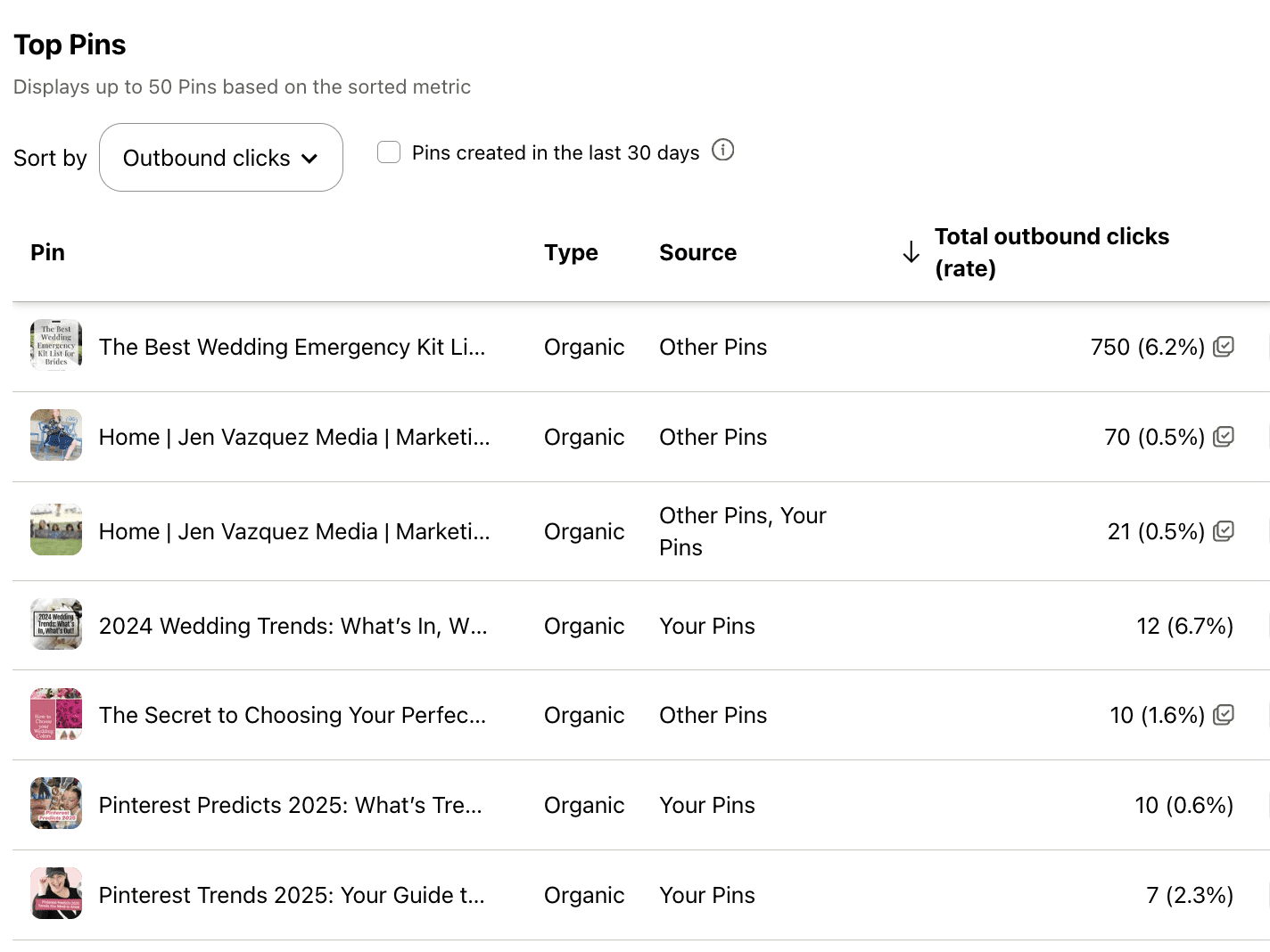
Write down your pins with the highest outbound clicks. Note the topic, design, and format.

Step 2: Check Your Board Analytics

If certain boards consistently perform well, allocate more time TO THEM!

If other boards haven’t been touched in six months or a year? Time to merge and clean things up.

Step 3: Review Audience Insights

Look at growing keywords and interests.

These are your “create next” topics. That’s it. You’re done.

Your Monthly Pinterest Review Routine

To make this a habit, set a recurring task — I love the 1st or 2nd of the month.

Each month, do this:

  • Download your analytics
  • Note your top three pins
  • Look for the common themes
  • Create two new pins based on those themes

This simple workflow helps you create content your audience already wants.

Want help keeping things organized? Grab my Pinterest Analyzer for FREE

Thanks for hanging out with me today. You crushed it just by showing up for your biz.  

📌 DON’T FORGET TO PIN IT!
Pinterest Analytics Made Simple: The 3 Metrics That Actually Drive Traffic + Leads
Pinterest Analytics Made Simple: The 3 Metrics That Actually Drive Traffic + Leads by Jen Vazquez Media
Pinterest Analytics Made Simple: The 3 Metrics That Actually Drive Traffic + Leads
Pinterest Analytics Made Simple: The 3 Metrics That Actually Drive Traffic + Leads by Jen Vazquez Media

The 3 Pinterest Metrics That Actually Matter for Service Providers

Screenshot of Pinterest Analytics to talk about The 3 Pinterest Metrics That Actually Matter for Service Providers

Well, hey there. Be honest—have you ever opened your Pinterest analytics and thought, “What the heck do all these numbers even mean?” You’re not alone. In fact, I hear this from so many clients and students inside my programs.

So today, let’s break it down. I’m going to show you exactly which Pinterest metrics matter most—especially if you’re a service provider trying to get more leads from your content. We’ll skip the fluff and focus on what actually moves the needle in your business.

Why Pinterest Analytics Matter

You’re probably already showing up on Pinterest, creating fresh pins, maybe sharing your blog posts or free resources—but how do you know it’s working?

That’s where analytics come in.

Tracking just a few key metrics can help you figure out what content is connecting and where to spend your energy. It doesn’t have to be complicated. You only need to focus on three simple data points each month—and that’s what we’re diving into today.

Metric #1: Outbound Clicks

Outbound clicks are what I like to call the “money clicks.” These are people who found your pin, clicked it, and landed on your website. That is a big deal.

It’s the number one metric I track for my Pinterest management clients because clicks show your content is doing its job. It’s not just being seen—it’s driving action.

Now, if you’re getting a lot of clicks but not a lot of conversions, it might be time to take a closer look at your website. Make sure it’s easy to navigate, clearly speaks to your ideal client, and helps them take that next step with you.

Because here’s the truth: no matter how pretty your pins are, if they’re not sending people to your site, they’re not working.

Metric #2: Saves

Saves often get overlooked, but they matter more than you think. When someone saves your pin, it tells Pinterest that your content is valuable—and Pinterest will show it to more people.

A click means, “I want this now.”
A save means, “I need this later.”

Both are important, but saves help expand your reach and visibility. Even if someone doesn’t take action right away, you’re still staying top of mind—and that’s how you build trust over time.

I'm on #TeamWater -- Wanna Join?

Why are we doing this? Around the world, 1 in 10 people do not have access to clean water. Imagine not having access to clean water — it’s something so many of us take for granted.

Together, with our charity partner WaterAid and a huge team of creators, we’re on a mission to change that.

How? Over 3,000 creators signed up to join #TeamWater, doing what they do best to help us bring clean water to 2M people for decades.

Metric #3: Impressions (with Context)

Impressions show how many people saw your pin. But don’t obsess over this number.

Think of impressions as a pulse check. If they’re growing steadily month over month, that’s a good sign your keyword strategy is working. But remember, impressions don’t mean much unless they lead to clicks or saves.

So yes, keep an eye on them—but don’t treat them like your most important metric.

My Monthly Pinterest Analytics Workflow

Here’s exactly what I do—and what I teach my Pinterest Strategy Club members to do each month:

  1. Check Pinterest analytics monthly—not weekly or randomly.
  2. Find your top 3 pins based on outbound clicks.
  3. Create 1 to 2 fresh pins for each using different titles, images, or keywords.
  4. Check your top 5 blog posts in Google Analytics.
  5. Create 1 to 2 new pins for each of those as well.

That’s it. You’re leaning into what’s already working and building momentum with half the effort.

Want Help?

If checking analytics feels like just one more thing to manage, you’re not alone. That’s why I offer Pinterest Management Services—so you can get results without adding more to your plate.

Prefer to DIY but want guidance? My Pinterest Strategy Club is for you. We walk you through everything, including how to read your analytics, spot trends, and update your strategy over time.

All the links are in the description below.

Final Thought

If this helped take the mystery out of Pinterest metrics, leave a comment and tell me:  Which metric will you focus on this month?

Because seeing what’s clicking (literally) might be the key to getting more leads from your content—without burning out.

DON’T FORGET TO PIN IT!

The 3 Pinterest Metrics That Actually Matter for Service Providers