Pinterest Analytics for Service Providers: Which Metrics Actually Matter

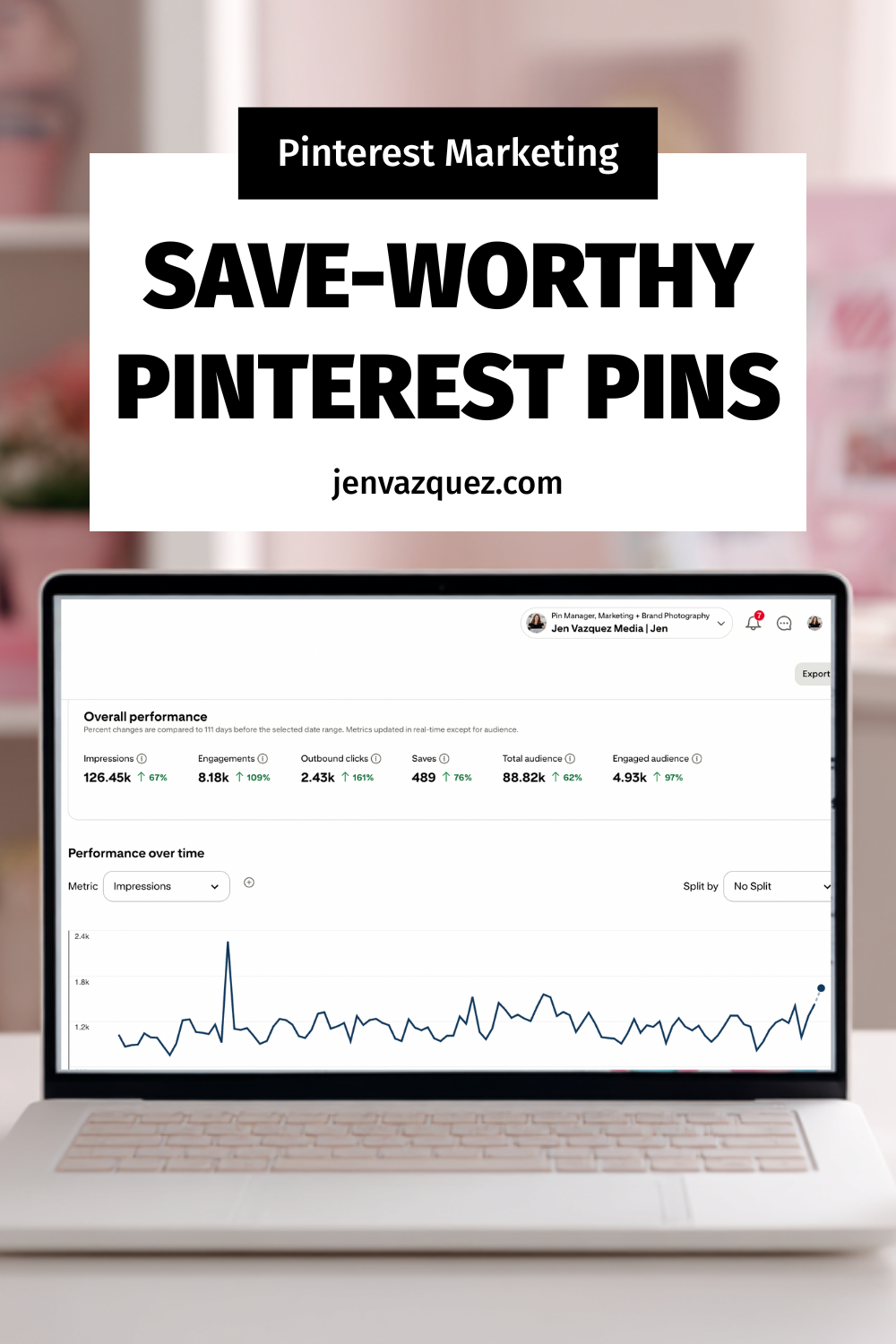
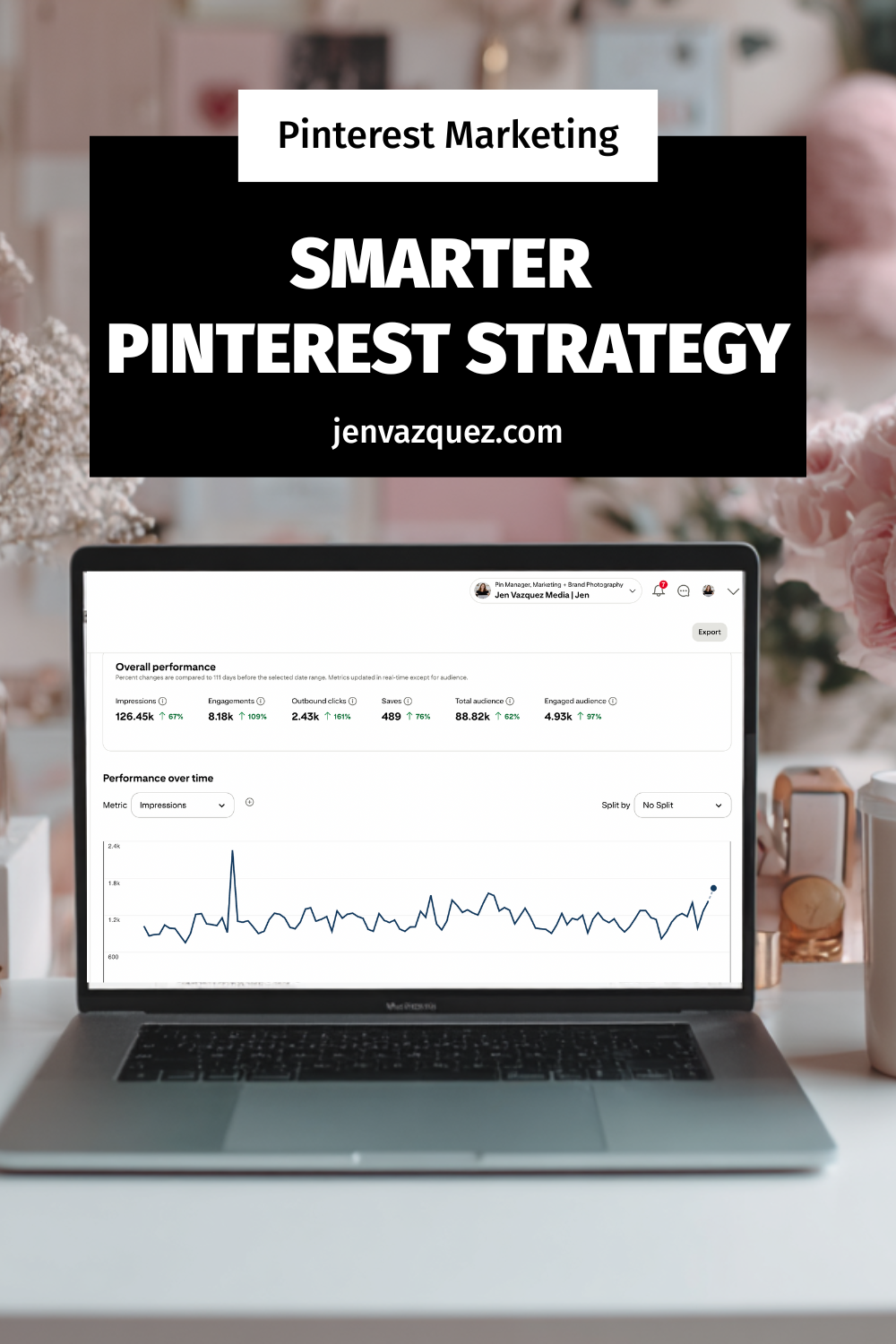
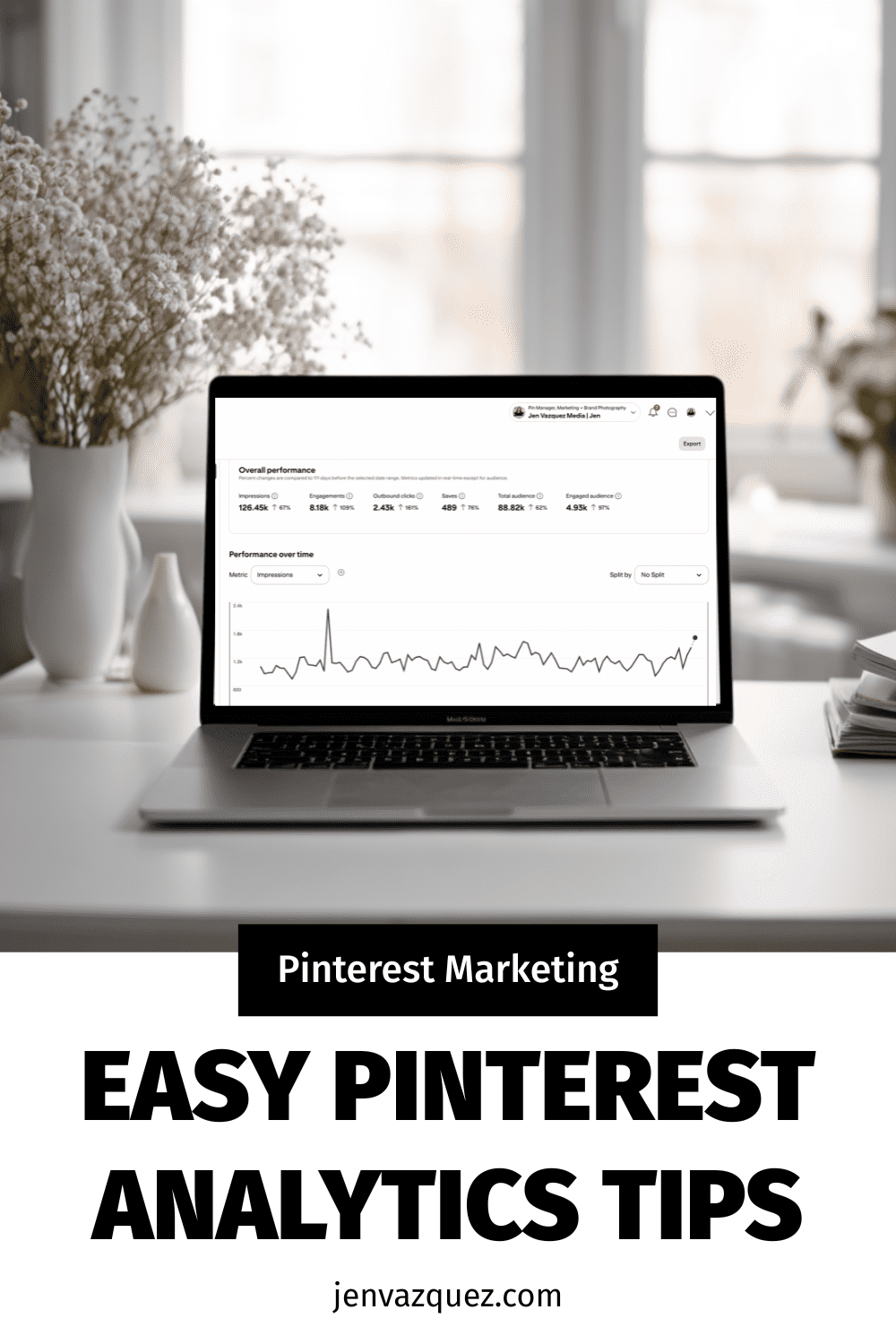
beige feminine office with Pinterest Analytics on the laptop

Pinterest Analytics for Service Providers: Which Metrics Actually Matter
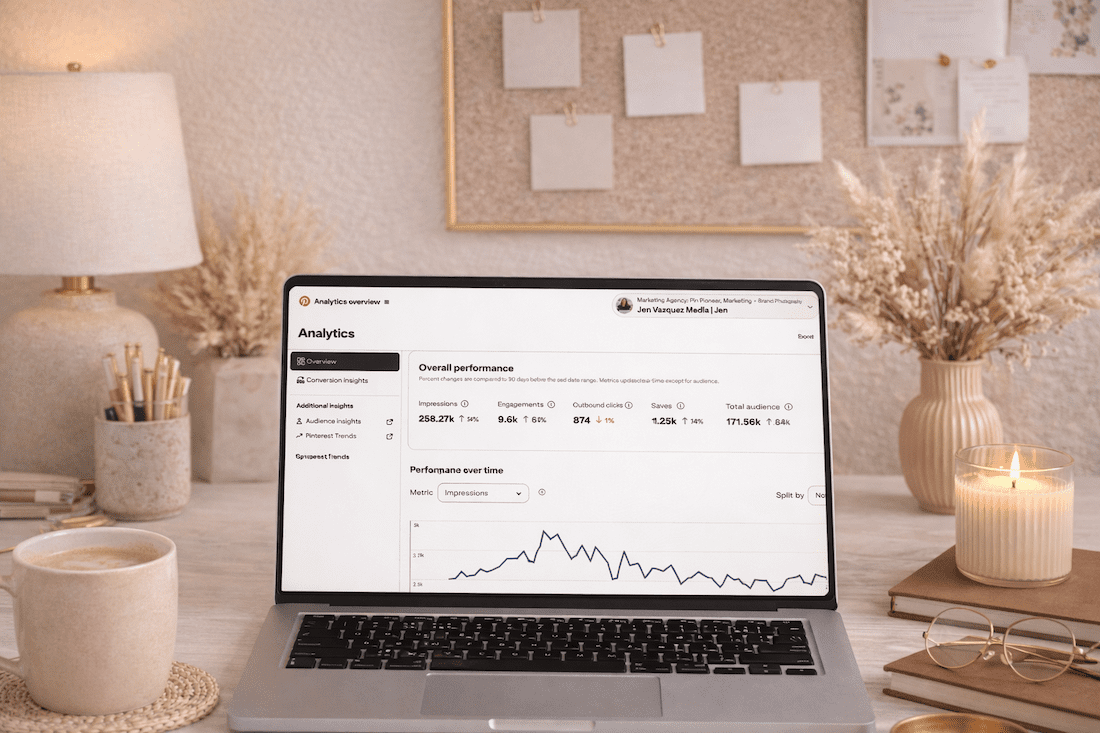
And Which Ones Are Lying to You

If you’ve been on Pinterest for a few months and you’re not sure if it’s actually working, you’re probably looking at the wrong numbers.

I get it. You open Pinterest analytics, see monthly views going up and down, and think “is this even doing anything?” That’s the most common thing I hear from service providers who are new to the platform.

The truth is, some Pinterest metrics will tell you exactly how your strategy is performing. Others will send you into a spiral for no reason. Let’s sort out which is which.

Before we dig in, make sure you grab my free Visibility Vault at learn.jenvazquez.com/resources. There are over 25 Pinterest + marketing tools inside, and specifically look for the Pinterest Analyzer. It’ll make everything I’m about to share way more actionable.

The Number Everyone Watches (And Misunderstands): Monthly Views

Everyone checks monthly views. And almost everyone misunderstands them.

Monthly views are an impressions metric. It tells you how many times your pin appeared on Pinterest, whether that was in the home feed, in search results, or on someone else’s board. But here’s the thing: just because your pin was served up doesn’t mean anyone actually saw it. It could have appeared on the sixth page of someone’s home feed and never been scrolled to.

These numbers can spike when one pin gets reshared by someone with a larger following. They can drop when Pinterest is testing your new content in small batches. Fluctuations are completely normal and are not a sign that something is broken.

Here’s what I really want you to hear: impressions are not the number that tells you whether your strategy is actually working.

A service provider with 50,000 monthly views and 200 outbound clicks is actually doing worse than someone with 8,000 monthly views and 400 outbound clicks.

Views without clicks do not book you clients.

The Metrics That Actually Matter

Outbound Clicks (The Money Click)

When someone sees your pin in the feed and clicks on it, that’s a pin click. But the outbound click is what happens next. That’s people leaving Pinterest and landing on your website.

This is the metric that most directly connects to leads, signups, and clients. It’s also the last metric to start growing. The order is typically: impressions first, then saves, then pin clicks, then outbound clicks. It can take some months. But even if outbound clicks are growing slowly, your strategy is working.

I like to call outbound clicks the “money click” because you’re that much closer to booking someone. It doesn’t mean they’ll instantly hire you, especially if you have a high-ticket service. But it means there’s enough interest. Your keywords did their job and got you found. Now it’s your chance to nurture that person, whether they grabbed a lead magnet, checked out your services page, or went to follow you on Instagram or TikTok to learn more about you.

Profile Visits

This tells you whether people are finding your pins interesting enough to want to see more of your content. Growing profile visits means growing brand recognition on the platform.

Saves

When someone saves your pin, Pinterest takes that as a very strong signal of relevance. Saves tell the algorithm to keep surfacing your content to similar audiences. A healthy save rate is a really good sign.

Now, saves don’t always mean someone is about to book you. In the wedding industry, for example, it could be a 16-year-old pinning your image to a future wedding board because they love the dress. But what saves do tell you is that Pinterest is indexing your pins properly and sending them out to people. That’s a great signal.

Outbound Click Rate

This is your link clicks divided by your impressions. Even if your monthly views are low, a healthy outbound click rate means the people who are seeing your content are interested enough to act on it.

Quality over quantity, every single time.

What Does a Realistic Growth Timeline Look Like?

This isn’t exact science, but here’s the average of what I see across my service-based business clients:

  • Months 1 and 2: Quiet. Low impressions, low clicks. Pinterest is indexing your content and running small test batches. This is completely normal.
  • Months 3 and 4: Impressions start rising. You might notice one or two pins getting more traction than the rest. Pay attention to those.
  • Months 5 and 6: Link clicks start moving. Website traffic from Pinterest becomes visible in your analytics.
  • Beyond month 6: The compounding effect kicks in. Old pins start to resurface. Traffic builds without you having to create more content. The library you built in months 1 through 6 is now working around the clock.

Most people quit in months two and three. That’s right before the momentum shifts. Stay consistent. I cannot say that enough.

>> WANT HELP UNDERSTANDING YOUR PINTEREST NUMBERS? JOIN THE CLUB <<

Inside The Club, we do live Q+A sessions every month where you can bring your analytics, share your screen, and get real-time feedback on what’s working and what to adjust. Plus monthly trainings to keep your strategy sharp. Join at learn.jenvazquez.com/club.

Using Google Analytics Alongside Pinterest

Pinterest analytics shows you what’s happening on the platform. Your website analytics show you what happens after the click. You need both.

In Google Analytics, look for Pinterest as a traffic source under referral or acquisition data. A heads up: you’ll see multiple Pinterest sources listed (pinterest.com, pinterest.ca, mobile Pinterest, desktop Pinterest). Scroll through all of them and add them up for a more accurate picture.

Also know this: Pinterest analytics and Google Analytics will never perfectly match. They measure things differently. Someone could click an outbound link and immediately close the window. Pinterest counts that as an outbound click, but they never actually loaded your page. Always default to Google Analytics for the most accurate view of who actually made it to your website.

Once you’re in Google Analytics, look at:

  • Which pages Pinterest is sending people to
  • How long they’re staying
  • Whether they’re signing up, clicking to a service page, or booking a call

A click that leads to a five-second bounce is very different from a click that leads to a signup. Knowing which pages convert helps you create more content like the ones that are actually working.

Early Positive Signs to Watch For

Even in the first few months, before link clicks really start moving, there are signs that tell you the foundation is building:

  • One pin consistently getting more impressions than the others. That’s Pinterest telling you it likes that content. Study what’s different about it and create more like it. It could be the image, the colors, or the keywords.
  • Profile visits climbing slowly. People are discovering you and wanting to see more. That’s brand recognition growing.
  • Saves increasing on a specific board. That topic is resonating. Lean into it.

Marketing is all about testing. If a pin takes off, make more pins for a different blog using the same keyword approach. Or go back to a blog from two months ago and create fresh pins for it. Test the same keywords, test different colors, test different images. The goal is to figure out what’s driving those impressions and do more of it.

Here’s a bonus tip: sometimes your pin will stand out because it’s visually different from the feed. If you search for anything wedding-related on Pinterest, the entire feed is pastel. When I was a wedding photographer, I’d make pins with a black background and white text, or use my bright pink brand color, specifically to stand out in that sea of pastels.

When Should You Actually Adjust Your Strategy?

The biggest mistake I see is people pivoting too early. They’ll be three months in, assume something’s wrong, and change their strategy. That throws you right back into Pinterest’s testing phase, and you lose all the momentum you were building.

Pick a strategy. Move forward. Don’t change it for at least three to four months.

If after six solid months of consistent pinning you’re still seeing zero outbound clicks and no website traffic from Pinterest, that’s when something may need to change. But it’s usually one of these four things:

Keyword Gaps

Your content exists but isn’t optimized for what your ideal client is actually searching for. Go back to keyword research and update your pin titles and descriptions.

Content Mismatch

What you’re creating isn’t what your ideal client is looking for on Pinterest. Look at which pins are getting saved and lean into those topics.

Destination Problems

Your pins are getting clicks, but people are bouncing fast. The page they land on doesn’t deliver on what the pin promised, or there’s no clear next step. Think about what someone sees above the fold on your landing page. If that doesn’t pull them in, there’s nothing Pinterest can do about it. Fix the landing page.

Inconsistency

Posting 20 pins in one week and then disappearing for three weeks breaks the compounding pattern and sends signals to Pinterest that you’re not trustworthy. Steady and consistent always beats bursts followed by gaps.

Don’t Have Time to Manage All of This Yourself?

If you’ve been watching this series and thinking “this sounds great but I genuinely do not have time to manage all of this,” that is literally what my agency does.

We manage Pinterest for service providers who want the results without doing it all themselves. We handle the strategy, the pinning, the scheduling, all of it.

>> BOOK A DISCOVERY CALL <<

What’s Coming Next

One thing that dramatically improves Pinterest performance is having brand images that actually stop the scroll. Not just on Pinterest, but everywhere. The visual matters a lot, especially on a search engine that’s built around images.

Next week I’m talking about how brand photography fits into your entire marketing system, including how to plan your next photo session so you always have Pinterest-ready content to work with.

Go introduce yourself on Pinterest, Instagram, or TikTok. I’ll be cheering you on from over here! 📣
Pinterest Analytics Made Simple: The 3 Metrics That Actually Drive Traffic + Leads

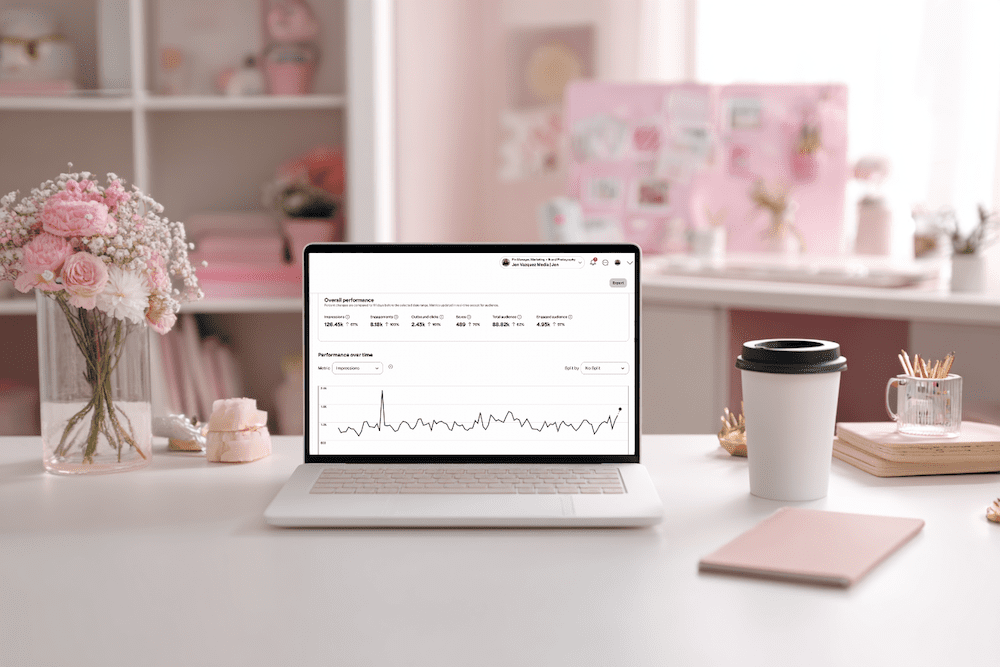
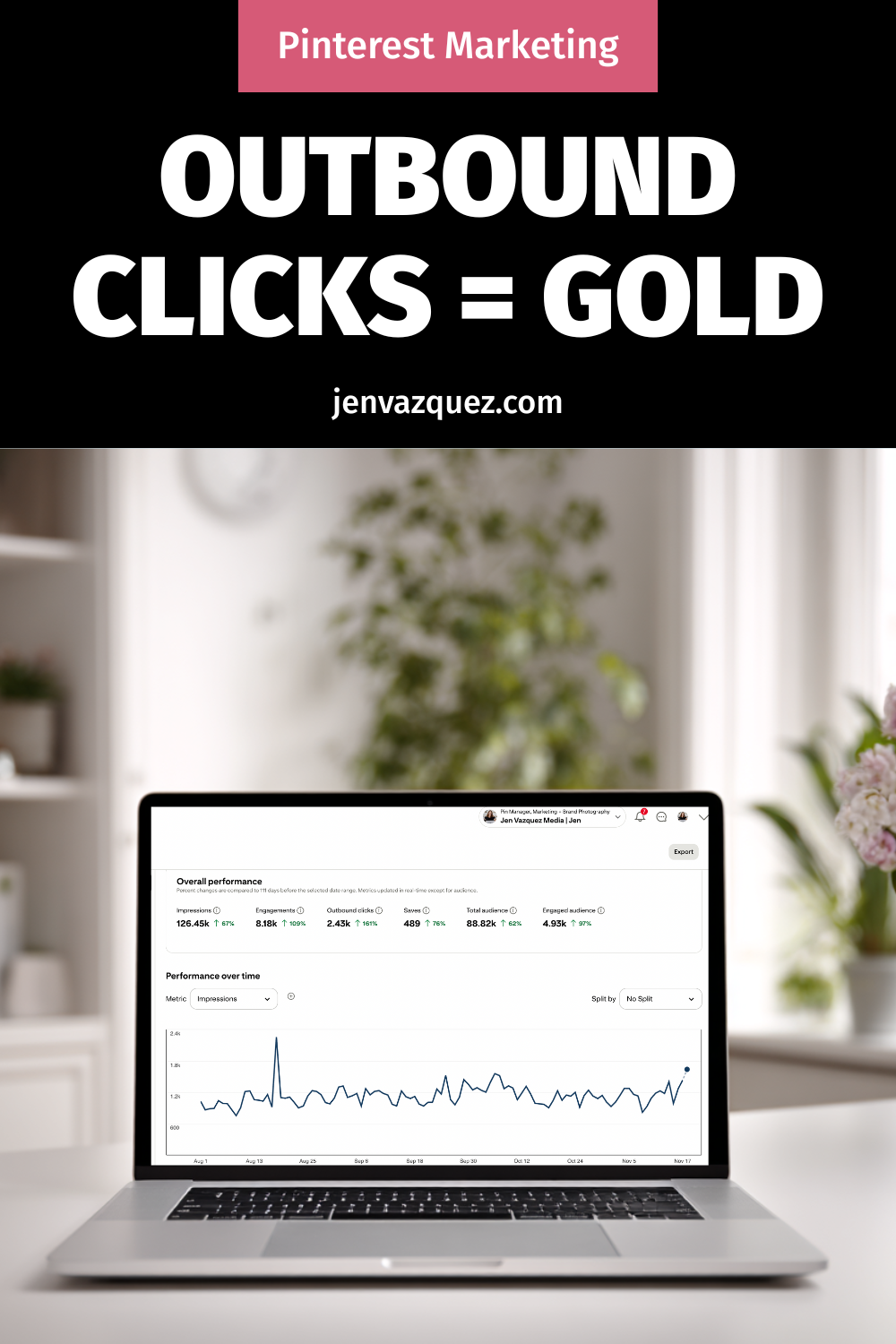
feminine office white desk and pale pink accents (Pinterest Analytics Made Simple: The 3 Metrics That Actually Drive Traffic + Leads)

Pinterest Analytics Made Simple: The 3 Metrics That Actually Drive Traffic + Leads

Hey friend — let’s be real for a second. When you open Pinterest Analytics and see a wall of numbers, it’s easy to feel like you’re staring at a math test you did not study for. No worries. You’re not alone, and this doesn’t have to be hard.

Once you know what to look for, Pinterest analytics becomes one of the most powerful tools in your marketing. And the best part? You only need 10 minutes a month.

I’m Jen Vazquez, Pinterest Pioneer and marketing strategist. Today, I’m breaking down the three metrics that actually matter so you can make smarter content decisions for 2026, without drowning in data.

Let’s get this party started.

Why Pinterest Analytics Matter for Your Business

Pinterest rewards what works.
When your pins get engagement, Pinterest pushes them further. When something falls flat, Pinterest quietly lets it fade.

Your analytics show you exactly what your audience wants, which designs they click, and what topics they’re already saving. Once you understand that, creating content becomes easier, faster, and way more strategic.

Think of your analytics as a map. If you follow it, you get traffic and leads on autopilot.

The Only 3 Pinterest Metrics You Should Track

You don’t need spreadsheets or complicated reports. Just these three numbers:

1. Outbound Clicks

These are the clicks that send people to your website, landing page, podcast, or YouTube video. This is your main goal with Pinterest — getting people off the platform and into your world.

2. Saves

Pinterest loves saves.  

A save means someone saw your pin and said, “Yep, I’m keeping this.” High saves are pure gold because they predict long-term reach.

3. Top Pins by Impressions + Engagement

These tell you which topics and designs Pinterest is boosting. 

Think of these as your “more please” pins. They show you what to create next.  Ignore everything else. These three will move the needle.

Want Help Turning Your Data Into a Real Strategy?

If you want custom guidance, I’ve got two great options:

👉 Pinterest VIP Day: In one day, we’ll walk through your analytics, build your 2026 plan, and create a custom workflow you can stick to.

👉 Pinterest Management:  If you want Pinterest totally handled, we’ve got two open spots.
We handle pin creation, scheduling, analytics, and strategy so you can focus on your clients.

Either option makes your life easier — promise.

How to Read Your Pinterest Analytics in 10 Minutes

Here’s your quick, calm, 10-minute routine:

Step 1: Open Pinterest Analytics → Content → Overview

Filter to Last 30 Days

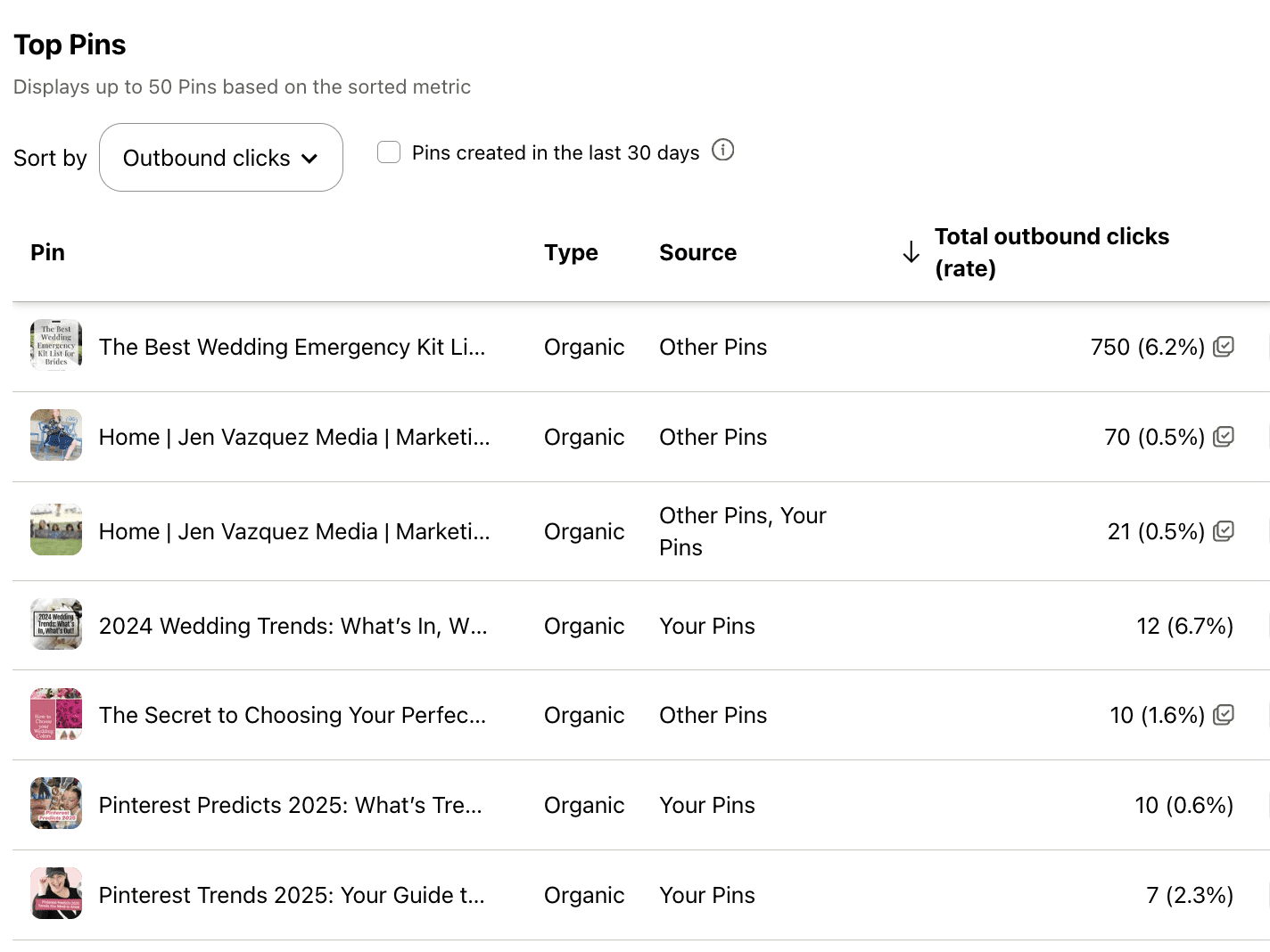
Write down your pins with the highest outbound clicks. Note the topic, design, and format.

Step 2: Check Your Board Analytics

If certain boards consistently perform well, allocate more time TO THEM!

If other boards haven’t been touched in six months or a year? Time to merge and clean things up.

Step 3: Review Audience Insights

Look at growing keywords and interests.

These are your “create next” topics. That’s it. You’re done.

Your Monthly Pinterest Review Routine

To make this a habit, set a recurring task — I love the 1st or 2nd of the month.

Each month, do this:

  • Download your analytics
  • Note your top three pins
  • Look for the common themes
  • Create two new pins based on those themes

This simple workflow helps you create content your audience already wants.

Want help keeping things organized? Grab my Pinterest Analyzer for FREE

Thanks for hanging out with me today. You crushed it just by showing up for your biz.  

📌 DON’T FORGET TO PIN IT!

Pinterest Analytics Made Simple: The 3 Metrics That Actually Drive Traffic + Leads
Pinterest Analytics Made Simple: The 3 Metrics That Actually Drive Traffic + Leads by Jen Vazquez Media
Pinterest Analytics Made Simple: The 3 Metrics That Actually Drive Traffic + Leads
Pinterest Analytics Made Simple: The 3 Metrics That Actually Drive Traffic + Leads by Jen Vazquez Media

Pinterest Trends 2025 for Female Founders: How to Use Them for Growth

Pinterest Trends 2025 for Female Founders: How to Use Them for Growth

Hey there! Welcome to the Marketing Duo Podcast—your go-to show for smart, actionable marketing strategies and mindset shifts that help ambitious female founders work smarter, not harder. I’m Jen (Pinterest pro + Visibility Shop creator), and I’m joined by my co-host Cinthia (SEO expert at Digital Bloom IQ). Today I’m sharing three juicy Pinterest updates you can actually use to get found—especially if you’re running a service-based business and want more clicks and clients.

What We’re About (and why this matters)

Each week, we dive into the latest strategies, simple mindset tweaks, and growth tactics for tech-savvy founders. You’ll always leave with something you can apply right away. Today’s focus: Pinterest Fall 2025 trends, one new feature to be aware of, and how Hispanic Pinterest users are shaping what’s next. Get ready to work smarter, not harder.

Pinterest Fall 2025 Trend Report: What’s hot right now

I’m obsessed with this because creating content around what people are already searching for = faster traffic. Highlights:

  • Gen Z is leading sustainable style. “Dream thrift finds” searches are up 550%. “Vintage autumn aesthetic” is up 1,074%. “Thrifted kitchen” is up 1,012% and “thrifted décor” is up 285%.
  • Fashion vibes (prep revival!). “Women’s preppy outfits” jumped 47,680%. “2000s preppy aesthetic” is up 2,867%.
  • Caffeine-inspired tones. “Coffee brown pants outfit” is up 632%. “Vanilla latte blonde” is up 2,023%.
  • Home décor is going bold + vintage. “Art Deco vintage” up 805%; “1920s kitchen original” up 494%; “vintage tiles” up 1,107%; “terracotta tiles” up 833%; “blue ceramic tile” up 490%.
  • Office glow-ups. “Chic cubicle décor” is up 1,543% and “cubicle makeover ideas” is up 2,767%.
  • Goodbye minimalism, hello personality. It’s all about sustainability, uniqueness, and self-expression.

Pinterest even ran a limited Thrift Shop feature spotlighting curated thrift + vintage finds—AKA sustainability meets style.

“Cool… but I’m a service provider. How do I use this?”

You’ve got options:

  • Use trend analogies. “Thrift store finds are trending—here’s the ‘hidden gems’ inside your marketing you’ve been overlooking.” Tie the vibe to your topic.
  • Create seasonal content for your niche. Wedding photographer? Blog: “2026 Bridal Party Style: Thrifted Pastel Dresses (with Photo Ideas).” Coach? “From Minimalism to Personality: How to Show More ‘You’ in Your Brand.”
  • Build keyword clusters from trends. Grab 3–5 related keywords (like “vintage preppy” or “coffee brown”), then create pins pointing to your blog, services, or lead magnet.
  • Blend trends + evergreen. Trends give you lift; evergreen builds your library. Do both.

👉 Pro tip: Head to trends.pinterest.com monthly. Check what’s rising in your niche, note your best-performing pins, and make more pins for those winners. One trend check per month can seriously boost outbound clicks.

A quick note on a new feature

Pinterest launched “Where to buy” links for CPG advertisers to bridge inspo → purchase by showing in-stock retailer options from ads. I focus on organic, not ads, but it’s worth knowing where the platform is headed.

Spotlight: Hispanic Pinterest users shaping what’s next

One in three Hispanic adults in the U.S. uses Pinterest monthly, and Spanish-language searches grew 18% in 2025. This community blends tradition with modern aesthetics—fueling mainstream trends across food, wellness, style, and home. If you serve bilingual or multicultural audiences, this is your cue to create content (and pins) in both languages.

One action step to take this month

Open Pinterest Trends and your Analytics. Find one rising topic that aligns with your services. Make:

  • 1 blog post
  • 3–5 fresh pins
  • 1 short video

Repeat monthly. That’s it. Sustainable visibility, on repeat.

Need shortcuts?

That’s why I created The Visibility Shop—your one-stop spot for tools like pin templates, keyword guides, and Pinterest GPTs to speed up research + copy. Everything’s linked in the show notes.

If this was helpful, share it with a fellow founder who wants to work smarter, not harder. Subscribe so you’re first to know when new episodes drop. See you next time—and keep building your business with ease and impact!

The 3 Pinterest Metrics That Actually Matter for Service Providers

Screenshot of Pinterest Analytics to talk about The 3 Pinterest Metrics That Actually Matter for Service Providers

Well, hey there. Be honest—have you ever opened your Pinterest analytics and thought, “What the heck do all these numbers even mean?” You’re not alone. In fact, I hear this from so many clients and students inside my programs.

So today, let’s break it down. I’m going to show you exactly which Pinterest metrics matter most—especially if you’re a service provider trying to get more leads from your content. We’ll skip the fluff and focus on what actually moves the needle in your business.

Why Pinterest Analytics Matter

You’re probably already showing up on Pinterest, creating fresh pins, maybe sharing your blog posts or free resources—but how do you know it’s working?

That’s where analytics come in.

Tracking just a few key metrics can help you figure out what content is connecting and where to spend your energy. It doesn’t have to be complicated. You only need to focus on three simple data points each month—and that’s what we’re diving into today.

Metric #1: Outbound Clicks

Outbound clicks are what I like to call the “money clicks.” These are people who found your pin, clicked it, and landed on your website. That is a big deal.

It’s the number one metric I track for my Pinterest management clients because clicks show your content is doing its job. It’s not just being seen—it’s driving action.

Now, if you’re getting a lot of clicks but not a lot of conversions, it might be time to take a closer look at your website. Make sure it’s easy to navigate, clearly speaks to your ideal client, and helps them take that next step with you.

Because here’s the truth: no matter how pretty your pins are, if they’re not sending people to your site, they’re not working.

Metric #2: Saves

Saves often get overlooked, but they matter more than you think. When someone saves your pin, it tells Pinterest that your content is valuable—and Pinterest will show it to more people.

A click means, “I want this now.”
A save means, “I need this later.”

Both are important, but saves help expand your reach and visibility. Even if someone doesn’t take action right away, you’re still staying top of mind—and that’s how you build trust over time.

I'm on #TeamWater -- Wanna Join?

Why are we doing this? Around the world, 1 in 10 people do not have access to clean water. Imagine not having access to clean water — it’s something so many of us take for granted.

Together, with our charity partner WaterAid and a huge team of creators, we’re on a mission to change that.

How? Over 3,000 creators signed up to join #TeamWater, doing what they do best to help us bring clean water to 2M people for decades.

Metric #3: Impressions (with Context)

Impressions show how many people saw your pin. But don’t obsess over this number.

Think of impressions as a pulse check. If they’re growing steadily month over month, that’s a good sign your keyword strategy is working. But remember, impressions don’t mean much unless they lead to clicks or saves.

So yes, keep an eye on them—but don’t treat them like your most important metric.

My Monthly Pinterest Analytics Workflow

Here’s exactly what I do—and what I teach my Pinterest Strategy Club members to do each month:

  1. Check Pinterest analytics monthly—not weekly or randomly.
  2. Find your top 3 pins based on outbound clicks.
  3. Create 1 to 2 fresh pins for each using different titles, images, or keywords.
  4. Check your top 5 blog posts in Google Analytics.
  5. Create 1 to 2 new pins for each of those as well.

That’s it. You’re leaning into what’s already working and building momentum with half the effort.

Want Help?

If checking analytics feels like just one more thing to manage, you’re not alone. That’s why I offer Pinterest Management Services—so you can get results without adding more to your plate.

Prefer to DIY but want guidance? My Pinterest Strategy Club is for you. We walk you through everything, including how to read your analytics, spot trends, and update your strategy over time.

All the links are in the description below.

Final Thought

If this helped take the mystery out of Pinterest metrics, leave a comment and tell me:  Which metric will you focus on this month?

Because seeing what’s clicking (literally) might be the key to getting more leads from your content—without burning out.

DON’T FORGET TO PIN IT!

The 3 Pinterest Metrics That Actually Matter for Service Providers

Mastering Pinterest SEO: A Beginner’s Guide to Boosting Your Visibility

Pinterest on cell social squares photo

Mastering Pinterest SEO: A Beginner’s Guide to Boosting Your Visibility

When most people think of Pinterest, they picture beautifully curated boards filled with recipes, DIY projects, and outfit ideas. But for businesses and creators, Pinterest is so much more—it’s a visual search engine with massive potential for driving organic traffic to your website. If you’re not optimizing your Pinterest presence, you’re missing out on a key opportunity to grow your audience.

In this guide, we’ll break down the essential strategies for mastering Pinterest SEO, even if you’re just starting out. By the end, you’ll know exactly how to optimize your profile, pins, and boards to enhance discoverability and drive results.

1. Understanding Pinterest as a Search Engine

Pinterest isn’t just a social media platform; it’s a powerful search engine where users actively seek inspiration, ideas, and solutions.

Think of Pinterest users as proactive searchers, not passive scrollers. They’re typing in keywords like “wedding decor ideas,” “easy weeknight dinners,” or “how to start a podcast.” When you optimize your content with the right keywords, you’re positioning your business to be found by these eager searchers.

Key takeaway: Treat Pinterest like Google but with a visual twist—keywords are your best friend.

2. Optimizing Your Pinterest Profile for SEO

Your Pinterest profile is the foundation of your SEO strategy. A well-optimized profile tells Pinterest (and users) exactly who you are and what value you provide.

Profile Name and Bio:

  • Use a clear, keyword-rich profile name.
    Example: Instead of “Jane Doe,” try “Jane Doe | Wedding Photographer in San Francisco.”
  • Write a concise bio that highlights what you do and includes a primary keyword.
    Example: “Helping brides plan their dream weddings with stunning inspiration and expert tips.”

Profile Picture: Choose a professional and branded profile picture that aligns with your business. Remember people buy from people..

Claim Your Website: Claiming your website not only boosts your credibility but also unlocks valuable insights in Pinterest Analytics. Go to Settings > Claim > Enter your website URL to get started.  You can watch my video on how to do it here.

3. Researching and Using Keywords

Keywords are the backbone of Pinterest SEO. They guide users to your content.

How to Research Keywords:

  • Use the Pinterest search bar to explore popular suggestions. For example, type in “meal planning,” and Pinterest will have a drop down menu and you should grab all those phrases (long tail keywords)..
  • Utilize tools like Pinterest Trends, Google Keyword Planner, or Answer the Public for deeper insights.

Where to Use Keywords:

  • Pin titles and descriptions: Add relevant keywords naturally to describe the content.
    Example: Instead of “My Favorite Dinner,” use “Quick and Easy Dinner Recipes for Busy Weeknights.”
  • Board titles and descriptions: Optimize your board names like “Budget-Friendly Home Decor Ideas” instead of “My Home Stuff.”
  • Profile bio and alt text: Incorporate keywords to describe your images and brand.
  • The Name of Your Pin Graphic: People don’t think about this but what you name a pin that you create is also searchable with those keywords. 
  • Text On The Pin Graphic:  Yes Pinterest can read the words on your pin graphic so use keywords there.

FREE Pinterest Marketing Tools

Get Instant Access to 21+ Tools and 8 Masterclasses for FREE!

Are you ready to effectively use Pinterest marketing to grow your business? Look no further! We’ve curated a collection of over 15 essential Pinterest marketing tools and 8 expert-led masterclasses and challenges, all designed to help you succeed on this dynamic platform.

4. Creating SEO-Friendly Pins

Your pins are the heart of your Pinterest strategy. Make them count.

Design Tips for High-Performing Pins:

Writing Optimized Titles and Descriptions:

  • Titles should be clear, engaging, and keyword-rich.
    Example: “5 Tips for DIY Wedding Centerpieces” is more effective than “DIY Wedding.”
  • Write descriptions that tell a story and include keywords naturally.

5. Optimizing Pinterest Boards for SEO

Your boards are more than a place to save pins—they’re another opportunity to showcase your expertise.

Name Boards Strategically: Instead of generic names like “weddings,” go for specific, searchable names like “Spring Weddings in California”

Write Detailed Board Descriptions: Describe what users can find in the board using relevant keywords.
Example: “Explore modern kitchen designs with sleek appliances, innovative layouts, and space-saving solutions” And use all the 500 characters you are allowed to use different keywords that will result in more eyeballs on your content.

6. Tracking Your SEO Success on Pinterest

Once you’ve optimized your profile and content, track your progress to see what’s working.

Using Pinterest Analytics:

  • Monitor key metrics like impressions, pin clicks, saves, and the most important for businesses using Pinterest to market their business, outbound clicks. Get your free Pinterest Analyzer here.
  • Analyze your top-performing pins to identify trends.

Adjust Your Strategy:

  • Experiment with different keywords and pin designs.
  • See the pins in analytics that get the most outbound clicks and create more pins to that content with new images and keywords
  • Repin high-performing content (after a few months) to keep it active.  This should be done sparingly. Fresh new content is what Pinterest and Pinterest users crave.

7. Common Pinterest SEO Mistakes to Avoid

  • Keyword stuffing: Avoid overloading descriptions with just keywords. It looks spammy and doesn’t help rankings. Write a description that is something your best friend could read and understand.
  • Ignoring trends: Stay updated on Pinterest Trends to discover what’s popular.
  • Neglecting old content: If you have boards you have’t pinned to in 6 months, make pins for that board or consider merging it with another board that is used often.

Take the First Step Toward Pinterest Success

Pinterest SEO may seem overwhelming at first, but by starting with these basics, you’ll be well on your way to driving organic traffic and growing your audience. Remember, it’s all about consistency—optimize your profile, use keywords effectively, and track your results.

Ready to take your Pinterest strategy to the next level?

 Let’s work together to create a tailored plan that drives leads and saves you time.

Don’t Forget to Pin It!