Pinterest Marketing for Service Providers: How to Attract Clients While You Sleep

flatlay workspace for female entrepreneur jvm stock photos

Pinterest Marketing for Service Providers: How to Attract Clients While You Sleep

If you’ve been posting your heart out on Instagram chasing trends and still not seeing consistent leads, I totally get it. Here’s the truth — your dream clients are probably hanging out somewhere quieter… somewhere they’re actually looking for help, not just scrolling for entertainment.

Yep, I’m talking about Pinterest.

I’ve used Pinterest to grow my own six-figure business and helped hundreds of female service providers like photographers, wedding pros, coaches, and other creatives. And the best part? You don’t need to dance on Reels or spend every waking moment online.

In this post, I’m breaking down exactly how to use Pinterest to attract clients and build a marketing system that keeps working even when you’re not.

Create Consistent Content Without the Burnout

Pinterest loves fresh content — but that doesn’t mean you need to post every single day, but you need pins going out each day.

The secret is consistency that fits your life.

Most of my clients spend about one hour a week on Pinterest marketing using my batching system. They repurpose blog posts, videos, podcast episodes, lead magnets, and services into multiple Pins that drive traffic all week long.

You don’t have to start big — once a week is enough when it’s done strategically. Think of Pinterest as your long-game traffic engine. You post once, and it keeps bringing you visitors for months (and often years).

Pro tip: Use a scheduler like Tailwind and batch your Pins all at once. It’s like setting your marketing on cruise control.

Speak to What They’re Searching For

The magic of Pinterest is that people come to it with a goal. They’re planning, researching, or dreaming about something they want to do next.

So before you create, ask yourself this:

“What is my ideal client typing into that search bar when they’re ready to take action?”

If you’re a wedding photographer, it might be San Jose vineyard wedding inspiration.  If you’re a coach, maybe it’s how to get clients without social media.

Create content that answers these searches directly. When you solve a problem or ease a pain point, you naturally build trust — and that’s where the conversion begins.

I love using my Feel, Felt, Found storytelling method:

“I know how you feel. I’ve felt that way too. But here’s what I found that really works.”

It connects, educates, and converts all at once.

Want help with Pinterest?

The Club is where service providers learn how to make Pinterest their lead-generating bestie. You’ll get monthly action plans, keyword sessions, and strategy support to grow your traffic, leads, and visibility—without spending hours online.

Use Keywords Like a Pro

Pinterest isn’t a social media platform — it’s a visual search engine. Think of it as SEO with prettier pictures.

Your captions, titles, and even image file names help Pinterest understand who to show your content to. Here’s how to start:

  • Write down short-tail keywords like Pinterest marketing or Bay Area brand photography.
  • Then add long-tail keywords like Pinterest for service providers or how to grow your coaching business with Pinterest.

Sprinkle them naturally throughout your Pin titles, descriptions, profile, and even on the text overlay of your Pins. And remember: keywords aren’t about gaming the system — they’re about helping Pinterest connect your content with the right people.

Pro tip: Inside The Club, we do keyword brainstorm sessions a few times a year to help members find the perfect words for visibility and growth.

Make Your Visuals Work Harder

Pinterest is visual, but that doesn’t mean you need fancy designs. You just need clarity.

Here’s what works best for service providers:

  • Use your brand colors, fonts, and website address for recognition.
    Keep designs clean and text easy to read on mobile.
  • Add a headline that solves a pain point (How to Book Clients from Pinterest).
  • Include a simple call-to-action like Learn More or Download Free.

You can create gorgeous, on-brand Pins in Canva in minutes — no design degree needed.

If you want a head start, grab my Canva customizable 10 free Pin templates. 

Pro tip: Mix static and video Pins for your blogs, freebies, and services to keep your content fresh and engaging.

Convert the Clicks

Traffic is great — but it means nothing without conversions. Most Pinterest users are new to your business, so your job is to guide them toward a small win.

Here’s how to optimize for conversions:

  1. Link to related content like blogs, podcasts, or YouTube videos.
  2. Add a freebie or email opt-in to capture leads.
  3. Include a clear call-to-action (CTA) in every post — and put it in the middle of your blog since not everyone reads to the end.

Pinterest is the top of your funnel — the start of a relationship that leads to sales later.

One of my photography clients doubled her bookings just by linking her free wedding guide and inquiry form to every single Pin. No ads. No daily posting. Just a smart Pinterest system.

Ready to Bring in Clients While You Sleep?

Pinterest isn’t about luck — it’s about strategy, consistency, and systems that do the work for you.

If you’re ready to stop guessing what to post and start generating clients with ease, check out The Club, where we build your Pinterest strategy together step-by-step.

Or if you’d rather hand it off completely, explore my Pinterest Management Services and let my team handle it for you.

Either way, Pinterest can become your silent sales machine — and I’ll show you exactly how to make that happen.

DON’T FORGET TO PIN IT!

A Pin that says Stop Scrolling, Start Growing Pinterest Marketing for Service Providers
A Pin Saying "Pinterest That Converts Pinterest Marketing for Service Providers"
A Pin saying, "Attract Clients While You Sleep Pinterest Marketing for Service Providers"
A Pin saying, "One Hour a Week Strategy Pinterest Marketing for Service Providers"
A Pin saying The Silent Sales Machine Pinterest Marketing for Service Providers

How to Monetize Your Blog as a Service Provider

soft neutrals home office with northern california beach vibes with Pinterest on the macbook pro.  How to Monetize Your Blog as a Service Provider by Jen Vazquez Media Pinterest Expert

Hey there! Have you ever hit publish on a blog post and thought, “Okay… now what?”

Maybe you’re getting some Pinterest traffic (yay for that 🎉), or maybe you’re writing regularly but still not seeing the leads or income you were hoping for. Today, we’re going to fix that.

This post is all about how to monetize your blog as a service provider—whether you’re a photographer, coach, wedding pro, yoga teacher, or any other creative female entrepreneur. And don’t worry—none of these tips are pushy, sleazy, or gross. Let’s turn that blog of yours into a 24/7 lead machine!

Your Blog Is Your Silent Salesperson

Here’s something people don’t always say out loud: Pinterest drives traffic, but your blog is where the conversions happen.
Your blog isn’t just for sharing tips—it’s your content home base. The only one you own. It’s your most loyal employee, working even when you’re off playing with your kids or watching your favorite show.

But… if you don’t tell people what to do next, that traffic goes nowhere.

Tip 1: Add Clear Calls to Action (CTAs)

Every blog post should tell your reader what to do next—like booking a discovery call, grabbing your freebie, joining your newsletter, or hopping into your Facebook group.

Pro tip: Don’t just drop a CTA at the bottom. Sprinkle it throughout—

  • One up top
  • One in the middle (especially after a juicy tip!)
  • One at the end
  • Maybe even a polite little popup (but test it on phones so it’s not annoying!)

Tip 2: Promote Your Services Like a Story

Instead of turning your blog into a billboard, weave your services into the post.

Example: If you’re writing about planning a stress-free wedding, mention a real client who avoided chaos thanks to your help. Then add a CTA for your services. When you show how you helped someone, it feels natural—not pushy.

Want to stop guessing and start growing on Pinterest?

Join the Pinterest Strategy Club, where smart service providers like you get weekly strategy drops, monthly trend breakdowns, and behind-the-scenes peeks at what’s actually working.

Get the clarity, confidence, and consistency you need—without doing it alone. Start pinning with purpose!

Tip 3: Use Affiliate Links (But Keep It Real)

Only promote what you actually use and love. No random Amazon lists.
For me, that looks like:

  • Tailwind (for Pinterest scheduling)
  • Canva (for everything design)
  • RecurPost (for repurposing content like a boss)

If tools are part of your workflow, share them honestly. Your readers will thank you.

Bonus Tip: Start with What’s Already Working

Pull up your top 3 blog posts in Google Analytics.
Ask:

  • Do they have CTAs?
  • Are they linking to a freebie, service, or another blog post?
  • Can you add a testimonial or a case study?

One of my wedding photographer clients did this and added a lead magnet to one post and a client story to another. In just a few months, she grew her email list by 40+ and booked two new clients—all from blog traffic.

You don’t need a huge audience. You just need to guide the traffic you already have.

Your Homework (You Know I Love Homework!)

✅ Audit your top 3 blog posts
✅ Add calls to action
✅ Link to services, freebies, or other helpful blog posts
✅ Create a new post on a similar topic from a fresh angle

Marketing is just saying the same thing in 85,000 different ways until people take action. So start where the traffic already is.

And if all of this feels like a lot? You’re not alone. Inside my Pinterest Strategy Club, we cover blog strategy, repurposing, and how to guide traffic into leads. Or if you want to hand it off, check out my Pinterest Management Services—I’ll handle the strategy, give you blog ideas, and keep your Pinterest working for you.

Let me know in the comments: is this something you’re going to try? And come back to tell me how it went! I’ll be cheering you on 💪

DON’T FORGET TO PIN IT!
Pinterest pin with words: How to Monetize Your Blog as a Service Provider by Jen Vazquez Media Pinterest Expert
Pinterest Pin with an image of a macbook pro with Pinterest on it and the words: How to Monetize Your Blog as a Service Provider by Jen Vazquez Media Pinterest Expert
Black Pinterest Pin with image of macbook pro with pinterest on the screen and words: How to Monetize Your Blog as a Service Provider by Jen Vazquez Media Pinterest Expert
Pink Pinterest pin with an image of a macbook pro with Pinterest on the screen in a light and airy home hoffice with words: How to Monetize Your Blog as a Service Provider by Jen Vazquez Media Pinterest Expert
Pinterest pin with words: How to Monetize Your Blog as a Service Provider by Jen Vazquez Media Pinterest Expert

25 Must-Know Pinterest Marketing Answers for Service Providers Who Want More Leads

Everything You’ve Wanted to Know About Pinterest Marketing—Answered in One Place

Hey, hey! If you’ve ever found yourself Googling how does Pinterest marketing even work? or wondering why your pins aren’t doing anything, friend, this one’s for you.

I’m sharing the top 25 questions I get asked constantly—by clients, students, and curious service providers sliding into my DMs. And I’m giving you the real answers, with zero fluff, so you can finally start using Pinterest to bring in traffic, grow your email list, and make your marketing actually work for you (even when you’re off sipping margaritas).

Let’s dive in. Grab your fave drink—coffee, tea, tequila… no judgment here!

1. Is Pinterest a social media platform?

Nope! It’s a visual search engine—think Google or YouTube. It’s designed for discovery, not engagement. That means your content has a much longer shelf life. I’m talking years of traffic from one pin.

2. How long does it take to see results?

Anywhere from 6 weeks to 6 months depending on your niche and consistency. It’s a long game like blogging, but so worth it.

3. How often should I pin?

Start with one pin a day. That’s all you need. Consistency beats volume, every time.

4. What does pinning consistently mean?

It means fresh, valuable content going out daily—either scheduled with Pinterest or Tailwind. You don’t need to be online every day, but your pins should be.

5. Can you pin too much?

Yes! More than 30 pins a day could trigger Pinterest’s spam filter. Stick to intentional, helpful, keyword-rich content.

6. How much third-party content should I pin?

A little is fine—especially when you’re just starting. But long-term, focus on pinning your own content.

7. Should I re-pin my own pins?

Not really. Instead, make a new pin with a fresh image for the same link. Pinterest loves new content.

8. What time of day should I pin?

Use Google Analytics to see when your site gets traffic, or let Tailwind choose optimal times for you. Bonus: update your schedule every few months.

9. Should I start pinning even if I don’t have much content?

YES. Start now. Every client I’ve worked with says they wish they started sooner. Even 3–5 blog posts is enough to get going.

10. Do I need a blog to succeed on Pinterest?

No—but it helps. You can pin podcasts, YouTube videos, freebies, and more. If you hate writing, repurpose your video or podcast into a blog post.

✨ Need help turning all this Pinterest info into an actual strategy?

That’s exactly what we do inside Pinterest Strategy Club! It’s my cozy little corner of the internet where I go live three times a month to teach, answer questions, and help service providers like you finally make Pinterest work without the overwhelm.

Think: smart strategies, done-with-you support, and a marketing plan you can actually stick to. You don’t need to figure this out alone—and you definitely don’t need to spend hours Googling. Come join us!

11. What are monthly viewers?

That’s how many people saw your pins. It’s a vanity number. Focus on outbound clicks and saves instead.

12. How many boards should I have?

Start with 10 niche boards. Aim for 3–5 relevant boards per blog or content piece so you can pin each post multiple times.

13. Do followers matter on Pinterest?

Not really. Most traffic comes from search, not followers. But followers don’t hurt either!

14. Should I niche down my Pinterest account?

Absolutely. Keep your boards and pins aligned with your niche so Pinterest knows who to show your content to. Secret personal boards!

15. What is Pinterest SEO?

It’s keyword optimization—using the words your audience searches for in your pins, boards, profile, and even file names.

16. Where do I use keywords?

Everywhere! Profile name, profile description, board titles, board descriptions, pin titles, pin descriptions, website copy—yep, even the name of the image file you upload.

17. How do I find Pinterest keywords?

Use Pinterest search, guided bubbles, Pinterest Trends, and even the Ads tool for keyword ideas. I also have a free keyword builder at learn.jenvazquez.com/resources!

18. Should I use hashtags?

Nope. Pinterest doesn’t use or prioritize them anymore. Focus on writing keyword-rich descriptions that feel human.

19. What are group boards and should I join them?

They’re shared boards with multiple contributors. Only join niche-relevant, active boards with good SEO. Skip spammy or catch-all boards.

20. How many group boards should I join?

No magic number—just be picky. Quality over quantity, always.

21. What size should my pins be?

Pinterest recommends a 2:3 ratio like 1000x1500px. Avoid square or landscape pins—they get lost in the feed.

22. Where can I find images for pins?

Use your phone (near a window!), hire a brand photographer, or use paid stock. Avoid free stock images—they’re overused and don’t stand out.

23. Can I still grow on Pinterest without ads?

YES! I’ve never paid for ads on either of my accounts. Organic growth is totally doable with a smart, consistent strategy.

24. How do I know if my pins are working?

Check Pinterest and Google Analytics monthly. Track outbound clicks, pin clicks, saves, impressions, and followers. I use my own Pinterest Analyzer to make this easy!

25. Should I be using Tailwind?

YES if you want to save time. I save 5+ hours per client weekly by batch-scheduling with Tailwind. It helps with consistency, analytics, and strategy.

Final Thoughts

There you have it—25 answers to the questions I get every dang week. Pinterest works if you work it smartly.

Want to make Pinterest your lead-gen machine? Join me in Pinterest Strategy Club—where I go live 3x a month and help you finally figure this thing out.

Which tip was your fave? Comment below or message me—I’d love to hear it!

Don’t Forget To Pin It!

jen vazquez in a black and white striped sweater holding an apple iphone talking about 25 Must-Know Pinterest Marketing Answers for Service Providers Who Want More Leads
Jen Vazquez holding a mirophone wearing a black shirt that is shoulderless talking about pinterest marketing
Jen Vazquez walking downtown in los gatos california in a black and white striped sweater talking on a cell phone
Jen Vazquez holding a microphone in a black shirt shoulderless talking about Pinterest SEO Basics by Jen Vazquez Media on Marketing Strategy Academy Podcast
Jen Vazquez in a black and white striped sweater holding a cell phone talking about. Can You Use Pinterest Without Blogging_ by Jen Vazquez of Marketing Strategy Academy Podcast

Pinterest Trends Weekly: Fall + All

Pinterest Trends Weekly: Fall and All by Jen Vazquez Media

Pinterest Trends Weekly: Fall + All

I’m baacckk with the latest trends this week on Pinterest. If you were inspired by the Autumn reset trends from last week, you’ll love what Pinners are falling for this week.

As a highly aesthetic season approaches, searches on Pinterest are trending around all-things autumn.

Forget chasing trends—let’s get ahead of them!

Pinterest isn’t just about what’s hot now; it’s where people go to discover what’s next. With over 522 million users dreaming up tomorrow’s ideas, Pinterest is your crystal ball for what’s about to trend. Each week, Pinterest Predicts Weekly serves up the freshest search trends across categories, regions, and demographics, giving you the scoop you need to stay ahead. Dive into these insights at trends.pinterest.com and start planning your next marketing move with confidence!

Key Trends This Week

Here’s a quick snapshot of what’s on the rise this week

How To Use Pinterest Trends Masterclass

I’ve got something super exciting to share with you today! 🎉 If you’ve been struggling to get traction with your marketing or wondering how to make Pinterest work for you instead of against you, then you won’t want to miss this. I’m hosting a FREE masterclass where I’m diving deep into the Pinterest Trends you need to know for the upcoming year!

Whether you’re just getting started with Pinterest or you’re ready to take your strategy to the next level, this masterclass is for you. We’re talking about how to harness the latest trends to attract more leads, boost your visibility, and ultimately, grow your business.

So, if you’re ready to level up your Pinterest game, sign up below to grab your spot. Trust me, you don’t want to miss out on these insights that could totally transform your marketing strategy!

Growing Trend: Falling up

This week on Pinterest, searches are trending up for styles and vibes that mark the transition from summer to fall. Growing search terms in the last three weeks compared to the previous three weeks:

  • 39x increase in summer to fall transition nails
  • 8x increase in fall transition outfits
  • 3x increase in cozy apartment aesthetic
  • 80% increase in Oktoberfest party
  • 55% increase in spooky season
  • 45% increase in comfort meals

Category-Specific Trends

Tastes and Textures are taking the driver’s seat this fall with cherry and pumpkin hues, and soft, cozy materials like suede trending on Pinterest. Here’s the breakdown by category over the last three weeks:

Beauty

  • 3x increase in cherry chrome nails
  • 3x increase in pumpkin spice hair
  • 2.5x increase in football nails design
  • 50% increase in vampy makeup
  • 40% increase in leaf nails

Fashion

  • 2.5x increase in suede jacket outfit
  • 90% increase in skirt sweater outfit
  • 70% increase in dark wash jeans outfit
  • 70% increase in UGG clogs
  • 35% increase in brown leather jacket

Entertainment

  • 11x increase in movie premiere outfit
  • 135% increase in fall movie night
  • 125% increase in fall books to read
  • 85% increase in Halloween movie night
  • 50% increase in game day

Regional Trends

Warm-up season. From state to state, people on Pinterest are warming up for cooler weather with comfort meals, cozy fits and more.

Midwest

Comfy food. In the Midwest, people on Pinterest are embracing fall flavors with searches for apple based treats and crockpot staples.  Over-indexing searches by Pinterest users in the Midwest versus the rest of the U. S. over the last three weeks. 

  • 2x increase in apple cider donut bread
  • 180% increase in fall crockpot meals
  • 175% increase in outdoor fall decor ideas
  • 170% increase in chili mac
  • 140% increase in fire cider recipe

Northeast

Fall fits in the Northeast with delicious fall meals. Searches on Pinterest are trending around autumn inspired fashion and style. Over-indexing searches by Pinterest users in the Northeast versus the rest of the U. S. over the last three weeks

  • 150% increase in pumpkin chocolate chip cookies
  • 150% increase in fall boots
  • 140% increase in turkey chili
  • 125% increase in fall capsule wardrobe
  • 125% increase in fall outfits for men

West

Out West, people on Pinterest are searching for stylish hair trends and fashion inspiration for fall-themed fun in the pumpkin patch and beyond. Over-indexing searches by Pinterest users in the West versus the rest of the U. S. over the last three weeks.

  • 3x increase in Blackberry Crisp
  • 160% increase in dress with cowboy boots
  • 140% increase in brown cinnamon hair color
  • 125% increase in pumpkin patch outfits
  • 125% increase in flannel outfits

Southeast

Featuring fall. People on Pinterest in the Southeast are searching for ways to dress up their fall dinner table. Over-indexing searches by Pinterest users in the Southeast versus the rest of the U. S. over the last three weeks.

  • 180% increase in apple dumplings with crescent rolls
  • 150% increase in elegant fall wreaths
  • 145% increase in fall garden vegetables
  • 140% increase in fall dining table decor
  • 140% increase in fried apples

Audience Spotlight: Gen Z 🎯

Gen Z. Over the last month, Gen Z searches on Pinterest have taken a decidedly autumnal turn, featuring football game fits, and fall treats. Growing searches by Gen Z in the last three weeks compared to the previous three weeks,

  • 15x increase in 90s fall outfits
  • 2.5x increase in cozy apartment aesthetic
  • 2x increase in fall baked goods
  • 180% increase in fall game outfits for men
  • 180% increase in fall game outfits for women
  • 175% increase in fall cocktails
Pinterest Trends Weekly Featured Board is Fall Routine Reset by Jen Vazquez Media

Featured Board: Fall Reset

Get ready to cozy up this season with our featured board “Fall Reset.” Whether you love a slow Sunday or a productive morning, get inspired to create a cozy new routine. 🌟

Hope to see you at our masterclass!

Here is more information that may be helpful!

Don’t Forget to Pin It!

Pinterest Fall 2024_ Trends to Watch and Use by Jen Vazquez Media
Master Pinterest Marketing with Fall 2024 Trends by Jen Vazquez Media
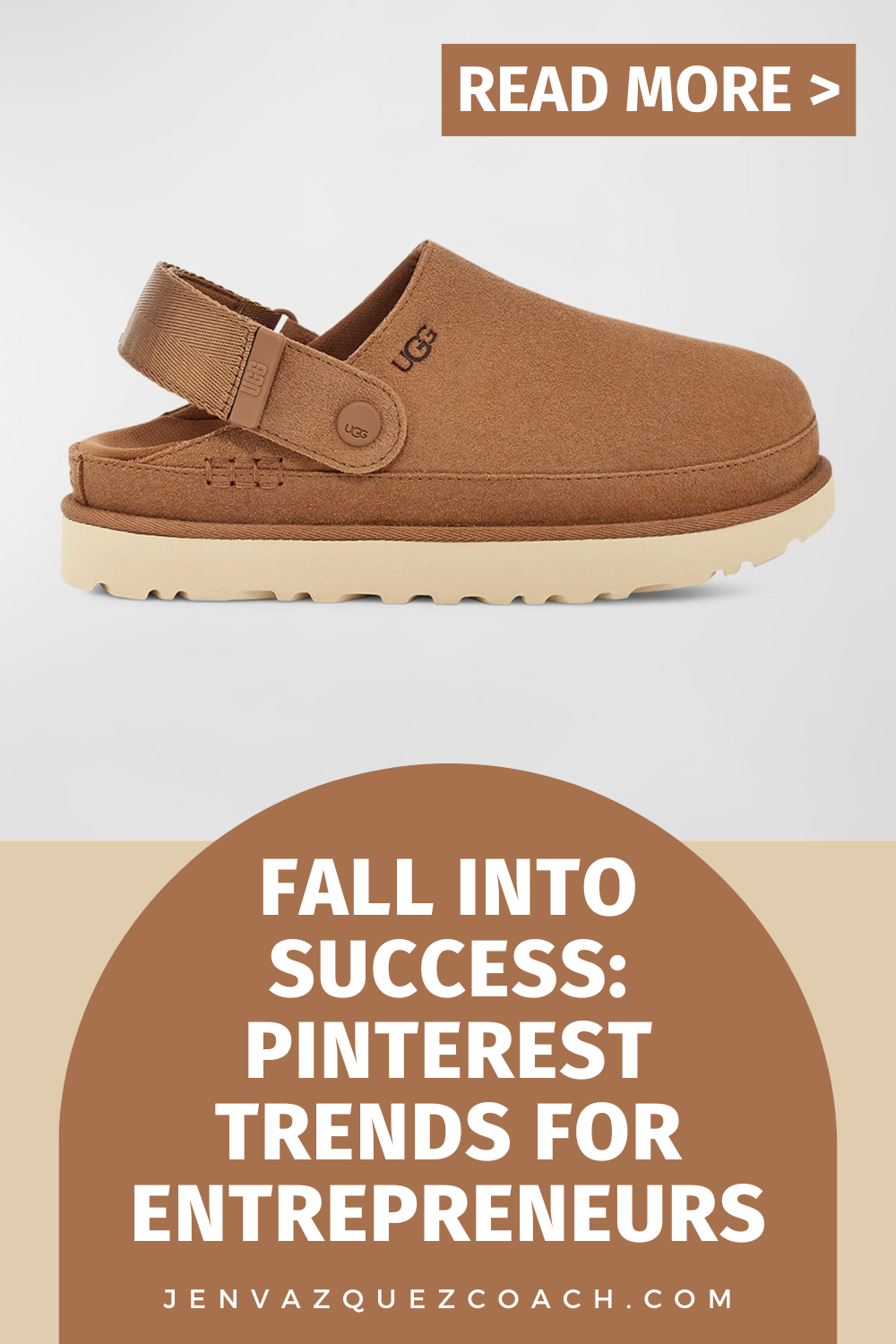
Fall into Success_ Pinterest Trends for Entrepreneurs by Jen Vazquez Media
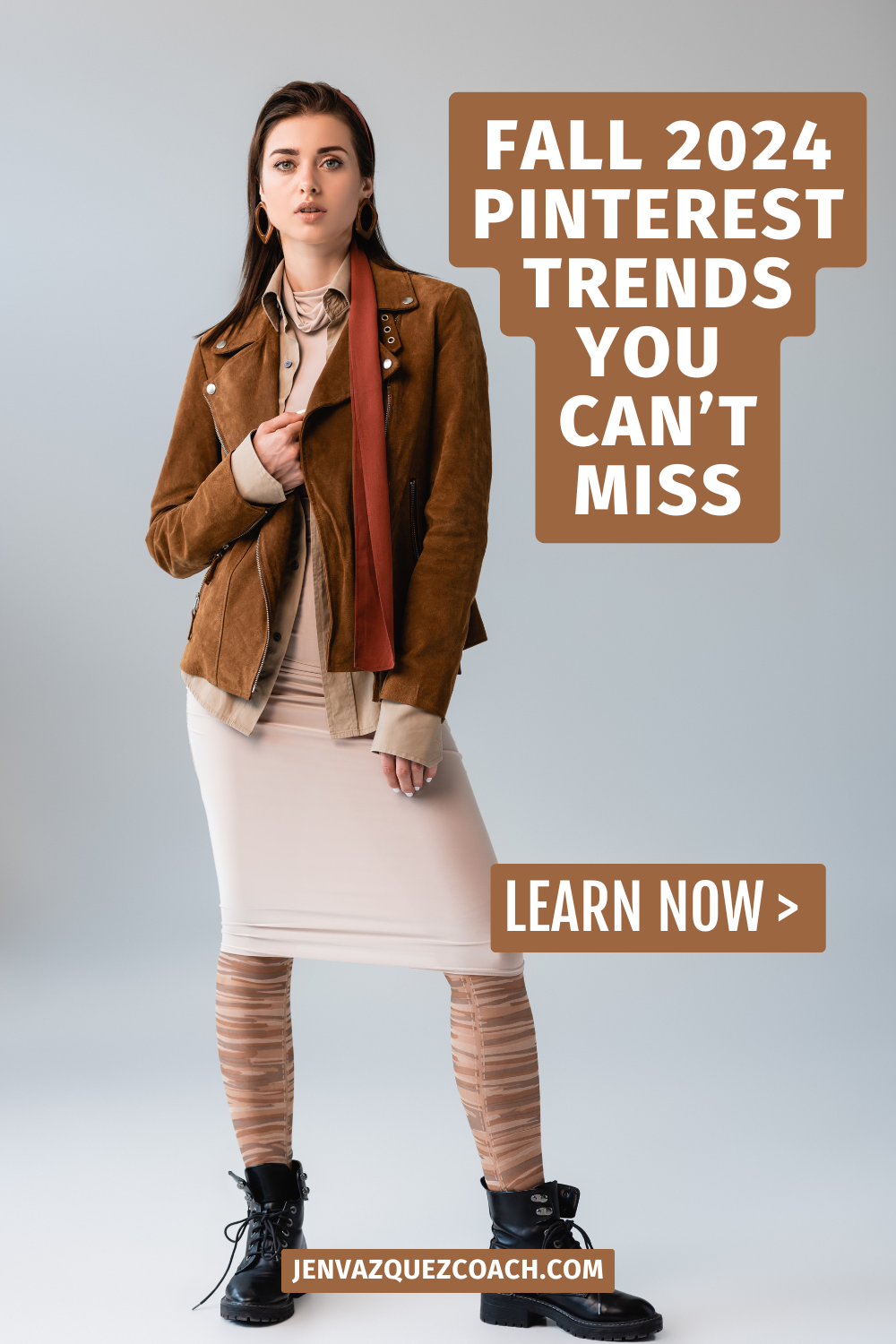
Fall 2024 Pinterest Trends You Can’t Miss by Jen Vazquez Media
Boost Your Business with Pinterest’s Latest Trends by Jen Vazquez Media

The Secret Weapon to Boost Your Blog Conversion Rates

The Secret Weapon to Boost Your Blog Conversion Rates by Jen Vazquez Media

The Secret Weapon to Boost Your Blog Conversion Rates

Hey friends! I’m Jen, your go-to marketing bestie, ready to help you work smarter, not harder, in the world of blog conversions. Ever feel like you’re pouring your heart into your blog, but your conversion rates just aren’t reflecting all of that effort? Trust me, I get it. I’ve been there too. Today, I will share some tips and tricks I’ve learned to help turn those casual visitors into loyal customers and elevate your online business to dazzling heights.

Welcome to My Channel

If you’re new here, welcome! We chat about Pinterest, marketing, AI, content creation, and lead generation—all the areas that can help you grow your business. If that’s something you’re interested in, we would love for you to subscribe.

Understanding the Psychology of Conversions

First things first, let’s dive into the psychology behind why people convert. Knowing this can really help you make sure you’re doing all the right things to boost those conversion rates. At its core, it’s about offering genuine value. People are searching for solutions to their problems, and if your content promises to deliver that, you’re already halfway there.

But here’s the kicker—it’s not only about value. Building trust and showing credibility is crucial. Enter social proof: testimonials, reviews, and case studies. These say, “Hey, this works!” from someone other than yourself. When visitors see the benefits from your services or digital products, they’re more likely to jump on board. And let’s not forget about user experience! A seamless, mobile-friendly, and easy-to-navigate blog keeps potential customers from bouncing away. If your site is a joy to use, conversions will naturally follow.

Crafting Irresistible Lead Magnets

Lead magnets are your secret sauce. These can be eBooks, guides, templates, or free masterclasses—anything that solves a problem for your audience. To create a lead magnet that hits the mark, you need to know your audience’s pain points and desires inside and out.

Remember, your lead magnet should be packed with actionable insights and practical tips that your readers can’t find elsewhere. Make it visually appealing and easy to digest with engaging graphics and clear formatting. Add a sense of urgency or exclusivity to make it even more irresistible.

FREE Pinterest Marketing Tools

Get Instant Access to 15+ Tools and 8 Masterclasses for FREE!

Are you ready to effectively use Pinterest marketing to grow your business? Look no further! We’ve curated a collection of over 15 essential Pinterest marketing tools and 8 expert-led masterclasses and challenges, all designed to help you succeed on this dynamic platform.

The Power of Compelling Call to Actions (CTAs)

Your CTAs need to be clear, concise, and action-oriented. Use strong action verbs and make sure they stand out on your page. Adding urgency or highlighting benefits can also boost their effectiveness. Position them strategically throughout your blog to catch readers at the right moment.

Building Trust Through Social Proof

Trust is everything. Use testimonials, reviews, and user-generated content to show that real people love what you’re offering. The more trust you build, the higher your conversions will be. It’s like having a friend recommend a great product—they trust their friend, so they’re more likely to trust you.

Optimizing User Experience for Higher Conversions

A smooth user experience is key. Make sure your blog is mobile-friendly and loads quickly (FYI, large images often slow down a website). A clean, organized layout helps visitors find what they need without frustration. And of course, your content should always be valuable and relevant, keeping readers engaged and coming back for more.

Bottom Line

There you have it—the secret weapon to boost your blog conversion rates. Focus on understanding what drives conversions, create irresistible lead magnets, use compelling CTAs, build trust with social proof, and optimize your user experience. With these strategies in your toolkit, you’re all set to see your conversion rates soar. Go get them, and let me know how it works in the comments below. Bye!

Keep pushing those boundaries and challenging your thoughts towards the best possible solutions. You’ve got this!

Here is more information that may be helpful!

Don’t Forget to Pin It!

Boost Blog Conversions with These Must-Know Strategies by Jen Vazquez Media
Unlock Higher Blog Conversions with These Expert Tips by Jen Vazquez Media
Top Techniques to Skyrocket Your Blog’s Conversion Rates by Jen Vazquez Media
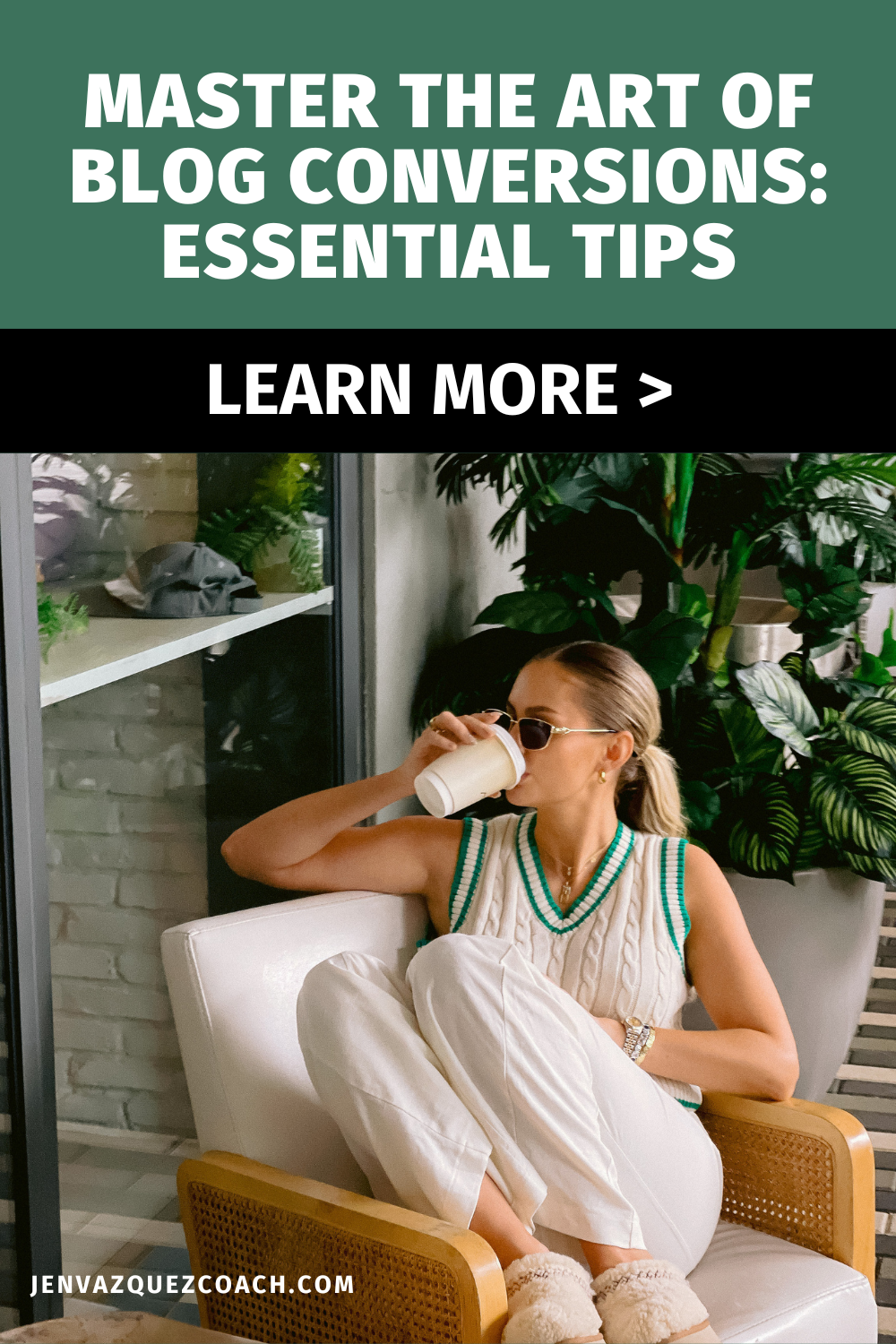
Master the Art of Blog Conversions_ Essential Tips by Jen Vazquez Media
How to Turn Blog Visitors into Customers_ Proven Methods by Jen Vazquez Media