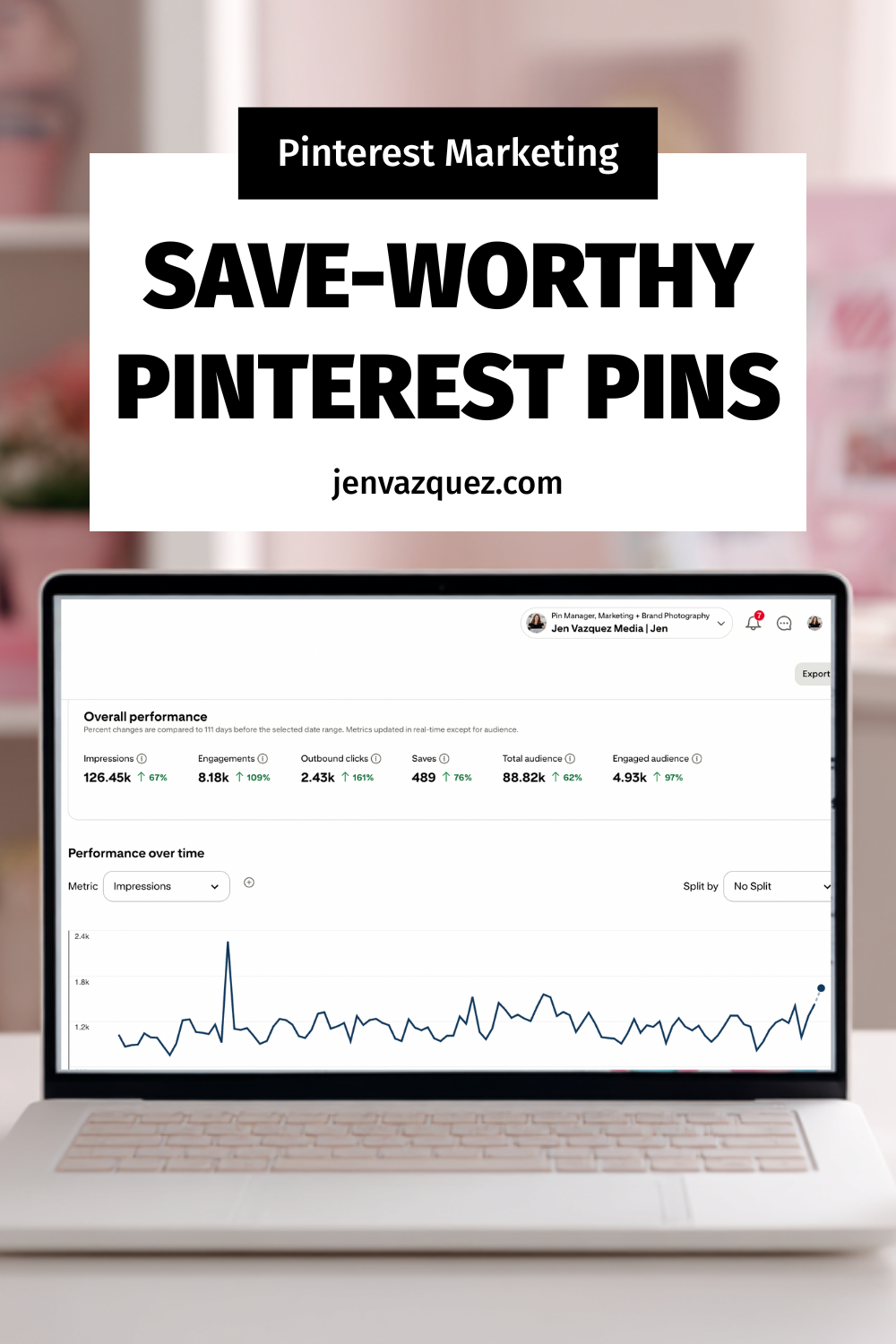
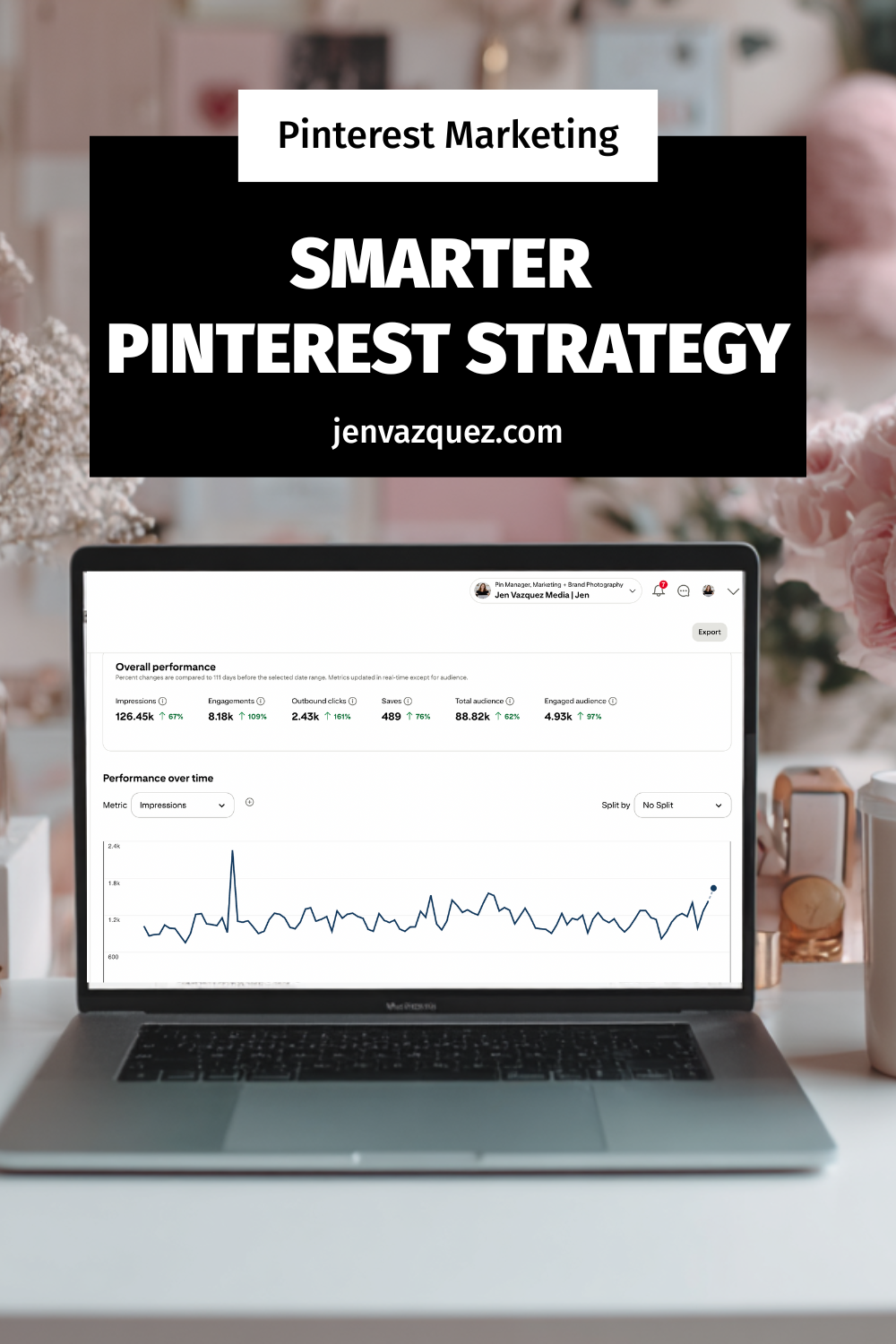
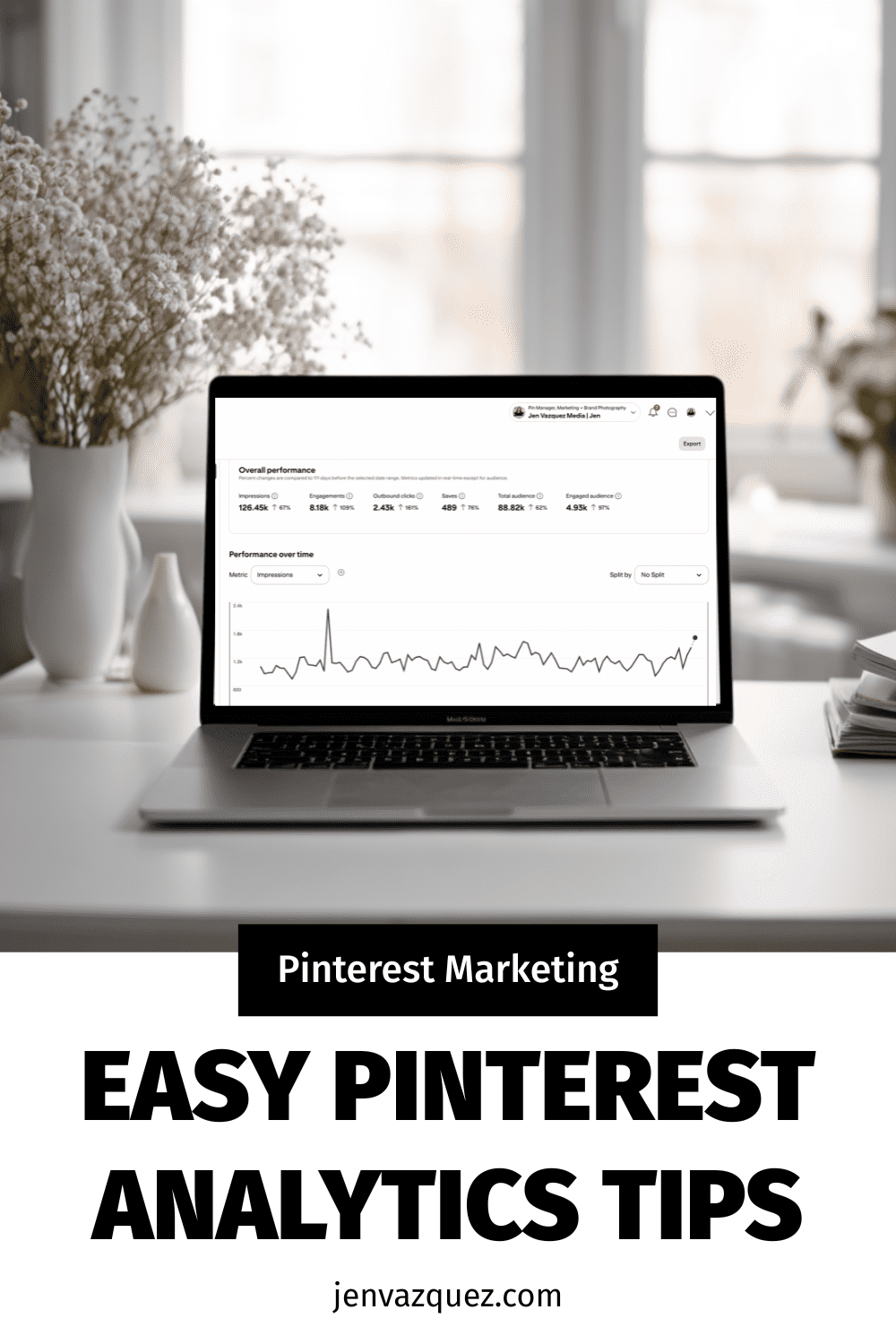
Pinterest Analytics Made Simple: The 3 Metrics That Actually Drive Traffic + Leads

feminine office white desk and pale pink accents (Pinterest Analytics Made Simple: The 3 Metrics That Actually Drive Traffic + Leads)

Pinterest Analytics Made Simple: The 3 Metrics That Actually Drive Traffic + Leads
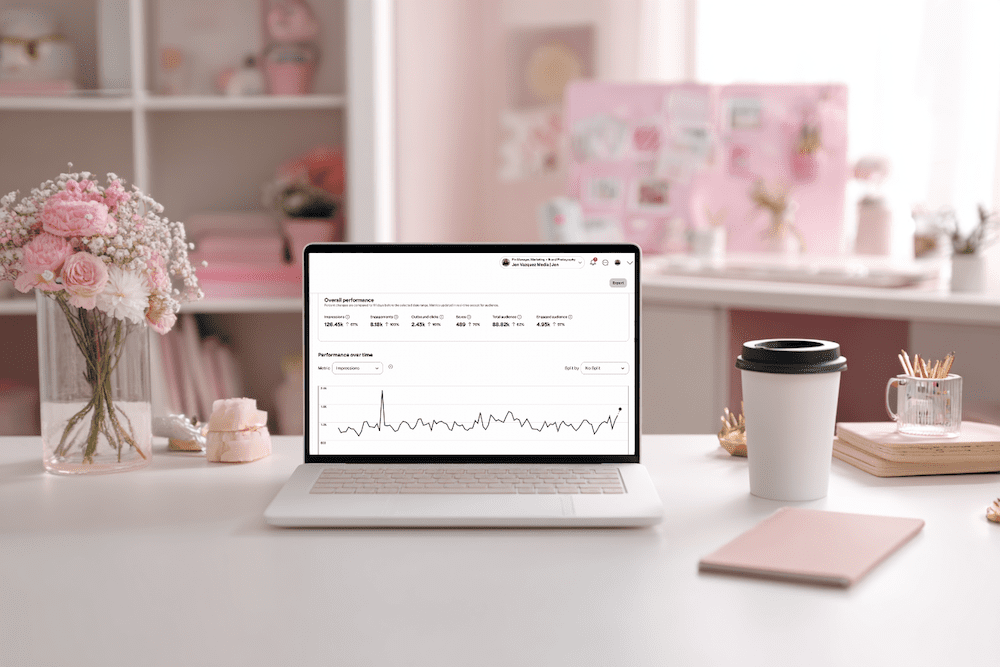
Hey friend — let’s be real for a second. When you open Pinterest Analytics and see a wall of numbers, it’s easy to feel like you’re staring at a math test you did not study for. No worries. You’re not alone, and this doesn’t have to be hard.

Once you know what to look for, Pinterest analytics becomes one of the most powerful tools in your marketing. And the best part? You only need 10 minutes a month.

I’m Jen Vazquez, Pinterest Pioneer and marketing strategist. Today, I’m breaking down the three metrics that actually matter so you can make smarter content decisions for 2026, without drowning in data.

Let’s get this party started.

Why Pinterest Analytics Matter for Your Business

Pinterest rewards what works.
When your pins get engagement, Pinterest pushes them further. When something falls flat, Pinterest quietly lets it fade.

Your analytics show you exactly what your audience wants, which designs they click, and what topics they’re already saving. Once you understand that, creating content becomes easier, faster, and way more strategic.

Think of your analytics as a map. If you follow it, you get traffic and leads on autopilot.

The Only 3 Pinterest Metrics You Should Track

You don’t need spreadsheets or complicated reports. Just these three numbers:

1. Outbound Clicks

These are the clicks that send people to your website, landing page, podcast, or YouTube video. This is your main goal with Pinterest — getting people off the platform and into your world.

2. Saves

Pinterest loves saves.  

A save means someone saw your pin and said, “Yep, I’m keeping this.” High saves are pure gold because they predict long-term reach.

3. Top Pins by Impressions + Engagement

These tell you which topics and designs Pinterest is boosting. 

Think of these as your “more please” pins. They show you what to create next.  Ignore everything else. These three will move the needle.

Want Help Turning Your Data Into a Real Strategy?

If you want custom guidance, I’ve got two great options:

👉 Pinterest VIP Day: In one day, we’ll walk through your analytics, build your 2026 plan, and create a custom workflow you can stick to.

👉 Pinterest Management:  If you want Pinterest totally handled, we’ve got two open spots.
We handle pin creation, scheduling, analytics, and strategy so you can focus on your clients.

Either option makes your life easier — promise.

How to Read Your Pinterest Analytics in 10 Minutes

Here’s your quick, calm, 10-minute routine:

Step 1: Open Pinterest Analytics → Content → Overview

Filter to Last 30 Days

Write down your pins with the highest outbound clicks. Note the topic, design, and format.

Step 2: Check Your Board Analytics

If certain boards consistently perform well, allocate more time TO THEM!

If other boards haven’t been touched in six months or a year? Time to merge and clean things up.

Step 3: Review Audience Insights

Look at growing keywords and interests.

These are your “create next” topics. That’s it. You’re done.

Your Monthly Pinterest Review Routine

To make this a habit, set a recurring task — I love the 1st or 2nd of the month.

Each month, do this:

  • Download your analytics
  • Note your top three pins
  • Look for the common themes
  • Create two new pins based on those themes

This simple workflow helps you create content your audience already wants.

Want help keeping things organized? Grab my Pinterest Analyzer for FREE

Thanks for hanging out with me today. You crushed it just by showing up for your biz.  

📌 DON’T FORGET TO PIN IT!
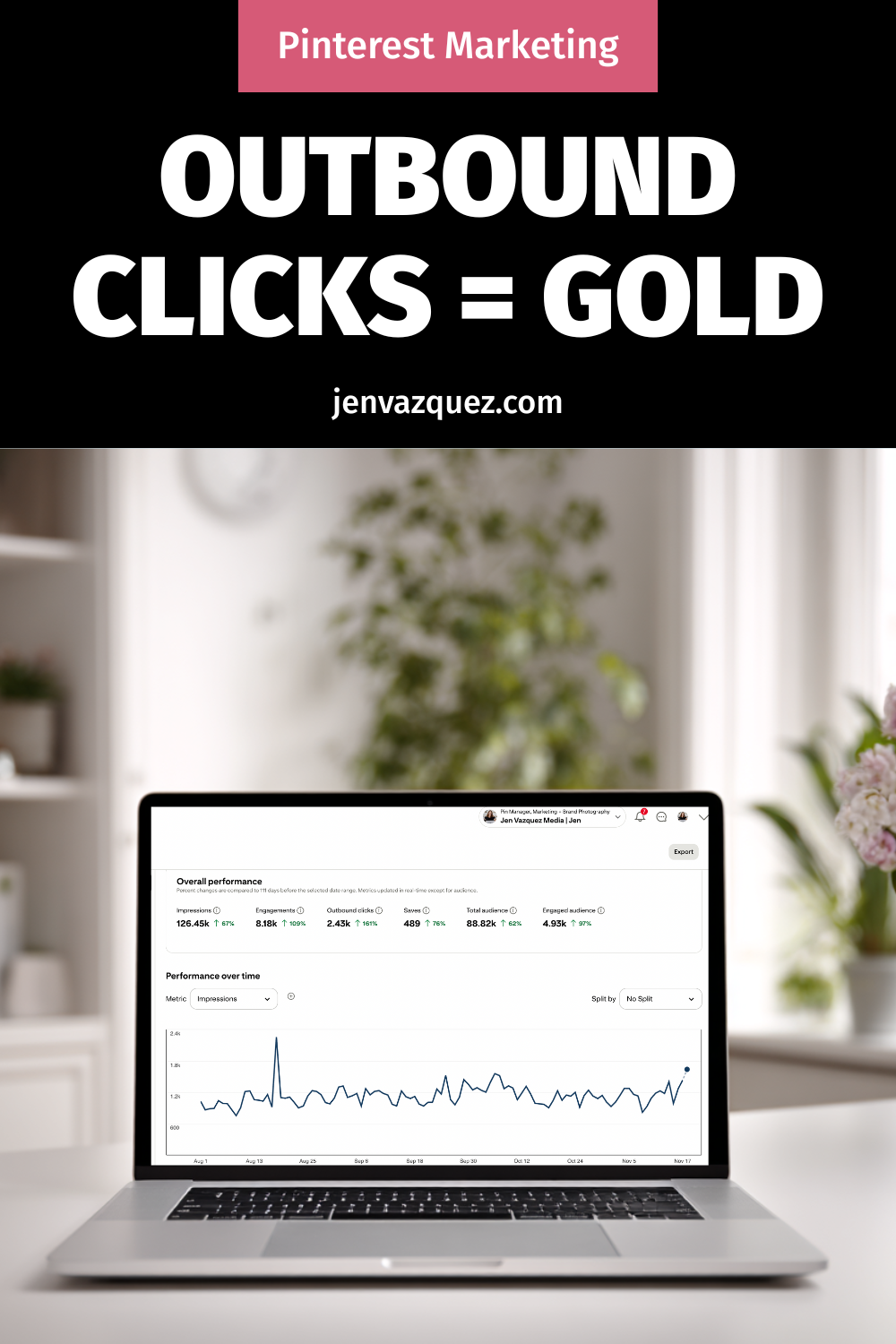
Pinterest Analytics Made Simple: The 3 Metrics That Actually Drive Traffic + Leads
Pinterest Analytics Made Simple: The 3 Metrics That Actually Drive Traffic + Leads by Jen Vazquez Media
Pinterest Analytics Made Simple: The 3 Metrics That Actually Drive Traffic + Leads
Pinterest Analytics Made Simple: The 3 Metrics That Actually Drive Traffic + Leads by Jen Vazquez Media

How to Create a One-Hour-a-Week Pinterest Workflow That Grows Your Business on Autopilot

female work from home laptop notebook cell jvm stock image How to Create a One-Hour-a-Week Pinterest Workflow That Grows Your Business on Autopilot

How to Create a One-Hour-a-Week Pinterest Workflow That Grows Your Business on Autopilot

Hey there! If marketing your business feels like a full-time job on top of your actual job—it’s not you, it’s your system.

I’m Jen Vazquez, Pinterest Pioneer and marketing strategist helping service-based business owners simplify their marketing so it finally works for them, not against them.

Today, I’m showing you how to build a one-hour-a-week Pinterest workflow that keeps your content visible and driving traffic long after you post it.

Why Marketing Feels So Hard

Let’s be honest—most business owners are out here doing everything manually. Daily posting, writing captions, keeping up with trends… it’s exhausting.

And worse? It doesn’t actually build long-term visibility.

Pinterest flips that entire system on its head. It lets you create once, repurpose smartly, and let your pins do the heavy lifting for months (sometimes years!).

Instead of chasing the algorithm, you’ll build a system that compounds results—I call it The Pin + Attract Method.

Step 1: Pin with Purpose

Start with one core piece of content each week. That could be a YouTube video, a podcast episode, or a blog post. Everything begins from there.

This core content becomes your visibility engine—you’ll pull keywords, quotes, and visuals from it to create fresh pins that all lead back to the same place.

Step 2: Batch + Schedule

Batching is your new best friend. Use a scheduler like Tailwind (there’s a free plan to test it out!) or Pinterest’s built-in scheduler.

Spend one focused session each week scheduling your pins. That way, your visibility runs on autopilot while you’re busy serving clients or, you know, actually living your life.

Step 3: Repurpose for Search

Now the fun part—turn that single core piece of content into several pins with new visuals and new titles.

Use different keywords for each pin to test what performs best. Pinterest doesn’t reward volume—it rewards consistency. Showing up weekly builds visibility naturally, and soon you’ll have a snowball effect of traffic coming your way.

Step 4: Build Your One-Hour Workflow

Here’s exactly how to break it down:

  • 10 minutes: Review your analytics to see what’s performing. If you do Pinterest analytics monthly, you can save these 10 minutes.
  • 20 minutes: Create or repurpose pins from your core content.
  • 15 minutes: Write keyword-rich titles and descriptions (Psst—my Pin Copy GPT can help you do this in one minute).
  • 15 minutes: Schedule it all out for the week.

Once you get into this rhythm, Pinterest quietly works in the background while you focus on your clients—or your family.

Real-Life Examples

One of my photography clients switched from daily Instagram posting to this one-hour Pinterest workflow.

We optimized her best blog posts, created five fresh pins for each, and within 60 days, she started booking new clients directly from Pinterest—without increasing her workload.

Another client takes all of her Pinterest pins and repurposes them as Instagram stories, driving even more traffic to her blog. That’s what I call calm visibility—your content keeps working even when you log off.

Your Action Plan This Week

Download my Pinterest for Service Providers Checklist—it walks you through this entire workflow step-by-step.

Then, block off one hour this week, follow the checklist, and watch your visibility grow.

If you want extra accountability and monthly live trainings, check out my Club—it’s where you’ll get the support and systems you need to keep showing up consistently and attract leads while you sleep.

And next Wednesday, I’m diving into what to pin now to set up your 2026 success—so make sure to subscribe so you don’t miss it.

Don’t forget to Pin it! 📌

pink desk with pink accessories and words How to Create a One-Hour-a-Week Pinterest Workflow That Grows Your Business on Autopilot by Jen Vazquez Media
pink feminine desk setup with words How to Create a One-Hour-a-Week Pinterest Workflow That Grows Your Business on Autopilot by Jen Vazquez Media
How to Create a One-Hour-a-Week Pinterest Workflow That Grows Your Business on Autopilot by Jen Vazquez Media

How to Handle Bad Google Reviews (Without Hurting Your Business)

How to Handle Bad Google Reviews (Without Hurting Your Business)

How to Handle Bad Google Reviews

We’ve all been there—your heart sinks the second you see that one-star review. It’s like a gut punch, right? But here’s the truth: negative reviews aren’t as bad as they seem. In fact, they can actually help your ranking on Google.

Google wants to see that you’re an active, legitimate business—and real businesses get all kinds of reviews, not just glowing ones. A mix of positive and negative reviews shows activity, credibility, and authenticity. As long as the majority of your feedback is good, a few bad ones can actually boost your visibility.

What Really Matters: How You Respond

As a consumer, I don’t immediately skip a business with bad reviews—I read them. What makes the biggest impression is how that business responds. Are they defensive or rude? Or do they show professionalism, empathy, and a willingness to make things right?

If someone leaves a negative review, thank them for the feedback (even if it’s hard to swallow). Respond with transparency, calmness, and care. Something like:

“Thanks so much for your feedback. We’ve reached out privately to make this right and appreciate you bringing it to our attention.”

That’s it—simple, thoughtful, and professional.

When Emotions Run High—Step Away

We all get triggered sometimes, especially when our business is personal. But emotional responses rarely help. If you feel charged, step away. Nothing is so urgent that you can’t take a few hours—or even a day—to cool down.

When you’re ready, use AI (yep, ChatGPT totally works here) to help you craft a neutral, polished response. You’ll be amazed how level-headed it can sound when your brain is still steaming.

Turning Reviews Into a Growth Strategy

Negative reviews can highlight opportunities for improvement—but positive reviews? Those are marketing gold. Don’t just wait for them to appear—ask for them!

Here’s what I do: every quarter, I reach out to clients whose results are shining (especially those with killer Pinterest analytics) and send them a direct review link from my Google Business Profile. I make it easy by including a few highlights they can copy and paste into their review.

Want to make it even easier? Give them a snippet from your last conversation or testimonial video and say:

“Would you mind pasting this into my Google Business Profile? Here’s the link!”

It takes them seconds, and the impact lasts for years.

Jen’s Photographer Hack: Reviews That Drive Bookings

When I was a wedding photographer, I used reviews strategically. I’d visit venues I loved, take photos, write a blog post about them, and then leave a Google review saying how beautiful the space was—complete with photos I’d taken.

Those images not only showcased my work but also linked me to that venue, which led to actual bookings. And because photos get “extra credit” in Google reviews, it helped boost my visibility too.

So whether you’re a local business or an online service provider—show up, stay active, and use reviews (good and bad) to your advantage.

Final Thoughts: Feedback = Visibility

At the end of the day, reviews—positive or negative—are signals that you’re visible, relevant, and worth talking about. So don’t fear them. Instead, use them as fuel to show your professionalism, your growth, and your commitment to serving your clients.

Negative reviews aren’t the end of the story—they’re just part of the journey.

DON’T FORGET TO PIN IT!

How to Handle Bad Reviews Like a Pro How to Handle Bad Google Reviews (Without Hurting Your Business) on Marketing Duo Podcast
Your Google Review Strategy Starts Here How to Handle Bad Google Reviews (Without Hurting Your Business) on Marketing Duo Podcast
Turn Negative Reviews Into SEO Wins How to Handle Bad Google Reviews (Without Hurting Your Business) on Marketing Duo Podcast
The Secret Power of Bad Reviews How to Handle Bad Google Reviews (Without Hurting Your Business) on Marketing Duo Podcast
Respond Without the Drama How to Handle Bad Google Reviews (Without Hurting Your Business) on Marketing Duo Podcast

5 Ethical Marketing Tips Every Service Provider Should Know

If you’re a female entrepreneur with too little time and too many marketing tasks, you’re not alone. We help female founders turn chaos into clarity. I’m Jen Vazquez, and today, I’ll guide you through a simple yet powerful strategy using Pinterest and content repurposing. These tools will help you grow your business without working around the clock. 

1. Overcoming Marketing Overwhelm

Marketing can feel like spinning many plates. You may feel stuck, not sure what to do next or where to spend your time. The key is simplicity. Stop juggling everything and start focusing on two things that move the needle: Pinterest and repurposing your work.

2. Why Pinterest Works for Your Business

Pinterest is more than just a mood board—it’s a powerful search engine. Ideas on Pinterest live a long time. Unlike some platforms that show your post for just a few hours, a single pin can bring evergreen traffic for months. If you’re short on time, that makes it a game changer.

3. Repurpose Like a Pro

Do you have a podcast, blog, or social post? Don’t let it sit there. Turn one piece of content into many:

  • Pin graphics from your blog post
  • Short video clips from your podcast
  • Quote posts from your content. This multiplies your reach without doubling your effort.

Want help with Pinterest Marketing?

Pinterest Strategy Club (PSC) is your go-to membership for turning Pinterest into a lead-generating machine—without the overwhelm. Whether you’re just getting started or want to finally be consistent, PSC gives you monthly strategies, Pin templates, and content prompts tailored to service providers like you. If you want to grow your email list, drive more traffic, and get seen by dreamy clients—this is for you.

4. Build a Simple System

Here’s a 3‑step plan you can start today:

  1. Plan one main piece: e.g., a podcast episode.
  2. Create 3–5 pins: use Canva templates to save time.
  3. Repurpose that same content for Instagram, blog, or email.

You’ll soon have multiple platforms working for you with minimal extra work.

5. Tips to Stay Consistent

  • Batch your work: Set aside one hour weekly to plan and create.
  • Use templates: For Pinterest, blog graphics, and social media.
  • Track results: Check Pinterest analytics monthly. Double down on what works.

Conclusion

You don’t need to do it all. Focus on Pinterest + repurposing and build a simple, easy-to-manage system. Consistency + strategy = growth. Let me help you simplify your marketing—so you can grow your business without burnout.

 I was totally inspired by The Savvy CMO’s about ethical marketing.

DON’T FORGET TO PIN IT!

Grow Without Ads Using Pinterest by Jen Vazquez Media
Market Your Business With Heart with Jen Vazquez Media
Ethical Marketing Tips That Work by Jen Vazquez Media
Connect With Clients Who Get You by Jen Vazquez Media
Be Real, Build Trust, Book Clients by Jen Vazquez Media

How AI and Vibe Marketing Are Changing the Future of Business

How AI and Vibe Marketing Are Changing the Future of Business on Marketing Duo Podcast with Jen Vazquez and Cinthia Pacheco

How AI and Vibe Marketing Are Changing the Future of Business

In this episode of the Marketing Duo Podcast, Jen Vazquez of Jen Vazquez Media and Cinthia Pacheco of Digital Bloom IQ explore how artificial intelligence and the rise of vibe marketing are reshaping the way small business owners market and sell their services. From real-time coding with AI to Amazon’s new Buy for Me feature, they unpack it all in their signature chill and curiosity-driven style.

What is Vibe Marketing?

Vibe Marketing is the idea of using AI tools in a conversational way to build and execute marketing strategies. Instead of the old-school approach of planning, drafting, and editing solo, you literally talk to your AI assistant—like ChatGPT—and get ideas, feedback, content, pricing help, and more. Think of it like having a marketing bestie that’s always available to brainstorm and build with you.

This term was recently shared by Christopher S. Penn, an expert in data-driven marketing and analytics. He describes vibe marketing as the fusion of AI-powered tools and natural conversations to help entrepreneurs take faster, more intuitive action.

Examples of Vibe Marketing in Action

  • Cinthia used ChatGPT’s voice feature while sitting in traffic to map out an entire launch, from pricing to emails, just by talking through it.

  • AI-powered coding tools like Windsurf and Lovable help generate websites and apps in minutes, speeding up development time.

  • Jen uses AI for role-playing difficult conversations and double-checking strategy, making her feel more confident and supported in her business decisions.

Cinthia also used AI to create an entire product and launch plan called Found in AI: The Visibility Bundle while driving—yes, literally talking it out with ChatGPT using the voice function.

What This Means for Service-Based Businesses

AI is making it easier (and faster) to get high-quality work done. But instead of replacing your expertise, it acts more like a collaborator. You still bring the strategy, the experience, and the personal touch—AI just helps you get there faster.

Amazon’s “Buy for Me” Feature

One of the biggest AI updates is from Amazon. Their new “Buy for Me” beta helps users search not only on Amazon but across other brand websites too. It makes Amazon more of a shopping hub and highlights how major companies are focusing on helpful, user-first AI tools.

Read more about this feature directly on the Amazon Blog.

Will AI Replace Designers, Photographers, or Marketers?

Not likely—at least not fully. While tools like MidJourney and ChatGPT can create impressive images and content, people still want real connection and customized service.

Jen explains how her brand photography clients value the experience and personal storytelling behind each photo shoot, something AI can’t yet replicate.

Cinthia notes that even as tools get smarter, small business owners still crave support from real humans who get their vision.

AI as a Business Partner

The more you use AI tools, the better they get at helping you. Whether you’re writing emails, launching a new offer, or mapping out your next quarter’s goals, AI can:

  • Help you brainstorm and write faster
  • Offer suggestions you might not think of
  • Coach you through mindset blocks
  • Save you hours of time

As Cinthia says, “It’s a shortcut for revenue-generating tasks.”

Final Thoughts

Whether you’re dipping your toes into AI or diving in headfirst, the goal is to use these tools in a way that supports your creativity and your goals. Test things out. Stay curious. And most importantly—keep showing up.

Want to be part of the conversation? Find us on Instagram @MarketingDuoPodcast and let us know how you’re using AI in your business.

Don’t Forget To Pin It!

How Amazon’s Buy for Me Works on Marketing Duo Podcast with Jen Vazquez and Cinthia Pacheco
Using AI to Boost Your Business on Marketing Duo Podcast with Cinthia Pacheco and Jen Vazquez
What is Vibe Marketing_ on Marketing Duo Podcast with Jen Vazquez and Cinthia Pacheco
AI for Small Business_ Real Examples on Marekting Duo Podcast with Jen Vazquez and Cinthia Pacheco
How AI is Changing Marketing in 2025 on Marketing Strategy Academy