Pinterest Keyword Research: The 4 Questions to Ask First
You’re pinning consistently, your designs look good, and your pins are still not showing up in front of anyone. That is not a design problem. It is a keyword problem, and it is the number one mistake I see service providers make on Pinterest.
Why Big Keywords Backfire
Here’s the thing about the biggest, highest volume keywords on Pinterest. They are also the hardest ones to rank for. When you go after a massive keyword, you are competing with huge accounts and big brands for a spot on page one, and you are probably not going to win.
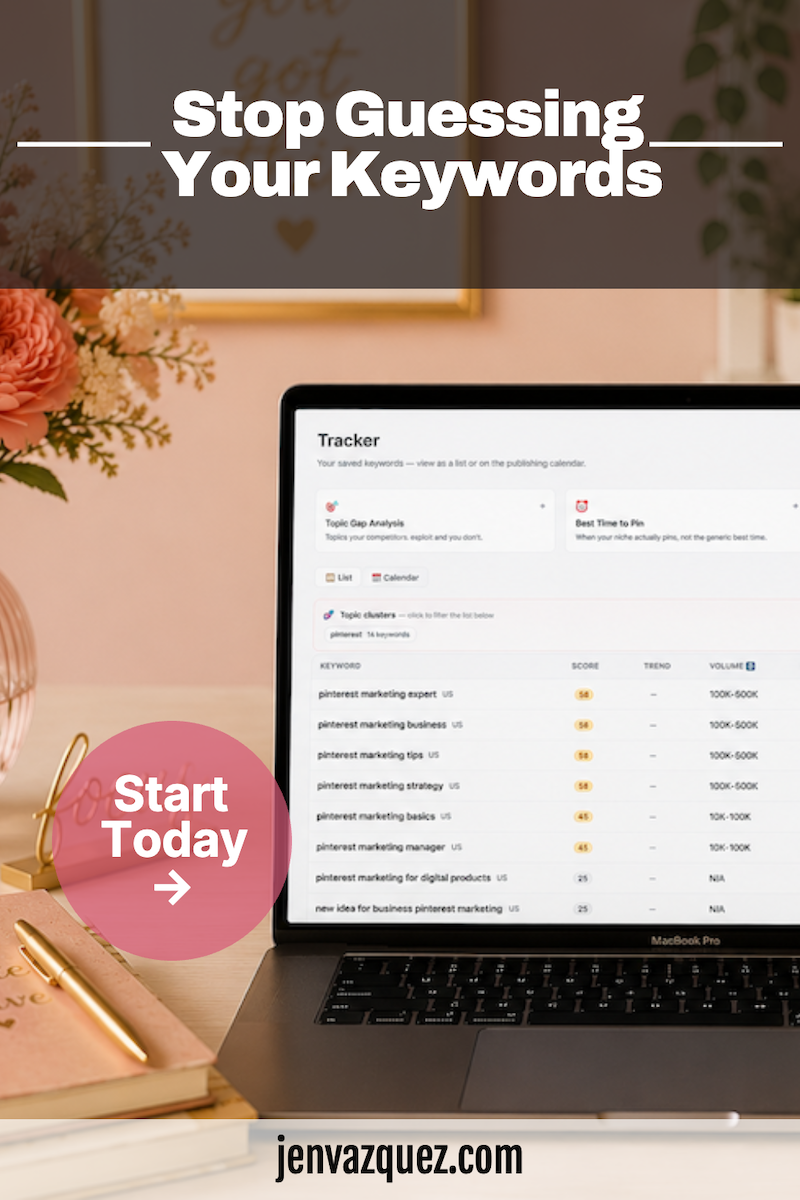
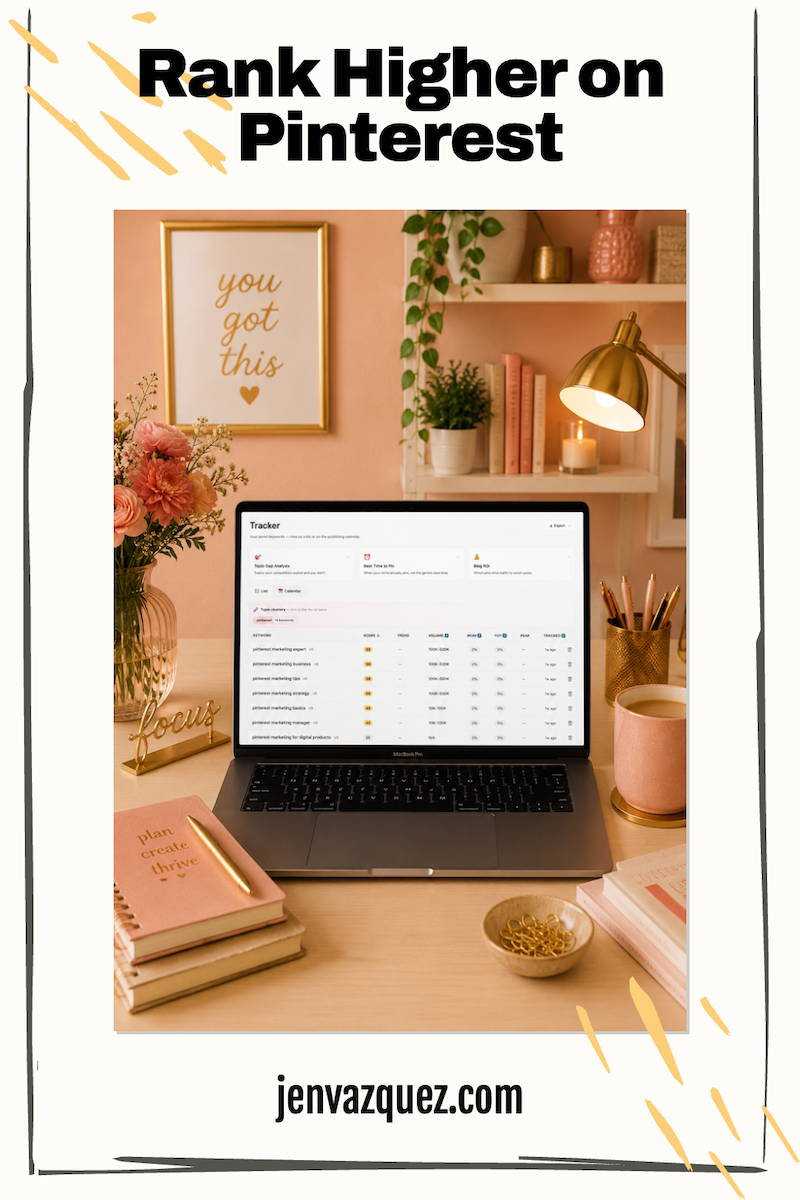
Here is what the data shows. Keywords in the 100,000 to 500,000 monthly search range are hard difficulty, which means your pins get buried. Keywords in the 10,000 to 100,000 range are medium difficulty and much more winnable. Keywords under 10,000 searches are easy difficulty.
Here is what everyone misses. The person searching that smaller, more specific keyword is often your exact ideal client. A smaller keyword you can rank for beats a massive one you can’t, every single time.
Why Keyword Stuffing Kills Your Clicks
The second mistake is keyword stuffing. A pin description that reads like “wedding photographer, outdoor wedding, wedding photography, wedding photos, photographer, outdoor photographer” is not something anyone wants to read. Pinterest does not reward it either, and potential clients will bounce because it reads like a robot or AI wrote it.
Write a short, human paragraph instead. Answer who this content is for and what question it solves. Think of it as a text to a friend who is your ideal client. Something like, “If you are planning an outdoor wedding and looking for a photographer who specializes in natural light weddings, you’re in the right place.” Being specific like that is what books clients. Pinterest wants natural sentences, not keyword lists.
Your keywords need to live in five key places: your profile name, your bio, your board names, your board descriptions, and your pin titles and descriptions. Put them everywhere they fit, including the name of your graphic file, and always in natural, human sentences, never a list.
Want help with this process?
The Pinterest Visibility Sprint is a live 2-hour workshop to learn about optimizing your Pinterest account (including keyword research). Education, then doing the work, then education, then doing the work, etc., while I’m live on Zoom to help with any questions while you are implementing.
The 4 Question Keyword Interview
Before you open Pinterest or touch any keyword tool, run this four question interview with yourself. This is what I do with every single client before we touch anything else.
Question 1: What keywords do you think you or your ideal client would use?
Write down seven to ten. Most people answer with hashtags. That is your starting point, not your final answer, because what you’d use on Instagram is not usually what you’d use on Pinterest.
Question 2: What services do you offer, and who do you serve?
Be very specific, because your services and your ideal client are also keywords. Think brand photography for coaches, or Pinterest strategy for female service providers. When someone sees those keywords in your pin’s text overlay, they stop and think, “that’s me.” That stop is what gets you the outbound clicks you’re after.
Question 3: Do you serve clients locally or in person?
If yes, every city you serve is now a keyword. A yoga teacher or brand photographer serving the Bay Area should be using keywords like San Jose, Los Altos, Palo Alto, and Santa Cruz on the pins tied to those cities. That list gets long fast, and that’s a good thing.
Question 4: What are your blog categories?
This one is the easiest and the most overlooked. Your blog categories are already organized around what your ideal client cares about most. Think Pinterest strategy, brand photography, marketing workflow. These are keywords hiding in plain sight. You already did the work, now put them on Pinterest.
The Keyword Walk Down
Once you have your list, walk it down from broad to specific until you find the terms sized perfectly for your business.
Start broad, something like photography. It’s massive and impossible to win when you’re first getting on Pinterest. Move to brand photography or wedding photography, still broad but a bit better. Go to brand photography, San Jose, and now you’re getting somewhere: local, medium volume, winnable. Try brand photography for coaches, specific to your ideal client, also medium volume and winnable. Now try brand photography for female coaches in San Jose. That’s small volume, highly specific, and local, and you can own that term.
You’ll still rank for the broader versions too. Adding San Jose is what makes you pop up for people searching locally, and that person is your exact ideal client, ready to hire.
One thing most people don’t know: zero-volume keywords still convert. A phrase with no recorded monthly searches can still be exactly what your ideal client types, and when they find you (and probably only you) that is how you book clients from Pinterest.
Validate Your List With 3 Free Tools
Once you have your keyword list, validate it in this order.
Tool 1: Pinterest itself
Type each keyword into the Pinterest search bar, but don’t hit enter. Watch the autocomplete dropdown. Every suggestion in that list is a real search term real people are typing right now. Write down every relevant suggestion. Pinterest won’t show you volume here, just real searches.
Tool 2: Pinterest Trends at trends.pinterest.com
This shows you when each keyword peaks throughout the year, so you can pin ahead of the wave instead of after it’s passed. My guidance is to publish a pin 45 to 60 days before the season peak, since Pinterest takes time to index and distribute content. One honest note: Pinterest Trends skews toward consumer-facing searches. If you’re a service provider working with other businesses, your keywords may look quieter, and that’s actually a good sign. It means you’re already in that medium- to low-volume sweet spot where you can rank.
Tool 3: Tailwind’s free keyword research tool
This is where you finally get actual search volume estimates, related terms, and long-tail variations. It’s your second data point to confirm your strongest candidates. You can get started for free.
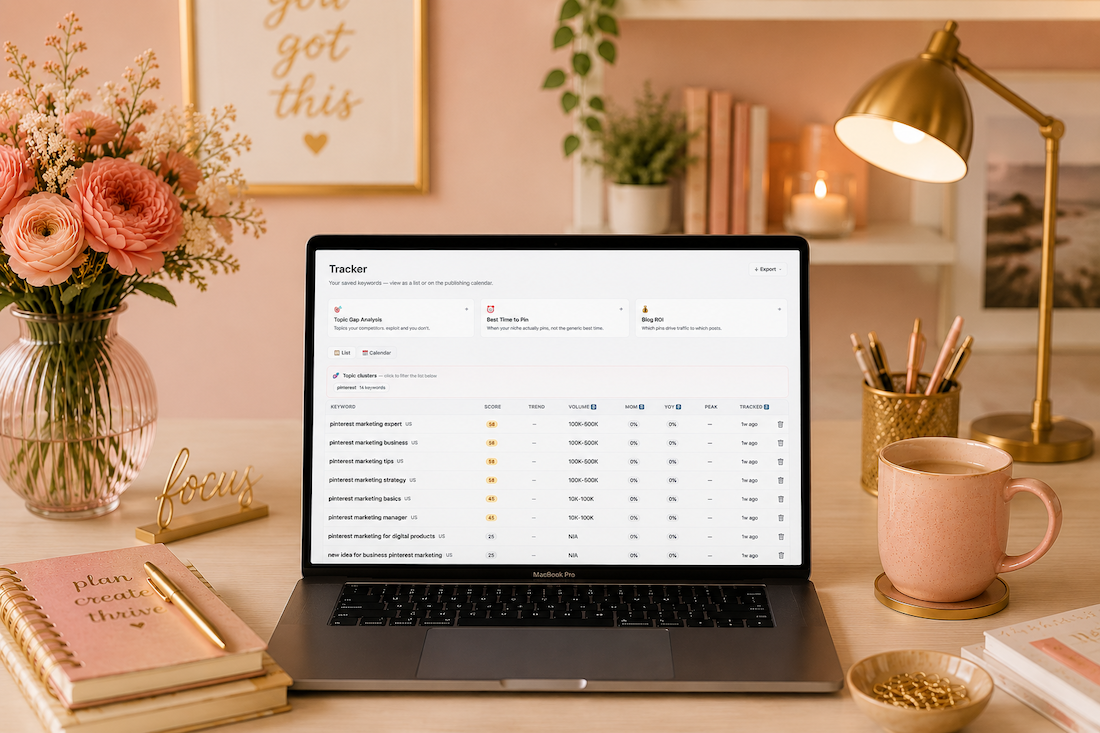
There’s also a bonus free tool I’ve been testing lately that shows volume ranges, difficulty, and opportunity score all in one place for Pinterest keywords, plus competitive research on your competitors’ pins. It’s one of the best free options out there if you want to go deeper.
The Bottom Line
The biggest keywords are not the right keywords for your business. The right keywords are the ones your ideal client is actually searching for and that you can realistically rank for. If your ideal client is searching for a solution and your pin provides it, they’re at that buying mark, ready to buy.
Start with what you already know: your services, your clients, your location, your blog categories. Validate with free tools. Write like a human. Repeat.
Resources Mentioned
- Visibility Vault (free)
- Pinterest Trends
- Tailwind free keyword research tool *
- Pinterest Visibility Sprint
Listen + Subscribe
New episodes of the Marketing Strategy Academy Podcast drop every week. Find us at the podcast or wherever you listen to podcasts, and hit subscribe so you never miss one.
Go introduce yourself on Pinterest, Instagram, or TikTok. I’ll be cheering you on from over here.
* If you purchase from any affiliate links on this website, I’ll make a small commission.
📌 DON’T FORGET TO PIN IT!