Pinterest Marketing in 2026: What’s Working Now for Time-Strapped Service Providers

female entreprenur typing on laptop with marketing stats jvm stock image

Pinterest Marketing in 2026

If you’ve been wondering whether Pinterest is still worth it for growing your business in 2026, the answer is a big, sparkly yes.

Pinterest remains one of the most powerful and low-stress platforms for showcasing your content to people actively searching for inspiration, information, and solutions.

Unlike Instagram or TikTok—where your content disappears in 24 hours or less—Pinterest quietly works for you in the background, bringing in leads, website traffic, and email subscribers long after you hit publish.

For service providers, photographers, coaches, and other creatives, this is gold. You’re not chasing trends; you’re building a system that keeps your business visible 24/7, even while you’re spending time with family or focusing on client work.

However, Pinterest in 2026 doesn’t resemble what it was like five years ago. The platform has matured, users are savvier, and the algorithm now rewards quality and consistency over quantity. That’s where my Pin + Attract Method comes in.

It’s the same system I use for my Pinterest management clients and inside The Club to turn pins into paying clients without the constant hustle or guesswork. Let’s walk through exactly how to make Pinterest work for your business this year.

1. Start with a Strong Foundation

Before you pin anything, your Pinterest business account needs to clearly tell the platform who you are and who you help. When Pinterest understands your business, it knows which users to show your pins to—meaning better reach, higher click-through rates, and a steady stream of the right kind of traffic.

Here’s what to focus on:

Switch to a business account. If you’re still using a personal account, it’s time to upgrade. A business account gives you access to analytics, Ad Manager (even if you never run ads), and advanced audience insights.

Claim your website and socials. This connects your content and gives Pinterest extra trust signals that you’re legitimate. Here’s a video to share how to do that.

Use a professional photo and banner. Your banner should tell people in 2.5 seconds who you are and who you help. Your photo should look confident, approachable, and aligned with your brand. If you’re a photographer, use one of your own branded images.

Write a keyword-rich bio. Use natural phrases that your ideal clients would search for, such as “Helping photographers and coaches attract dream clients using Pinterest marketing made simple.”

Create boards that mirror your offers. Think of each board like a mini SEO category.

  • For coaches: Pinterest strategy for coaches, lead generation tips, small business workflows, marketing mindset.
  • For photographers: brand photography tips, posing ideas, Pinterest for photographers, and client wardrobe inspiration.

Keep ten to fifteen well-optimized boards instead of fifty you rarely use. Always prioritize quality over clutter.

2. Do Smart Pinterest Keyword Research

Pinterest is a visual search engine, not a social network, which means SEO is everything. Your keywords are the bridge between your content and your ideal clients.

Here’s how to find the best ones:

Use Pinterest’s search bar 

Pretend you’re your client. Type in what they’d look for, like “YouTube strategy,” and pay attention to the suggested phrases that pop up. Those are your top keywords.

Check Pinterest Trends 

Go to trends.pinterest.com or access it through your Analytics tab. This free tool shows what’s gaining traction in your niche and when those topics peak. If something peaks in December, you’ll want to start pinning about it by October.

Group your keywords by theme

For coaches: business mindset, client attraction, evergreen funnels.
For photographers: brand photography, posing ideas, and client experience.

Sprinkle your keywords throughout your account

Include them in your bio, board titles, board descriptions, pin titles, and pin descriptions. Make sure they align with your landing page or blog post content. Write for humans, not robots—use natural sentences instead of keyword stuffing.

Pro tip: Ask your audience on Instagram. Post a story question like “If you were looking for this, what would you type into Pinterest or Google?” Then add their responses to your keyword list.  If you don’t have a keyword list, get my Keyword Builder free.

And if you’d like help getting started, you can download my free Pinterest Keyword Builder. It’s one of my favorite tools to help you organize, save, and track your best keywords.

3. Clarify Your Content Pillars

You can’t pin everything under the sun, and that’s actually a good thing. Focus on three to four content pillars—the topics you want to be known for and that connect directly to your services and client needs.

If you’re a photographer, your pillars might include brand photography ideas, posing and confidence tips, Pinterest marketing, and workflow systems.

If you’re a coach, maybe your pillars are mindset, productivity, list growth, and content repurposing.

Pinterest rewards consistency. When it sees you pinning around similar themes regularly, it knows who to show your content to.

Even if you’re not a blogger, you still need blog-style content. This is what feeds Pinterest fresh ideas to share, and it helps boost your visibility on Google, too.

4. Create Fresh Content Consistently

This is where most people fall off. They stop creating new content and assume Pinterest isn’t working—but Pinterest rewards freshness. That means new images, new titles, new keywords, and new URLs.

You don’t need to pin manually every day, but you do need to have pins going out daily.

Here’s my recommendation:

  • Blog weekly, even if it’s short.
  • Batch your pinning once a week or once a month.
  • Repurpose existing content like YouTube videos, podcast episodes, lead magnets, and Instagram carousels or stories into new pins.

Think of it this way: one piece of content can become five pins.

Pro tip: Create a secret Pinterest board just for content ideas. Anytime inspiration strikes, save it there so you never start from scratch.

5. Design Scroll-Stopping Pins

Pinterest is visual first, so design matters. Strong pins have three things in common:

  1. Bright, clear images with minimal clutter.
  2. Readable text overlays using bold, simple fonts.
  3. Clarity and curiosity in the title.

For example, instead of “Pinterest Marketing,” use “How to Get Clients from Pinterest in 2026 for photographers.”

Keep your branding consistent—use your brand colors, fonts, and URL. But don’t be afraid to test new designs. Search your target keyword and notice which pins stand out visually. Try four on-brand designs and one “wild card” that looks different from the feed to capture attention.

Also, experiment with both vertical static images and video pins. Video performs especially well in 2026 for educational and tutorial-style content.

To help make pins faster, snag my free customizable Pinterest Pin templates here. Or simply use Tailwind’s Create.

6. Commit to a Consistent Pinning Schedule

Pinterest loves consistency, but that doesn’t mean you have to manually post every day. Scheduling tools like Tailwind make this effortless.

Tailwind allows you to batch a week or even a month of pins in one sitting and automatically publish them for you. It’s one of my favorite tools for saving time and staying consistent. There’s even a free plan you can try—grab the link below to test it out.

For 2026, here’s what’s working best:

  • Minimum: 1–3 pins per day
  • Ideal: 5–10 pins per day
  • High-volume bloggers: up to 20–30 pins per day (not necessary for most service providers)

What matters most is showing up regularly, not pinning 100 pins one day and nothing the next.

Pro tip: Schedule your new content first, then sprinkle in your best-performing older pins once or twice a month for variety.

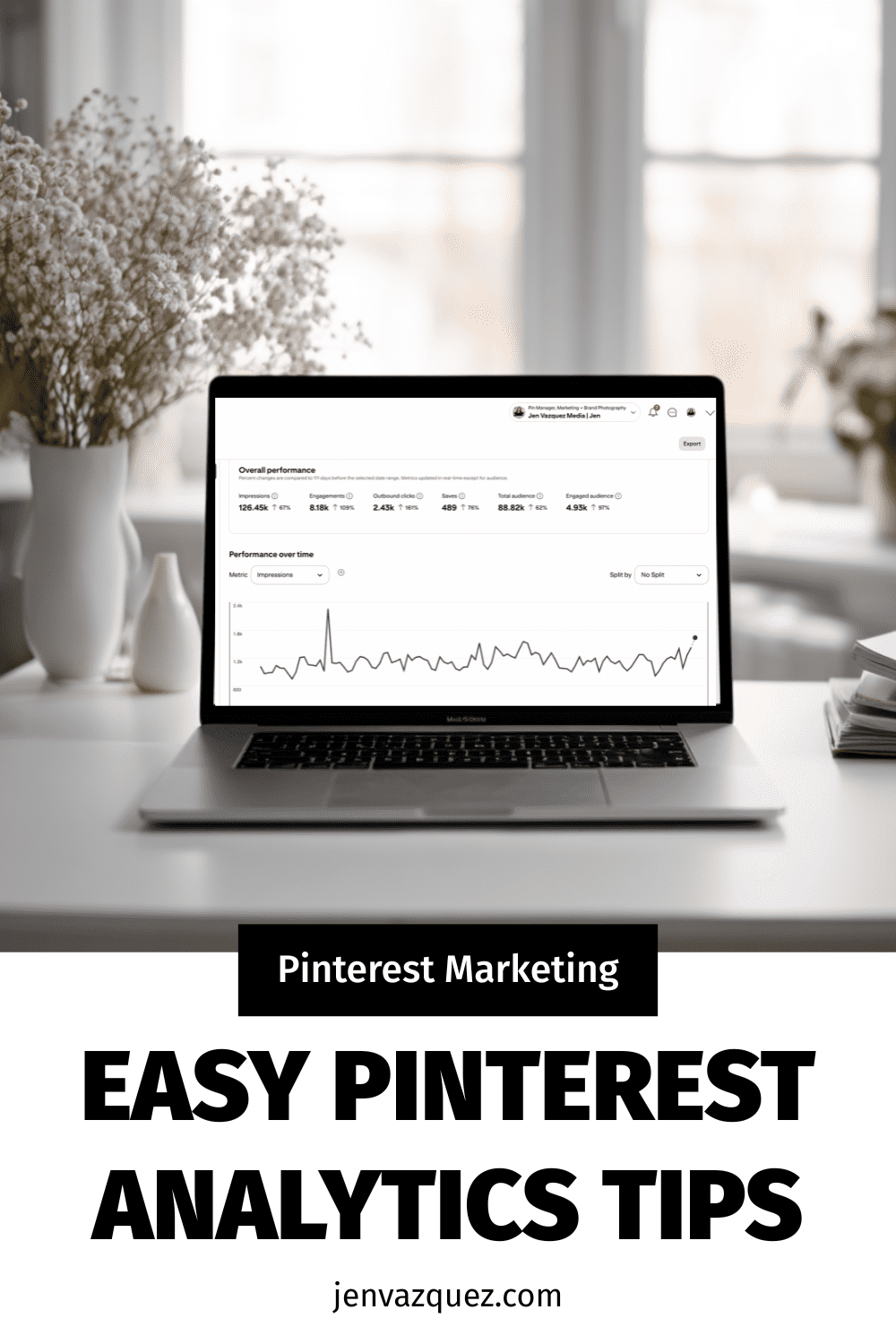
7. Track, Tweak, and Celebrate Wins

Most business owners skip this part, but tracking your Pinterest data is what helps you grow faster.

Pinterest is a search-based platform, so it takes time to see results—but it compounds beautifully over time.

Check your analytics monthly and look for:

  • Top-performing pins (which visuals and keywords drive the most clicks)
  • Outbound clicks (which pins send the most traffic to your site)
  • Engagement rate (which pins are being saved most often)

Don’t panic if your numbers fluctuate. That’s normal, especially with seasonal behavior. Weddings peak in spring, while coaching and goal-setting content tends to spike in January.

Use Pinterest Trends to plan ahead, so your content is ready before your audience starts searching.

Bonus: Integrate Pinterest into Your Workflow

Pinterest shouldn’t feel like an afterthought. When you build it directly into your marketing routine, it becomes your most consistent traffic driver.

Here’s a simple example:

  • Write a blog post and create three to five pins for it.
  • Record a podcast episode and post a short blog-style recap with a pin graphic.
  • Launch a freebie and design a dedicated pin just for it.

When Pinterest becomes part of your workflow, it stops feeling like extra work and starts consistently driving leads.

Ready to make Pinterest your 2026 lead machine?

If this clarity is exactly what you’ve been craving—but you’d rather not do it alone—you’ve got options:

Let’s turn your pins into paying clients—all year long. 💖

DON’T FORGET TO PIN IT!

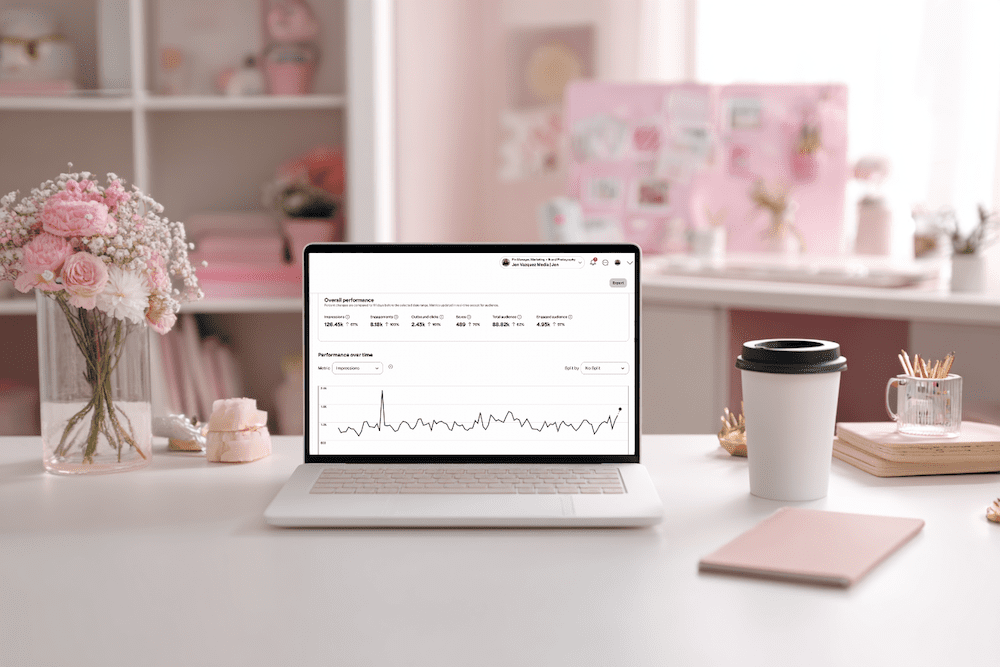
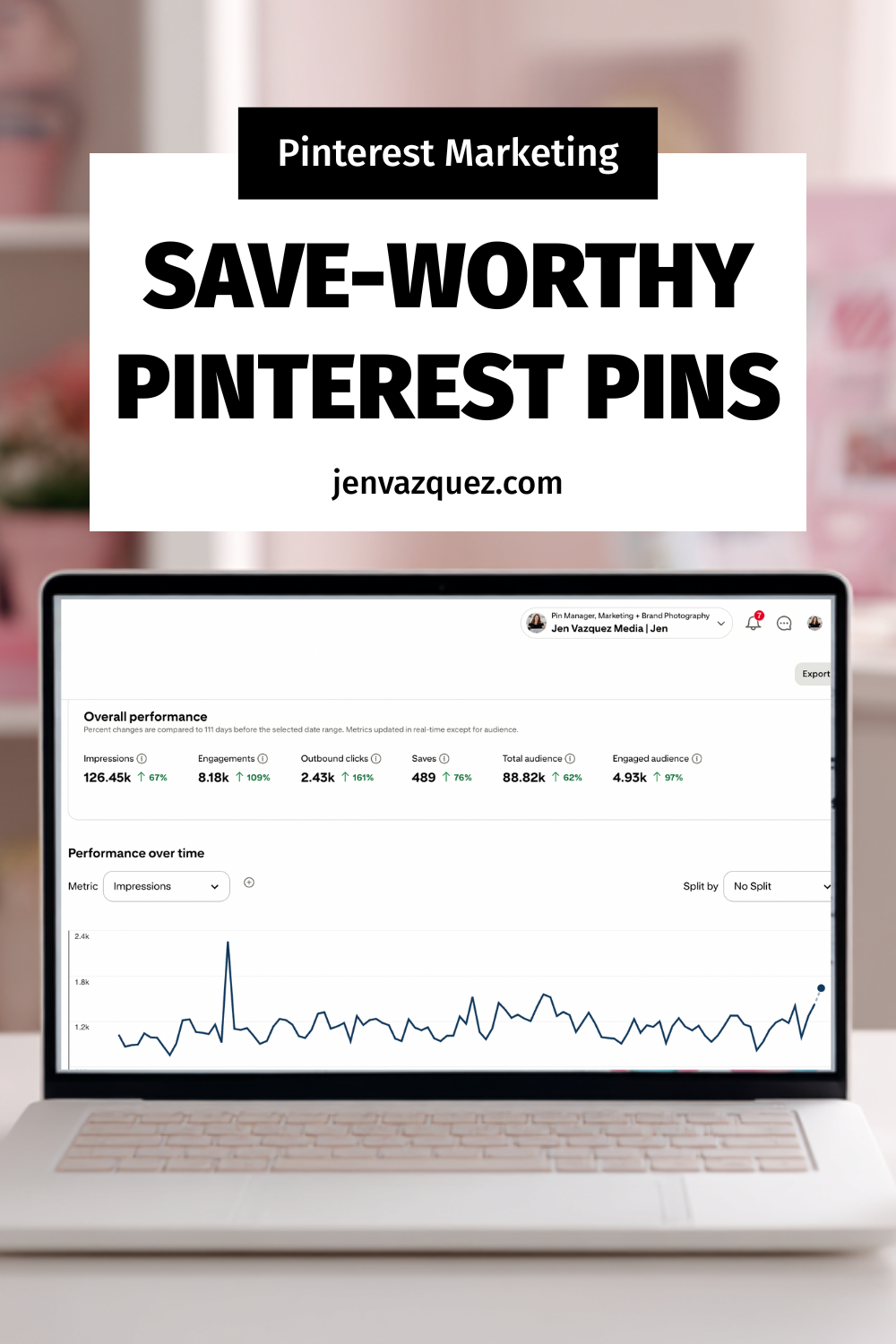
feminine desk with laptop and analytics on the screen with pink accessories and green plants
women typing on laptop with analytics on a desk with pink flowers
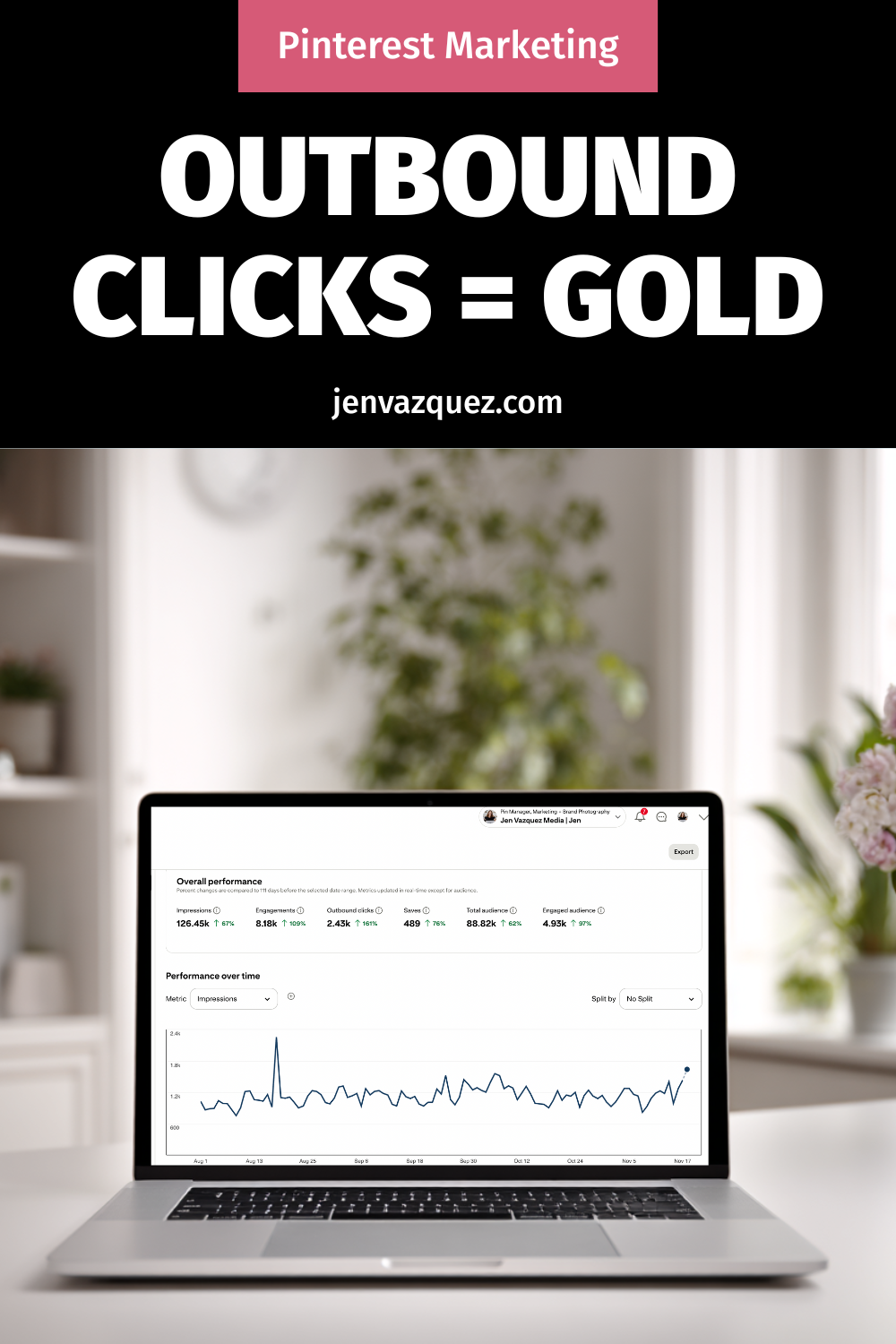
feminine office with laptop with marketing analytics on it, pink accessories and green plants
feminine desk with laptop and analytics on the screen with pink accessories and green plants

Try Jeff Bezos’ 1-Hour Morning Rule with Us: The 30-Day Clarity Challenge

women in bed with white bedding reading a book jvm stock image

Try Jeff Bezos’ 1-Hour Morning Rule with Us: The 30-Day Clarity Challenge

If you’re an ambitious female founder who wants to work smarter (not harder), you’re in the right place. Today I’m sharing the simple, science-backed morning shift I’m testing for 30 days: one screen-free hour right after waking. 

I’m doing it with my co-host, Cinthia Pacheco of Digital Bloom IQ, and I built a Morning Clarity Tracker so we can actually measure how it impacts focus, mood, creativity, and productivity.  We have a free tracker at the bottom!

Why the morning matters (and why I’m changing mine)

Mornings have a special energy. When I roll over and start scrolling news, my day is basically cooked. I’ve been craving more clarity, creativity, and protected time to set the tone before I dive into client work and content. So I’m trying the “one-hour rule”: at the bare minimum, no phone/screens for the first hour after waking.

The one-hour rule (the simple version)

No email, no social, no TV, no news apps—no passive scrolling. Emergencies only if needed. You can still use your device to press play on music or an audiobook without falling into a feed. The goal is zero screen-to-face time so your brain can boot up without cortisol spikes.

Replacement activities menu (pick 1–3)

Instead of scrolling, try:

  • Move your body: light stretching, yoga, a walk outside, or a quick dance session.
  • Nourishing breakfast and real conversation (phones away).
  • Read or listen to a book—educational, inspirational, or purely joyful.
  • Gratitude or brain-dump journaling (3–5 things you’re grateful for + any ideas rushing in).
  • Music to set the vibe.
  • Meditation or breathwork (start with 5–10 minutes; box breathing works wonders).

Plan your 1–3 activities the night before so you don’t replace scrolling with decision fatigue.

How I’m tracking it (because data > vibes)

I created a Morning Clarity Tracker (super easy drop-downs) to log:

  • Wake-up time
  • Activities you chose
  • How you felt (calm, restless, energized, etc.)
  • Any slip-ups (no shame, just notes)
  • Quick reflections

We’ll compare our weekly notes to phone Screen Time or Digital Wellbeing stats so we can see the impact, not just guess.

Weekly check-ins (adjust without judgment)

At the end of each week, ask:

  • Did avoiding screens help my clarity, mood, and energy?
  • Was I more productive?
  • What activities lit me up—and which can I skip?
  • Do my Screen Time screenshots show progress?

Tweak as needed. If an hour spikes your stress, try 30 minutes and build from there.

End-of-month reflection (make it real)

After 30 days, review:

  • Focus, creativity, productivity, and mental health
  • Whether you actually stuck with it (and why)
  • If you’ll keep going—and how to adapt it to your real life

If it “worked” but you still resist it, journal on what’s underneath that. Sometimes the mindset shift is the real work.

Day 1: honest results from both of us

I set up my phone the night before with only Audible open so I could tap play eyes-closed. Full transparency: I felt anxious at first—like I was “wasting” my early work time. Around the 38-minute mark, the anxiety dropped and the rest of the hour felt amazing. Cinthia journaled, ate without multitasking (progress!), and felt noticeably calmer. We’re calling that a win.

Guardrails that help (because…phones are sticky)

  • Phone Screen Time schedules (or apps like Opal) to block socials late at night and early AM
  • Zero notifications except true emergencies
  • A playlist you can start hands-free
  • Accountability—do this with a friend (hi, Voxer buddies)

Try it with us

Pick your 1–3 activities, print or copy the tracker, and give yourself grace. If you slip, note it and keep going. We’ll share a mid-month check-in and a 30-day results episode so you can compare notes with us. 

If you found this helpful, share it with a fellow founder who could use a calmer, clearer morning.

UPDATE: What Happened After 30 Days (Our Honest Results)

If you’ve been wondering, “Okay, but did this actually work for you two?” — here’s the real talk.

Cinthia and I did the Morning Clarity Challenge for all of October. That meant:
No phone, no email, no social, no news, and no work for the first hour of the day. Just the Morning Clarity Tracker, simple habits, and a lot of curiosity.

What changed for us

Here’s what we noticed over the month:

  • The phone habit broke faster than we expected: The first few days felt weird. We both had that “reach for my phone” reflex. But after about 5 days, it was already easier to leave the phone on the nightstand and just start the day.
  • Mornings felt calmer (and our families felt it too): Cinthia found she was way more present with her daughter during breakfast instead of half-listening while scrolling. My husband even said, “Mornings feel easier now. You seem more relaxed.” That was a big sign this was working.
  • We stopped starting the day in panic mode: Before, I would wake up and go straight into email or news — which often meant stress before I even got out of bed. Now, I check urgent things the night before, and my mornings feel like my time again.
  • It became a habit, not a fight: By the middle of the month, we weren’t forcing it. It was just “how we do mornings now.” I even stretched that first hour into two on slower days so I could listen to a book and ease into work.
  • We only “broke” it once: There was one day in October where I slipped and started the day with client messages and email. Guess what? My whole day felt off. That one day was enough proof that the new way was better.

How the tracker helped

The Morning Clarity Tracker wasn’t just a cute extra — it helped us see patterns:

  • Which activities made us feel calm, happy, or focused
  • Which ones we could skip
  • How our mood and energy lined up with less screen time
  • How often we actually stuck to the one-hour rule

When we looked back at notes and phone Screen Time, the data matched how we felt:
Less morning scrolling = more calm, better focus, and nicer mornings for everyone around us.

What We’re Trying Next: 1 Screen-Free Hour at Night

We loved the morning change so much that we’re now testing a night-time version in November.

The goal: One hour at night with no TV, no doom scroll, no social apps — just rest, real life, and winding down.

Here’s what that looks like for us:

  • Pick a “screens off” time: We’re starting with something simple like 10:00 PM. For you, it might be 9:30 PM or even 11:00 PM if you’re usually up late. You can always move it earlier later.
  • Make it a house rule (with some flex): For me and my husband, that looks like:

    • TV off at a set time
    • Phones down unless it’s a true emergency
    • Weekend “free nights” where we can watch a show or play games without rules

  • Swap in real rest, not more noise: Some ideas we’re trying:

    • Reading or listening to a book with phones set aside
    • Talking with our partners instead of zoning out side-by-side on screens
    • Light planning for the next day so mornings feel smoother
    • Simple, quiet hobbies that help our brain slow down

  • Use tools to help your future self: Cinthia uses an app called Opal to block Instagram, WhatsApp, and other time-suck apps after a certain hour. You can also use built-in Screen Time limits on your phone to do the same thing.

The point isn’t to be perfect.
The point is to give your brain and body a real “off” ramp at the end of the day so you’re not going to sleep wired and waking up tired.

Want to Join Us for the Evening Screen-Free Hour?

If you loved the idea of the Morning Clarity Challenge, this is the next step:

  1. Pick your evening “screens off” time for the next 30 days.
  2. Choose 2–3 simple replacement habits (read, talk, stretch, journal, or just rest).
  3. Use the same Morning Clarity Tracker or a fresh page to jot down:

    • What time you turned screens off
    • What you did instead
    • How you felt that night and the next morning

We’ll be checking back in on the podcast with our results, what worked, what didn’t, and how this ties into working smarter as female founders — not burning out on our phones.

👉 Scroll up, grab the tracker from Episode 40, and try the morning and/or evening challenge with us. 

Small shifts like this can quietly change how your whole day feels. 💛

📌 DON’T FORGET TO PIN IT!

Try Jeff Bezos’ 1-Hour Morning Rule with Us: The 30-Day Clarity Challeng

How to Handle Bad Google Reviews (Without Hurting Your Business)

How to Handle Bad Google Reviews (Without Hurting Your Business)

How to Handle Bad Google Reviews

We’ve all been there—your heart sinks the second you see that one-star review. It’s like a gut punch, right? But here’s the truth: negative reviews aren’t as bad as they seem. In fact, they can actually help your ranking on Google.

Google wants to see that you’re an active, legitimate business—and real businesses get all kinds of reviews, not just glowing ones. A mix of positive and negative reviews shows activity, credibility, and authenticity. As long as the majority of your feedback is good, a few bad ones can actually boost your visibility.

What Really Matters: How You Respond

As a consumer, I don’t immediately skip a business with bad reviews—I read them. What makes the biggest impression is how that business responds. Are they defensive or rude? Or do they show professionalism, empathy, and a willingness to make things right?

If someone leaves a negative review, thank them for the feedback (even if it’s hard to swallow). Respond with transparency, calmness, and care. Something like:

“Thanks so much for your feedback. We’ve reached out privately to make this right and appreciate you bringing it to our attention.”

That’s it—simple, thoughtful, and professional.

When Emotions Run High—Step Away

We all get triggered sometimes, especially when our business is personal. But emotional responses rarely help. If you feel charged, step away. Nothing is so urgent that you can’t take a few hours—or even a day—to cool down.

When you’re ready, use AI (yep, ChatGPT totally works here) to help you craft a neutral, polished response. You’ll be amazed how level-headed it can sound when your brain is still steaming.

Turning Reviews Into a Growth Strategy

Negative reviews can highlight opportunities for improvement—but positive reviews? Those are marketing gold. Don’t just wait for them to appear—ask for them!

Here’s what I do: every quarter, I reach out to clients whose results are shining (especially those with killer Pinterest analytics) and send them a direct review link from my Google Business Profile. I make it easy by including a few highlights they can copy and paste into their review.

Want to make it even easier? Give them a snippet from your last conversation or testimonial video and say:

“Would you mind pasting this into my Google Business Profile? Here’s the link!”

It takes them seconds, and the impact lasts for years.

Jen’s Photographer Hack: Reviews That Drive Bookings

When I was a wedding photographer, I used reviews strategically. I’d visit venues I loved, take photos, write a blog post about them, and then leave a Google review saying how beautiful the space was—complete with photos I’d taken.

Those images not only showcased my work but also linked me to that venue, which led to actual bookings. And because photos get “extra credit” in Google reviews, it helped boost my visibility too.

So whether you’re a local business or an online service provider—show up, stay active, and use reviews (good and bad) to your advantage.

Final Thoughts: Feedback = Visibility

At the end of the day, reviews—positive or negative—are signals that you’re visible, relevant, and worth talking about. So don’t fear them. Instead, use them as fuel to show your professionalism, your growth, and your commitment to serving your clients.

Negative reviews aren’t the end of the story—they’re just part of the journey.

DON’T FORGET TO PIN IT!

How to Handle Bad Reviews Like a Pro How to Handle Bad Google Reviews (Without Hurting Your Business) on Marketing Duo Podcast
Your Google Review Strategy Starts Here How to Handle Bad Google Reviews (Without Hurting Your Business) on Marketing Duo Podcast
Turn Negative Reviews Into SEO Wins How to Handle Bad Google Reviews (Without Hurting Your Business) on Marketing Duo Podcast
The Secret Power of Bad Reviews How to Handle Bad Google Reviews (Without Hurting Your Business) on Marketing Duo Podcast
Respond Without the Drama How to Handle Bad Google Reviews (Without Hurting Your Business) on Marketing Duo Podcast

297 | Scale with Data, Not Gut—Strategy-First for Female Founders with Rita Barry

Scale with Data, Not Gut—Strategy-First for Female Founders with Rita Barry of Rita Barry Co.

Scale with Data, Not Gut—Strategy-First for Female Founders with Rita Barry

If you’re new here, I’m Jen Vazquez. I help hyper-busy female service providers simplify their marketing on Pinterest, enabling them to book more clients, grow their income, and make a bigger impact. On this podcast, you’ll also find expert interviews and actionable tips to tackle marketing without the overwhelm. If that sounds like your jam, subscribe on YouTube or wherever you listen.

Meet Rita: The Strategy Brain Behind the Numbers

Today I’m chatting with Rita Berry of Rita Berry + Co., a digital marketing agency dedicated to helping female-founded businesses scale with a strategy-first approach. She prioritizes data-driven methods to refine customer acquisition—testing, iterating, and using actionable insights rather than gut feelings or fleeting trends.

Rita’s path wasn’t linear. She studied microbiology, calculus, and stats on a pre-med track, realized cutting people makes her squeamish (same!), moved into social services, then—thanks to a cross-country move and a two-year-old—taught herself to code during the late-2000s blogging boom. Websites led to marketing, which led to analytics, which led to an agency niche that female founders were desperate for. It turns out the combo of analytical rigor + deep empathy is a killer marketing skill set.

What “Strategy-First” Really Means

Strategy can feel ambiguous, so here’s Rita’s simple version: solve the right problems. Start with business goals first (profit, revenue, capacity), then set marketing goals that actually serve those business goals. From there, figure out the current state of play: what’s working, what’s not, and what’s missing.

A few anchors:

  • Map your customer journey. Literally flowchart it. You’ll see the missing steps or over-complication instantly.
  • Message maps + ideal client clarity. Say the same core things 85,000 times. Consistency builds trust.
  • Assess past campaigns. What performed, what didn’t, and why?
  • Fix tracking. It’s not glamorous, but you can’t improve what you can’t measure.

Data vs. Gut: How to Scale Beyond You

Gut instinct matters—but you can’t SOP your intuition to a team member. Data lets you transfer trust and decision-making beyond the founder. When you can see where people drop off (sales page, checkout, call booking), you can decide whether to amplify, refine, or rebuild. And yes, the human side still matters: pair analytics with customer interviews for the words and insights your audience actually uses.

Also, tools will disagree. That’s normal. Pick one source of truth for each metric and track it consistently. You’re looking for trends, not perfect absolutes.

The Overlooked Growth Lever for Service Providers

So many service pros lean hard on traffic tactics and ignore relationship marketing. Rita’s business broke open when she started showing up in small masterminds, building genuine connections, and letting trust transfer through communities. High-ticket, low-volume service work runs on referrals and reputation. Your best clients often need to trust you before the first Zoom call—and that trust usually comes via someone they already respect.

First Steps to Get Data Working for You

Keep it simple:

  1. Pick one metric that would change everything. For most service providers, it’s clients per month.
  2. Backwards-map the inputs. Calls booked, form fills, list growth, site visits—no more than five subordinate metrics.
  3. Track weekly. Use a tally, spreadsheet, or calendar—whatever you’ll stick with.
  4. Start at the bottom. Fix the nearest bottleneck to revenue first (e.g., sales call close rate), then move up.
  5. Rinse and repeat. Focus on one bottleneck until it’s no longer a problem.

Work With Rita + Freebie

Rita’s agency works exclusively with female business owners. Options include fractional CMO (install the strategy brain), full outsourced marketing, or filling key gaps like copywriting, funnels, analytics, and paid acquisition.

Freebie: an in-depth marketing assessment at marketingquiz.co to help you identify the right problem to solve first.

Where to Find Rita:

If you found this helpful, leave a review and—most importantly—schedule time to implement. Download Rita’s quiz, review your results, pick your one metric, and put it on your calendar this week.

DON’T FORGET TO PIN IT!

Pinterest Trends 2025 for Female Founders: How to Use Them for Growth

Pinterest Trends 2025 for Female Founders: How to Use Them for Growth

Hey there! Welcome to the Marketing Duo Podcast—your go-to show for smart, actionable marketing strategies and mindset shifts that help ambitious female founders work smarter, not harder. I’m Jen (Pinterest pro + Visibility Shop creator), and I’m joined by my co-host Cinthia (SEO expert at Digital Bloom IQ). Today I’m sharing three juicy Pinterest updates you can actually use to get found—especially if you’re running a service-based business and want more clicks and clients.

What We’re About (and why this matters)

Each week, we dive into the latest strategies, simple mindset tweaks, and growth tactics for tech-savvy founders. You’ll always leave with something you can apply right away. Today’s focus: Pinterest Fall 2025 trends, one new feature to be aware of, and how Hispanic Pinterest users are shaping what’s next. Get ready to work smarter, not harder.

Pinterest Fall 2025 Trend Report: What’s hot right now

I’m obsessed with this because creating content around what people are already searching for = faster traffic. Highlights:

  • Gen Z is leading sustainable style. “Dream thrift finds” searches are up 550%. “Vintage autumn aesthetic” is up 1,074%. “Thrifted kitchen” is up 1,012% and “thrifted décor” is up 285%.
  • Fashion vibes (prep revival!). “Women’s preppy outfits” jumped 47,680%. “2000s preppy aesthetic” is up 2,867%.
  • Caffeine-inspired tones. “Coffee brown pants outfit” is up 632%. “Vanilla latte blonde” is up 2,023%.
  • Home décor is going bold + vintage. “Art Deco vintage” up 805%; “1920s kitchen original” up 494%; “vintage tiles” up 1,107%; “terracotta tiles” up 833%; “blue ceramic tile” up 490%.
  • Office glow-ups. “Chic cubicle décor” is up 1,543% and “cubicle makeover ideas” is up 2,767%.
  • Goodbye minimalism, hello personality. It’s all about sustainability, uniqueness, and self-expression.

Pinterest even ran a limited Thrift Shop feature spotlighting curated thrift + vintage finds—AKA sustainability meets style.

“Cool… but I’m a service provider. How do I use this?”

You’ve got options:

  • Use trend analogies. “Thrift store finds are trending—here’s the ‘hidden gems’ inside your marketing you’ve been overlooking.” Tie the vibe to your topic.
  • Create seasonal content for your niche. Wedding photographer? Blog: “2026 Bridal Party Style: Thrifted Pastel Dresses (with Photo Ideas).” Coach? “From Minimalism to Personality: How to Show More ‘You’ in Your Brand.”
  • Build keyword clusters from trends. Grab 3–5 related keywords (like “vintage preppy” or “coffee brown”), then create pins pointing to your blog, services, or lead magnet.
  • Blend trends + evergreen. Trends give you lift; evergreen builds your library. Do both.

👉 Pro tip: Head to trends.pinterest.com monthly. Check what’s rising in your niche, note your best-performing pins, and make more pins for those winners. One trend check per month can seriously boost outbound clicks.

A quick note on a new feature

Pinterest launched “Where to buy” links for CPG advertisers to bridge inspo → purchase by showing in-stock retailer options from ads. I focus on organic, not ads, but it’s worth knowing where the platform is headed.

Spotlight: Hispanic Pinterest users shaping what’s next

One in three Hispanic adults in the U.S. uses Pinterest monthly, and Spanish-language searches grew 18% in 2025. This community blends tradition with modern aesthetics—fueling mainstream trends across food, wellness, style, and home. If you serve bilingual or multicultural audiences, this is your cue to create content (and pins) in both languages.

One action step to take this month

Open Pinterest Trends and your Analytics. Find one rising topic that aligns with your services. Make:

  • 1 blog post
  • 3–5 fresh pins
  • 1 short video

Repeat monthly. That’s it. Sustainable visibility, on repeat.

Need shortcuts?

That’s why I created The Visibility Shop—your one-stop spot for tools like pin templates, keyword guides, and Pinterest GPTs to speed up research + copy. Everything’s linked in the show notes.

If this was helpful, share it with a fellow founder who wants to work smarter, not harder. Subscribe so you’re first to know when new episodes drop. See you next time—and keep building your business with ease and impact!

Pinterest Presents 2025: What Service Providers Need to Know About the Latest Updates

Pinterest Presents 2025: What Service Providers Need to Know About the Latest Updates on Marketing Strategy Academy Podcast by Jen Vazquez<br />

Pinterest Presents 2025: What Service Providers Need to Know About the Latest Updates

I’ve been using Pinterest since it was still in beta back in 2009 — you had to get an invite to even join! And from day one, it’s been my favorite platform because Pinterest is the only place that actually gives you all the data and insights you need to successfully market your business.

One of the ways they do this is through Pinterest Presents, which has become an annual favorite of mine. They always keep it fun and playful (yes, even bringing in well-known actors), while still packing in powerful updates. And this year was no different — it was full of announcements that really matter if you’re running a service-based business. Whether you’re a coach, photographer, or wedding pro, these changes can make Pinterest your go-to place for leads and visibility.

Let’s break it down in a way that’s simple and actionable.

Why Pinterest Is Still Growing (and Why You Should Care)

Pinterest now has over 578 million monthly users, and more than half of them are Gen Z. Translation? This platform isn’t slowing down anytime soon. And here’s the kicker: people on Pinterest are 70% more likely to take action — like clicking through to a site or buying something. For service providers, that means it’s not just about pretty inspiration boards anymore. It’s about connecting with potential clients who are ready to act.

The Big Updates from Pinterest Presents 2025

Here’s what Pinterest announced and why it matters:

  • New Ad Features: In-stock product info, “where to buy” links, and automatic promotions for sales events. Even if you don’t sell products, you can use this model by showcasing your packages or offers in a clear, clickable way.
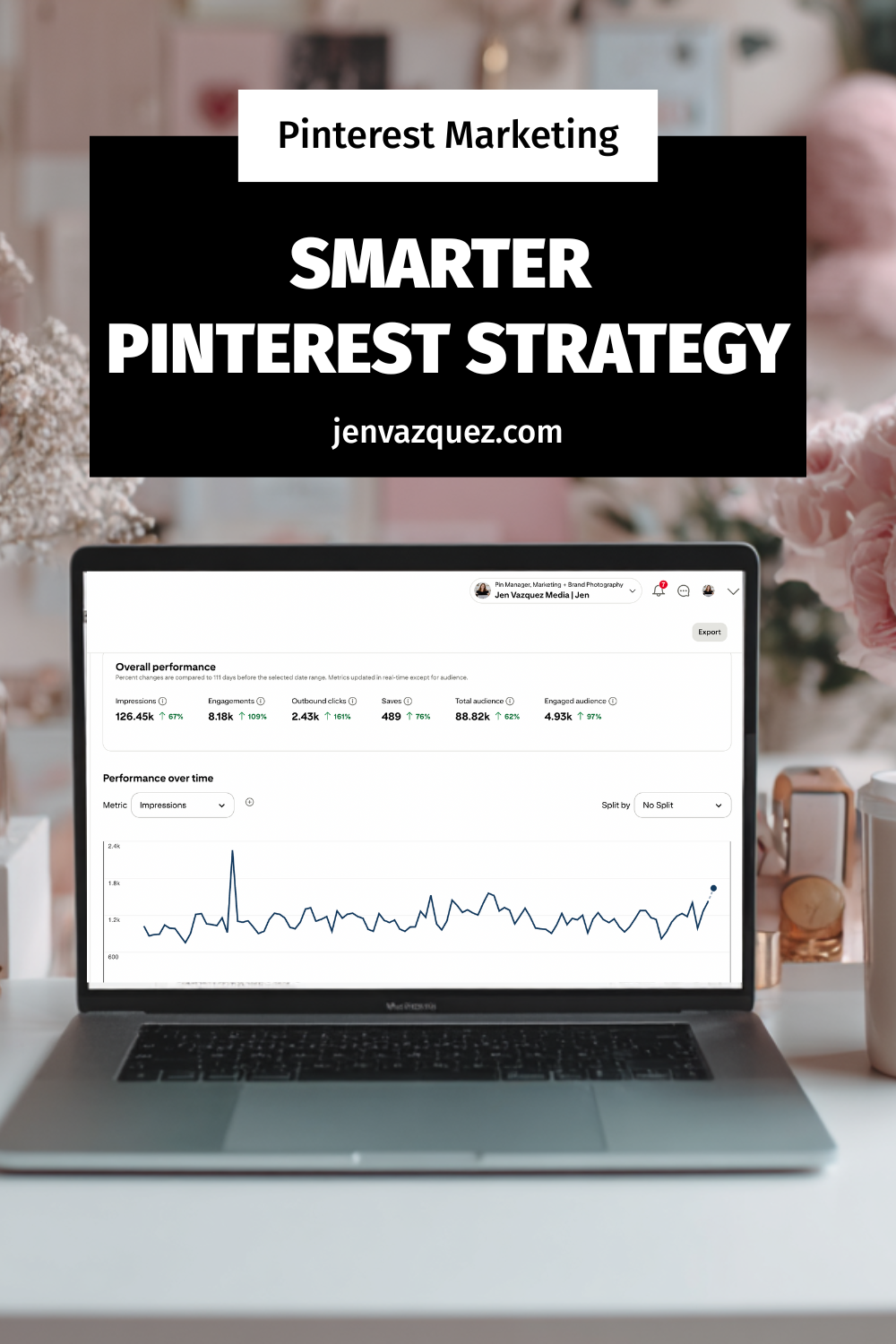
  • Pinterest Performance+: Smarter automation with AI for things like image cropping and ROAS bidding. This helps you save time while making ads work harder.
  • Shopping-Friendly Boards: Boards are becoming more like mini storefronts. Service providers can repurpose this to organize offers (coaching packages, photo sessions, retreats) in a way that drives clicks.
  • Trends Tool Upgrade: Get insights into ideas up to 90 days before they peak. This lets you create content before your competitors even know what’s coming.
  • Full-Funnel Focus: Pinterest is doubling down on awareness, consideration, and conversion — all in one platform. That’s huge if you’re tired of juggling five different platforms to get clients.

💡 Ready to make the most of these Pinterest updates?

If your account feels messy (or you’ve never set one up the right way), my Pinfluence Clean Up + Set-Up service is exactly what you need. I’ll optimize your profile, boards, and pins so you can start attracting leads without the overwhelm.

What This Means for Service Providers Like You

If you’ve ever thought, “Pinterest is just for products,” think again. These updates open doors for service businesses, too:

  • Turn your services into “offers” with clear calls-to-action.
  • Use the Trends tool to create content on topics your audience is already searching for.
  • Lean on AI automation to save time while running smarter campaigns.
  • Build a funnel on Pinterest: awareness pins to attract, then retargeting pins to convert.

Quick Wins to Try This Week

  1. Refresh your Pinterest boards and organize them around your core offers.
  2. Create one Pin using an upcoming trend from the new Trends tool.
  3. Test Performance+ with a small ad budget.
  4. Write a blog (like this one!) and pin it to a shopping-friendly board.
  5. Set up two campaigns: one for awareness and one for conversions.

Final Thoughts

Pinterest Presents 2025 proved that Pinterest isn’t just keeping up — it’s getting ahead. For service providers who want more leads without spending endless hours on social media, this is the platform to watch. The best part? You don’t need to overhaul your whole marketing plan. Just start small, stay consistent, and let Pinterest do the heavy lifting.

DON’T FORGET TO PIN IT!

Pinterest Presents 2025_ What Service Providers Need to Know About the Latest Updates on Marketing Strategy Academy Podcast with Jen Vazquez