How to Brand Your Pinterest Profile to Attract Clients (Step-by-Step)

How to Brand Your Pinterest Profile to Attract Clients (Step-by-Step) by Jen Vazquez Media

Did you know you’ve got just 2.5 seconds to grab someone’s attention on Pinterest before they scroll right past you? Yep—blink, and they’re gone. If your Pinterest profile isn’t working for you, you’re missing out on dream clients finding you. Today, I’m walking you through step by step how to brand your Pinterest profile so it instantly says who you are, what you do, and why people should smash that follow button.

I’ve been helping service providers turn Pinterest into a lead-generating machine for years, and these are the exact steps that will give your profile a glow-up that attracts clients like crazy.

Step 1: Your Pinterest Profile Image

Your profile photo is your handshake. It needs to be clear, bright, professional, and—most importantly—show your face. Not standing in front of a house, not a blurry selfie, but a polished headshot that feels approachable.

  • If you’re a business coach → smiling headshot in your brand colors.
  • If you’re a yoga teacher → calm, approachable pose in a simple space.
  • If you’re a photographer → a professional headshot or one of your own brand portraits.

And pro tip: use this same profile photo everywhere—Instagram, LinkedIn, Pinterest. That way, people know they’ve found the right account when they bounce from one platform to the next.

Step 2: Pinterest Profile Cover Image

This is your billboard. In 2.5 seconds, your cover image should scream what you do.

  • Photographers: show yourself photographing a wedding or family session.
  • Coaches: a brand shot of you speaking on stage or with a client.
  • Yoga teachers: a peaceful image of you leading a class.

The goal is for someone to land on your profile and instantly think, “I know exactly what she does—and I need that.”

Step 3: Your Pinterest Profile Text

Think of your Pinterest profile as your brand promise. In one or two sentences, share who you help and how. Sprinkle in keywords so Pinterest knows who to show you to.

Examples:

  • Business coach: “Helping women entrepreneurs scale without burnout using smart strategies.”
  • Yoga teacher: “Guiding busy women to find balance through simple yoga practices.”
  • Photographer: “Capturing timeless images for couples who want to relive their love story.”

A client of mine, an adventure wedding photographer, used keywords like “hiking,” “wilderness,” and “adventure” in her profile—and it skyrocketed her bookings because she attracted the exact type of couples she wanted.

👉 Quick note: if writing keyword-rich bios or pin descriptions makes you want to bang your head against the desk, my tool Pin Copy Pro GPT has your back. It takes your brand info and turns it into Pinterest-perfect titles, descriptions, and bios—no blank page stress.

Step 4: Branded Boards

Think of boards as your store aisles. Keep them neat, on brand, and updated. Don’t let dead boards sit there gathering dust. Merge them or archive them. Ideas:

  • Business coach → Marketing workflows, Positivity hacks
  • Yoga teacher → Morning flows, Stress relief stretches
  • Photographer → Engagement photo ideas, Wedding photography tips, Brand photography inspiration

And don’t forget board descriptions! They’re your secret weapon for keywords and search visibility.

Step 5: Branded Pins

Pins are where the magic happens. And yes, even if you’re a photographer who loves clean images, you need to add text overlays. That text is what allows Pinterest to know who to serve your pins to. Examples:

  • Business coach → “3 Steps to Scale With Ease”
  • Yoga teacher → “Morning Yoga for Energy”
  • Photographer → “Bay Area Weddings”

Pro tip: Create most pins in your brand colors, but make 1–2 that stand out in the feed. If everyone’s using pastels, go bold with black, yellow, or another eye-catching color. Standing out = more clicks.

Step 6: Connect It All Together

When your profile image, cover photo, text, boards, and pins all feel aligned, you create a seamless brand experience. That’s what makes someone instantly think, “She gets me. Follow.”

Now it’s your turn—head to your Pinterest profile and ask yourself: Would my dream client know who I am and what I do in the first 2.5 seconds?

If you want support, my team can take care of it with Pinfluence Power Clean (a full Pinterest setup/cleanup). Or, if you’d like to DIY with guidance, join The Club—my Pinterest strategy membership. 

And don’t forget to share this with a biz bestie who needs a Pinterest glow-up!

DON’T FORGET TO PIN IT!
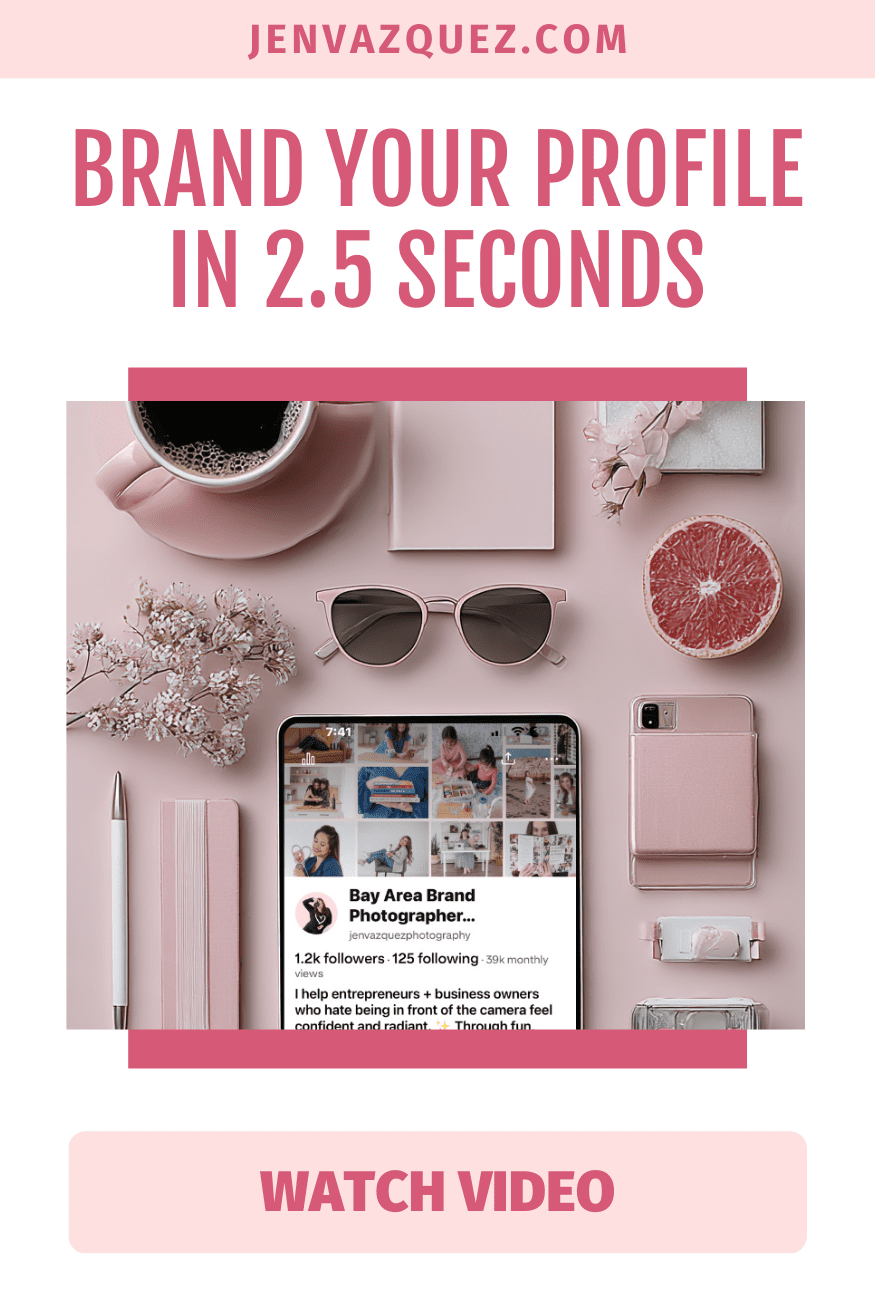
Brand Your Profile in 2.5 Seconds How to Brand Your Pinterest Profile to Attract Clients (Step-by-Step) on Marketing Strategy Academy Podcast by Jen Vazquez Media
Pinterest Pins That Pop How to Brand Your Pinterest Profile to Attract Clients (Step-by-Step) on Marketing Strategy Academy Podcast by Jen Vazquez Media
Pinterest Boards That Book How to Brand Your Pinterest Profile to Attract Clients (Step-by-Step) on Marketing Strategy Academy Podcast by Jen Vazquez Media
Pinterest Profile Glow-Up How to Brand Your Pinterest Profile to Attract Clients (Step-by-Step) on Marketing Strategy Academy Podcast by Jen Vazquez Media
Stop the Scroll Fast How to Brand Your Pinterest Profile to Attract Clients (Step-by-Step) on Marketing Strategy Academy Podcast by Jen Vazquez Media

5 simple tips for Pinterest business

Are you new to Pinterest and want more tips to get started? Or maybe you are on Pinterest, but really not using it to help your business?

Sign up for my FREE “5 Simple Tips for Pinterest Business” Guide where I share 5 tips to taking action on Pinterest by clicking the pink button below:

Something Special!

If you know that you need to utilize the power of free marketing that Pinterest offers?  I have something special for you!  Check out my Pinterest Academy by simply clicking the button below:

Pinterest Academy

If you know that Pinterest is a free marketing tool and you want to utilize it to grow your traffic to your website, Youtube channel, podcast, Instagram or some other content, join this membership to pin consistently, get free training and the support of myself and the whole group to help you move your business forward!

Pinterest Audit and Strategy Sessions

Sometimes In Business you need to get a little support to get to the next level without having to go through trial and error!

That’s what I’m here for. Like a coach for an athlete, I will coach you to cut through the crap and get to the next level. i.e. work smarter, not harder!

Explode your organic traffic, grow your leads and increase sales with powerful Pinterest marketing strategies.

INCLUDES:

Account Audit: Before we start the call, I’ll evaluate your Pinterest profile for brand cohesion, keyword optimization, and overall effectiveness. I’ll check that your account has everything that we include in our account management service, and if not, you’ll get an action list with clear steps for improvement so that you’ll be proud of your Pinterest presence and will see the results.

Consult Call (60 minutes): Come with any questions or doubts you have. Here’s some of the topics we’ll discuss: 

  • Profile and website optimization
  • SEO/keyword planning
  • Content marketing tactic
  • Tailwind (how to get it set up or make it more effective)
  • Pinterest Analytics or Tailwind Insights
  • Tailwind Smartloop

If you’re not sure where to start, we’ll discuss and outline a solid plan to get your Pinterest profile set up or make it more effective!

BONUS: You’ll get a video recording of the session to refer back to and let your questions and ideas flow without the need to take notes during the call. I will also create an audit summary with what we discussed and your next steps and/or goals.

If you’d like to ask any questions, click here. If you want to cut through the learning curve and mistakes and get your Pinterest working hard FOR you, click below!

Feel free to share this information with the pins below:

Pinterest Audit and Strategy Session 3
Pinterest Audit and Strategy Session 6
Pinterest Audit and Strategy Session 8
Pinterest Audit and Strategy Session 4
Pinterest Audit and Strategy Session 1
Pinterest Audit and Strategy Session 2
Pinterest Audit and Strategy Session 7
Pinterest Audit and Strategy Session 5

3 Steps to update your Pinterest Profile

Do you want to harness your Pinterest site to drive traffic to your website and thus gain more client, but you don’t know where to start? I’m here to help! Here are three easy steps to update your Pinterest profile.

ONE – Personal vs. Business:  This is obvious – if you are in business to make money, then make sure that you have a business Pinterest account.  If you don’t – change it now. Additionally, make sure to make all personal boards private or you can delete them and start again with a personal board.  TIP: Some people consider keeping their personal board and then creating a new business board. You can do that! However, I prefer to keep whatever followers and I have any pins if they are business. Need Help on How to Change Personal to Business or Create Business: Just go here https://help.pinterest.com/en/business/article/get-a-business-profile

TWO – Username and Profile Picture:  This should be your business name and typically whatever your social media sites use.  Sometimes you can’t use a long name, like with mine I had to choose jenvazquezphoto because jenvazquezphotography was too long.  Heads Up: My Women Who Execute Pinterest site is brand new and thus, it’s not where my wedding photography one is. I always have a client or two say, wow it’s sparse haha!  I’m working way harder on helping others than helping myself right now. Bottom Line:  You want to choose exactly what you have for other social media sites, unless it’s too long then you shorten it.  

You’re Profile Picture This should never be your logo or a picture that presents your business, it absolutely should be a picture of you.  You are the face of the company and you should use a picture of you. The picture should have great lighting (think photographing outside or in front of a window or lighting system and photographed on a blank background (so nothing detracts from your face).  It should also be a headshot or an image from the shoulders up. You want to be able to see your face upfront since it’s such a tiny photo anyway.

THREE – Profile Name and Description:  What I’ve seen from research and trial and error myself, is that you want to use this type of look.  COMPANY NAME | TOPIC. Here’s an example of mine: Jen Vazquez Photography | Wedding Photographer.

For your description, you only have 160 characters to describe what your business and the boards are about.  Make sure you are very descriptive because each word helps to be found on searches in Pinterest and other search engines.  It’s SEO for your Pinterest boards. Think of questions like, what do you do, who do you do it for, what you help with, what you provide, and anything that will help to drive traffic (think FREE tips to planning your wedding or bread recipes for people who have no time).

BONUS- Profile Cover:  Your profile cover is auto populated but you can choose what you want to populate.  You can choose what you want, but I always recommend to choose either the most popular board (you’ll find that in analytics) or Recent Activity which is Pins people saved from your claimed website and linked accounts. Why? Because if people are pinning them, then they found them compelling and chose to pin them (i.e. save them) to one of their boards. This is what you want to show to those visiting your profile.

Pinterest Cover Image Options by Women Who Execute

If you like this information and want to learn more, sign up for our VIP List to get free information about Pinterest! Click the button below.