Pinterest Analytics Made Simple: The 3 Metrics That Actually Drive Traffic + Leads

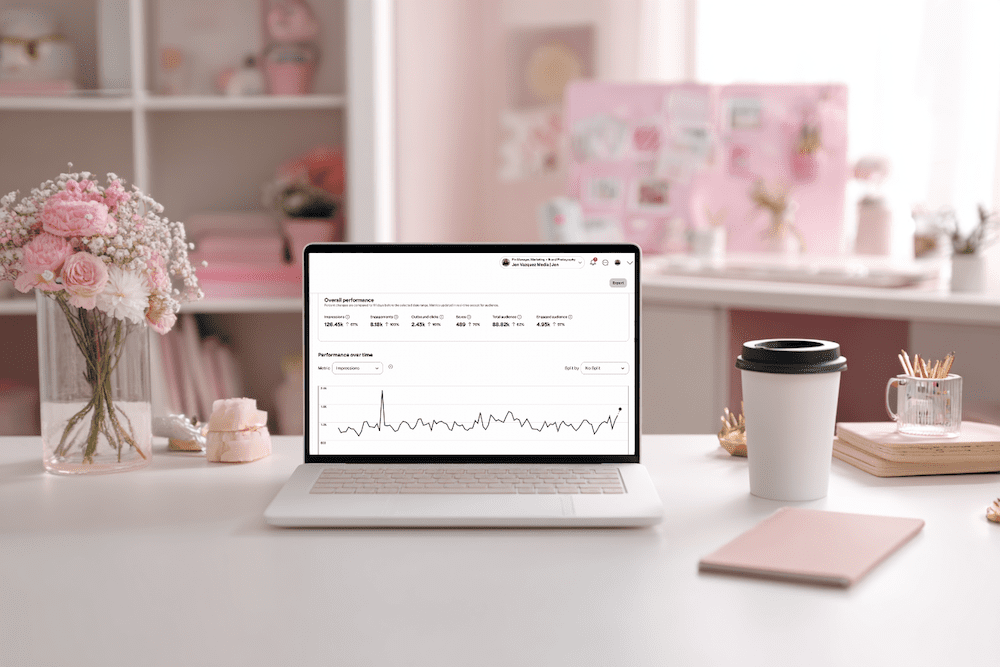
feminine office white desk and pale pink accents (Pinterest Analytics Made Simple: The 3 Metrics That Actually Drive Traffic + Leads)

Pinterest Analytics Made Simple: The 3 Metrics That Actually Drive Traffic + Leads
Hey friend — let’s be real for a second. When you open Pinterest Analytics and see a wall of numbers, it’s easy to feel like you’re staring at a math test you did not study for. No worries. You’re not alone, and this doesn’t have to be hard.

Once you know what to look for, Pinterest analytics becomes one of the most powerful tools in your marketing. And the best part? You only need 10 minutes a month.

I’m Jen Vazquez, Pinterest Pioneer and marketing strategist. Today, I’m breaking down the three metrics that actually matter so you can make smarter content decisions for 2026, without drowning in data.

Let’s get this party started.

Why Pinterest Analytics Matter for Your Business

Pinterest rewards what works.
When your pins get engagement, Pinterest pushes them further. When something falls flat, Pinterest quietly lets it fade.

Your analytics show you exactly what your audience wants, which designs they click, and what topics they’re already saving. Once you understand that, creating content becomes easier, faster, and way more strategic.

Think of your analytics as a map. If you follow it, you get traffic and leads on autopilot.

The Only 3 Pinterest Metrics You Should Track

You don’t need spreadsheets or complicated reports. Just these three numbers:

1. Outbound Clicks

These are the clicks that send people to your website, landing page, podcast, or YouTube video. This is your main goal with Pinterest — getting people off the platform and into your world.

2. Saves

Pinterest loves saves.  

A save means someone saw your pin and said, “Yep, I’m keeping this.” High saves are pure gold because they predict long-term reach.

3. Top Pins by Impressions + Engagement

These tell you which topics and designs Pinterest is boosting. 

Think of these as your “more please” pins. They show you what to create next.  Ignore everything else. These three will move the needle.

Want Help Turning Your Data Into a Real Strategy?

If you want custom guidance, I’ve got two great options:

👉 Pinterest VIP Day: In one day, we’ll walk through your analytics, build your 2026 plan, and create a custom workflow you can stick to.

👉 Pinterest Management:  If you want Pinterest totally handled, we’ve got two open spots.
We handle pin creation, scheduling, analytics, and strategy so you can focus on your clients.

Either option makes your life easier — promise.

How to Read Your Pinterest Analytics in 10 Minutes

Here’s your quick, calm, 10-minute routine:

Step 1: Open Pinterest Analytics → Content → Overview

Filter to Last 30 Days

Write down your pins with the highest outbound clicks. Note the topic, design, and format.

Step 2: Check Your Board Analytics

If certain boards consistently perform well, allocate more time TO THEM!

If other boards haven’t been touched in six months or a year? Time to merge and clean things up.

Step 3: Review Audience Insights

Look at growing keywords and interests.

These are your “create next” topics. That’s it. You’re done.

Your Monthly Pinterest Review Routine

To make this a habit, set a recurring task — I love the 1st or 2nd of the month.

Each month, do this:

  • Download your analytics
  • Note your top three pins
  • Look for the common themes
  • Create two new pins based on those themes

This simple workflow helps you create content your audience already wants.

Want help keeping things organized? Grab my Pinterest Analyzer for FREE

Thanks for hanging out with me today. You crushed it just by showing up for your biz.  

📌 DON’T FORGET TO PIN IT!
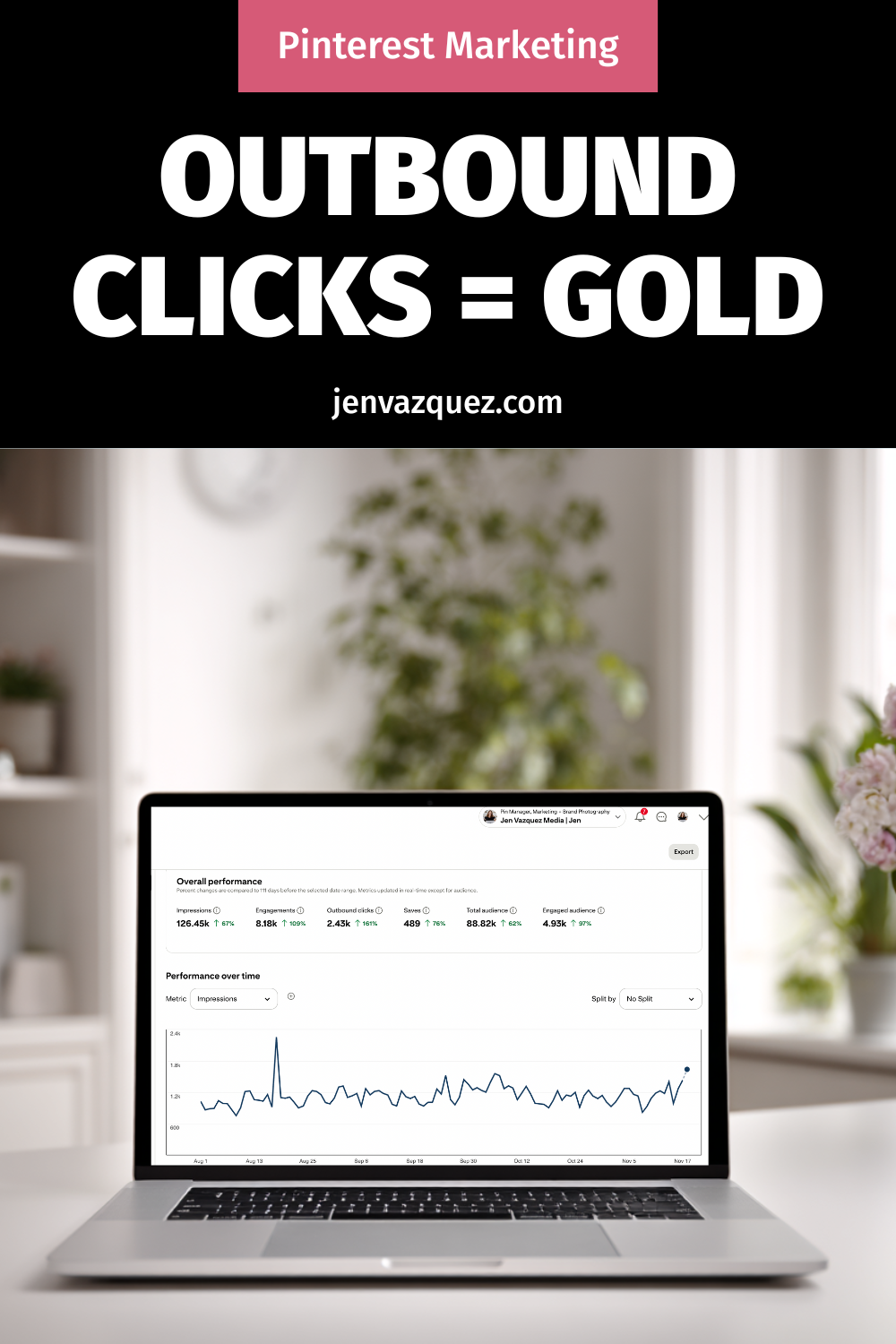
Pinterest Analytics Made Simple: The 3 Metrics That Actually Drive Traffic + Leads
Pinterest Analytics Made Simple: The 3 Metrics That Actually Drive Traffic + Leads by Jen Vazquez Media
Pinterest Analytics Made Simple: The 3 Metrics That Actually Drive Traffic + Leads
Pinterest Analytics Made Simple: The 3 Metrics That Actually Drive Traffic + Leads by Jen Vazquez Media

This May Be Why Your Pinterest Traffic Dropped & What You Can Do About It

If your Pinterest traffic has suddenly dropped and you’re wondering what happened, you’re not alone. A recent platform update has caused many creators to experience fewer outbound clicks despite having the same impressions and saves.

Thanks to expert insights from Kate Ahl of Simple Pin Media (my mentor and an official Pinterest educator), we now understand exactly what changed and how to fix it.  Let’s dig in.

What Changed with the “Visit Site” Button?

In the past, users could click on a pin, view the close-up, and then click again on the image to go directly to your site. Now, the pin image is no longer clickable.

Instead, Pinterest has introduced a small “Visit Site” button located below the pin image. On mobile or desktop, if this button doesn’t appear, users have no way to access your content.

This added friction has led to a decrease in click-through rates (CTR) and outbound traffic for many users.

Pinterest Pin Graphic saying "What Happened to the Visit Site Button on Pinterest? by Jen Vazquez Media"

No, Pinterest Isn’t Removing Links

Some creators feared that Pinterest was removing links altogether. But Malik Ducard, Pinterest’s Chief Content Officer, reassured users in an interview with Kate Ahl that links are “here to stay.”

However, for a small percentage of pins that don’t meet Pinterest’s evolving quality guidelines, the “Visit Site” button might be moved to a dropdown or hidden entirely. That’s the key issue here—and it’s one you can fix.

Why Pinterest Might Be Hiding Your Link

Pinterest stated that when a pin’s landing page is considered “low quality,” the Visit Site button becomes less visible. While the link isn’t removed, it’s no longer front and center, which drastically impacts traffic potential.

So what does Pinterest consider “low quality”? Let’s look at how to keep your pin (and your link) in good standing.

How to Get Your Pinterest Traffic Back

If your clicks are down, these are the actions Pinterest recommends—straight from what Kate Ahl shared in her recent mastermind sessions and podcast interview:

1. Enable Website Scraping

Make sure Pinterest can crawl your content by allowing its bot access via your robots.txt file. Blocking Pinterest’s crawler can prevent it from properly evaluating your site, and that can flag your pins as lower quality.

2. Avoid Broken or Redirected Links

Always double-check your links before publishing. A 404 page or broken redirect is an instant red flag. You should also test existing pins regularly to ensure that the links still work.

3. Match Your Pin Image to the Landing Page

The image(s) on your pin should appear on the page it links to (i.e. the blog). This visual consistency reassures Pinterest (and users) that the content is trustworthy and aligned.

Pro Tip: If you only have one main image on your blog, try using that same image for all your pins. We don’t know if this is exactly what’s intended by what Kate was told, but I’m testing right now to see if this gets better results.  if you have multiple images on the page, rotate between them—but try to not use unrelated visuals that may confuse Pinterest’s algorithm, especially AI photos which may not get as much reach.

4. Use Matching Keywords

The keywords used in your pin’s title and description should also appear on the linked page. Pinterest wants alignment between the content you’re promoting and where you’re sending users. If there’s a disconnect, Pinterest might hide your link button.

5. Provide Helpful, Valuable Content

If your blog post or landing page doesn’t deliver on the promise of your pin (e.g., misleading title or weak content), users will bounce—and Pinterest sees that. Bounce-back behavior tells the platform that the pin may not be helpful or trustworthy.

6. Improve Your Site Speed

Aim for a page load time under 4 seconds. This is especially critical on mobile, where slower speeds feel even more frustrating. If your site is sluggish, Pinterest may deprioritize your pins and hide your links.

7. Maintain a Safe, Trustworthy Domain

Follow Pinterest’s Merchant Guidelines, even if you’re not an e-commerce brand. That means:

  • No spammy ads
  • Clear contact information
  • Legitimate, user-friendly design
  • No clickbait

A “sketchy” or cluttered design, even unintentionally, could be penalized.

8. Submit a Support Ticket if Needed

If you’ve done everything right and your “Visit Site” button is still hidden, Pinterest’s system may need time to recheck your content. There’s currently no appeal process, but you can submit a support ticket to flag the issue.

A Quick Note on Pinterest Advice

My insights here are based on Kate Ahl’s blog and podcast, which offer some of the most up-to-date guidance available. That said, Pinterest is an ever-evolving platform, and changes can happen quickly—so nothing is ever truly set in stone.

I always hesitate to present things as black and white because Pinterest’s algorithm and business goals are fluid. What works today may shift tomorrow. But this is the most accurate and helpful information we have right now, and I wanted to make sure you had it.

As with all marketing strategies, treat this as a series of micro tests—observe what resonates, adapt to what the platform favors, and refine your approach to get the best results, whether that’s in traffic, engagement, or ROI (including the time you invest). Keep testing, keep adjusting, and keep marketing your business with intention.

Bottom Line

Pinterest’s latest update isn’t about punishing creators—it’s about making the platform better for users. They want people to find helpful, high-quality, and trustworthy content.

If your traffic is down, don’t panic. Review your recent pins and ensure:

  • Your links work
  • Your landing pages are fast and aligned
  • Your pins use accurate images and keywords
  • Your domain gives off “good vibes” (trust and quality)

Pinterest and Google both prioritize helpful content. Align your content strategy with what’s valuable to users, and the traffic will follow.

Don’t Forget To Pin It!

Pinterest pin with text: Why Your Pinterest Traffic Dropped Suddenly by Jen Vazquez Media
Pinterest Pin Graphic saying "What Happened to the Visit Site Button on Pinterest? by Jen Vazquez Media"
Pinterest Pin with these words: How to get Pinterest Clicks Back After the 2025 update by Jen Vazquez Media